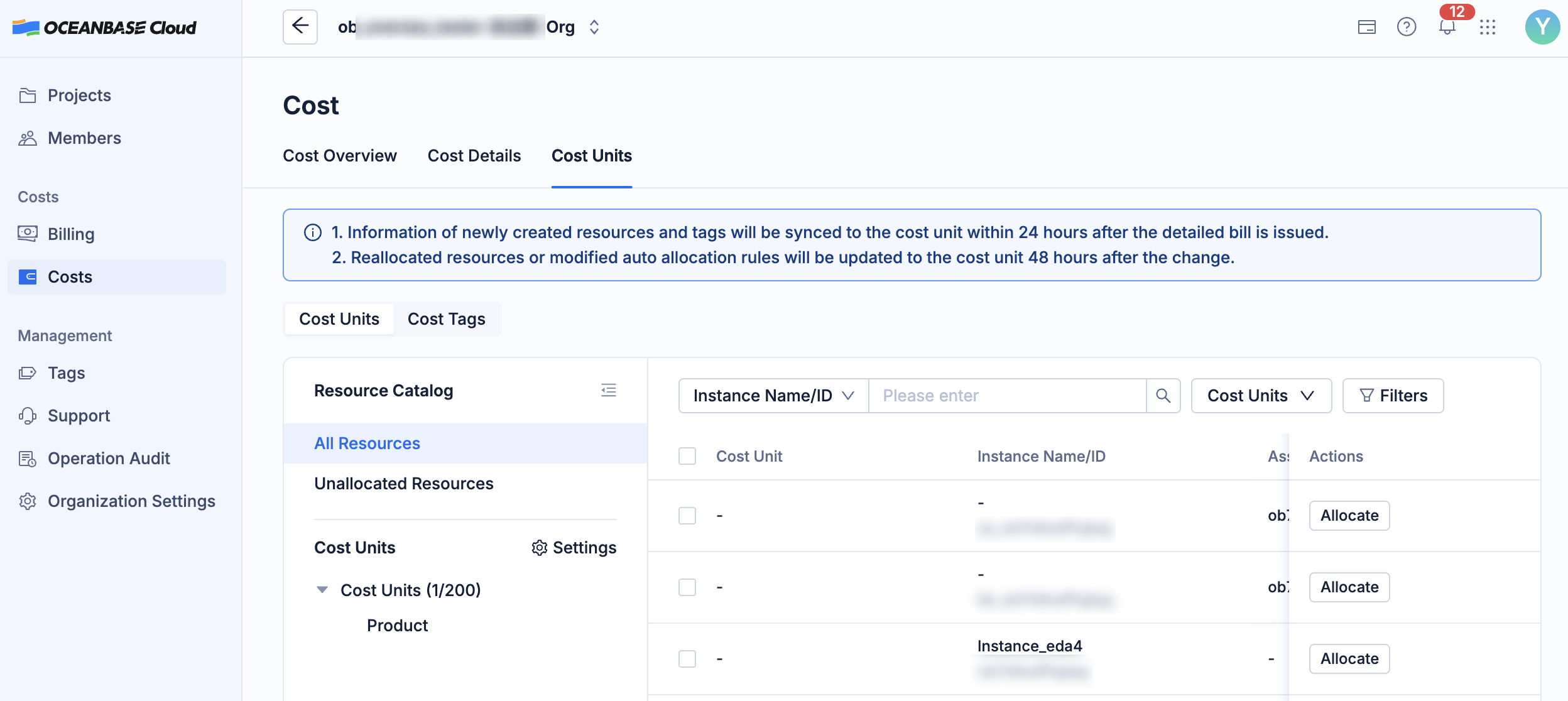
OceanBase Cloud allows you to view costs under the organization. Maintaining cost units under the organization makes it easier to view the usage of different units.
Background
Most enterprises are complex organizations with multiple departments, projects, or subsidiaries. Different clients have varying needs for cost management and may require integration with their internal ERP systems. Cloud service providers must design flexible, structured capabilities to accommodate these differences in internal management architectures.
The cost unit in OceanBase Cloud automatically splits and aggregates the costs of dispersed cloud resources along business dimensions. This enables cost transparency, accountability, and traceability, providing a standardized, structured approach for enterprise cost management and enabling precise cost tracking and billing.
The cost units in OceanBase Cloud serve the following purposes:
Purpose |
Description |
|---|---|
| Automatic cost allocation | Based on predefined rules (such as tags, products, and accounts), the costs of cloud resources are automatically allocated to specified cost units, eliminating the need for manual distribution and reducing the risk of errors. |
| Costs allocated to specific department/project/product | Each cost unit represents a business department, project, or product line, establishing a cost management mechanism where the user is responsible for the costs. |
| Multidimensional cost analysis | View cost trends, resource composition, and cost ratios by cost elements and optimize your budgets. |
| Hierarchical and categorized management support | Cost units support hierarchical structures (e.g., Group → Business Unit → Project Team), enabling cost control from the overall view down to specific details. |
| Connect to the enterprise financial system | The system supports exporting cost-based invoices for internal settlement and connection to enterprise ERP systems. |
View the cost overview
Log in to the OceanBase Cloud console.
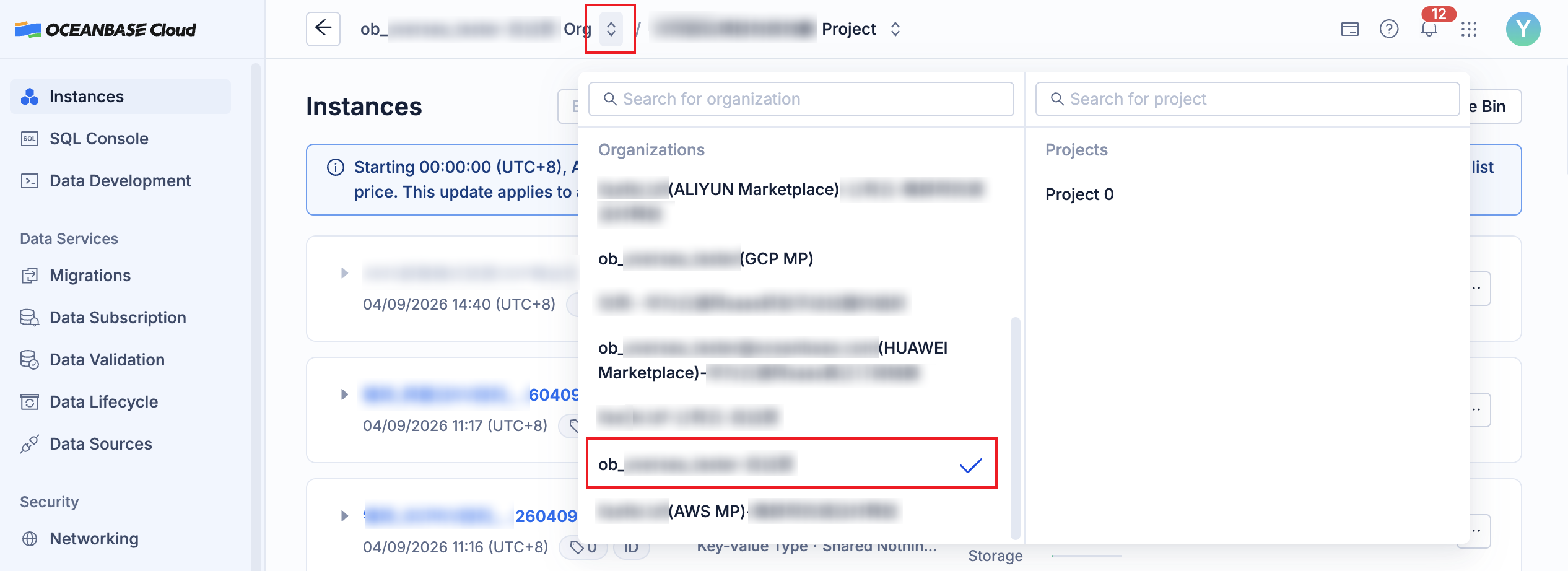
Click the arrow on the right of the organization name at the top of the page, and click the name of the target organization from the drop-down list.
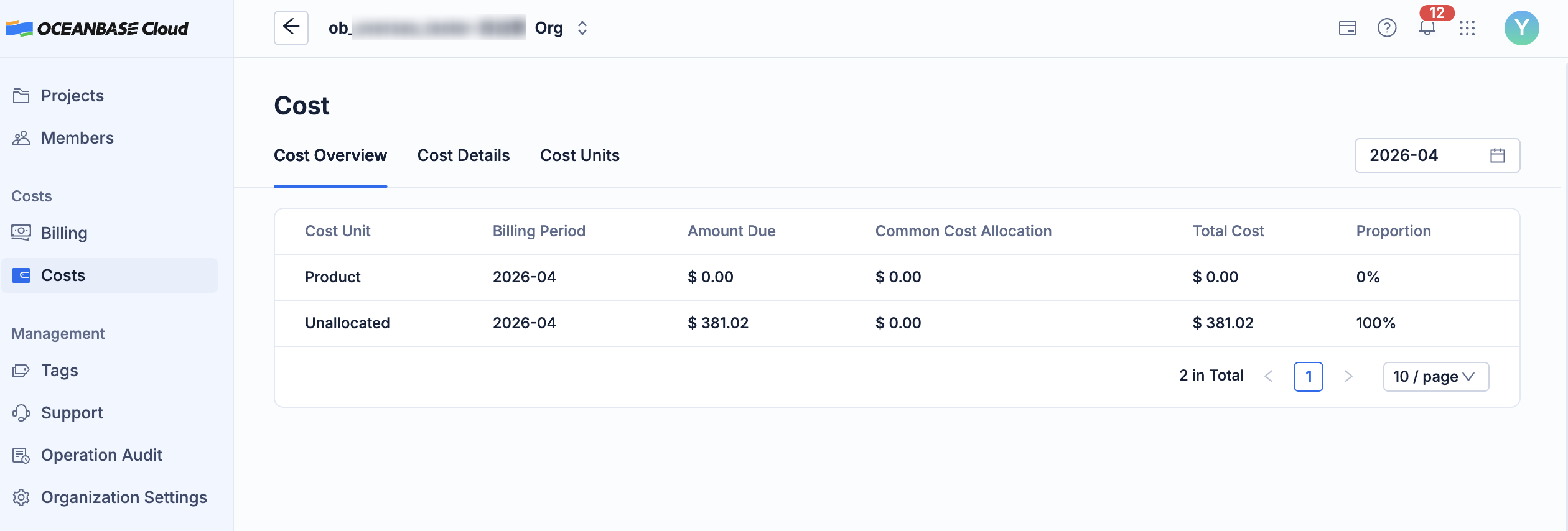
In the left-side navigation pane, click Costs.
On the Cost Overview page, view the cost usage of units under the organization.
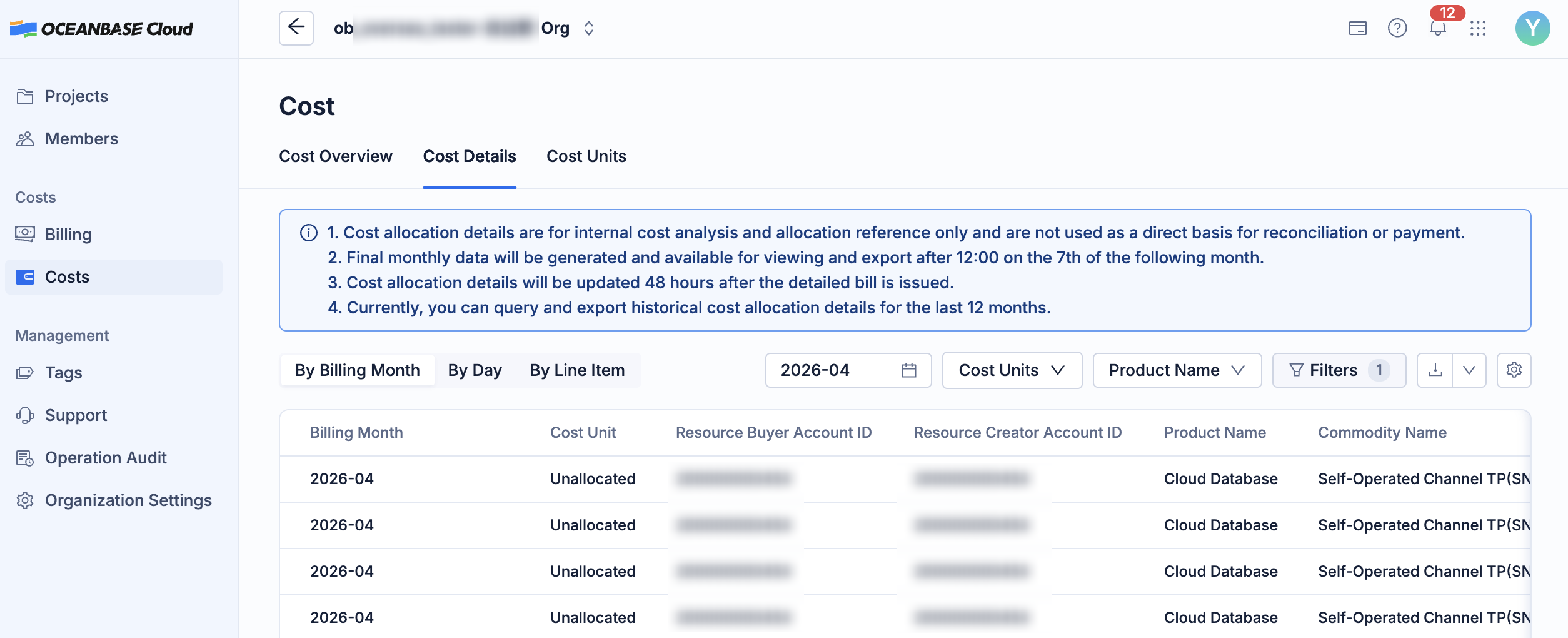
Click Cost Details to view the cost details of your organization. For more information, see Cost details.
On the Cost Units tab, you can view the resource information. For more information, see Manage cost units.