







This topic provides the instructions on creating an instance through Azure Marketplace.
Prerequisites
- You have registered a Microsoft account and bound a credit card. For more information, see Purchase a SaaS offer in the Azure portal.
Step 1: Subscribe to OceanBase Cloud services in Azure Marketplace
Go to Azure Marketplace and log in with your Microsoft account.
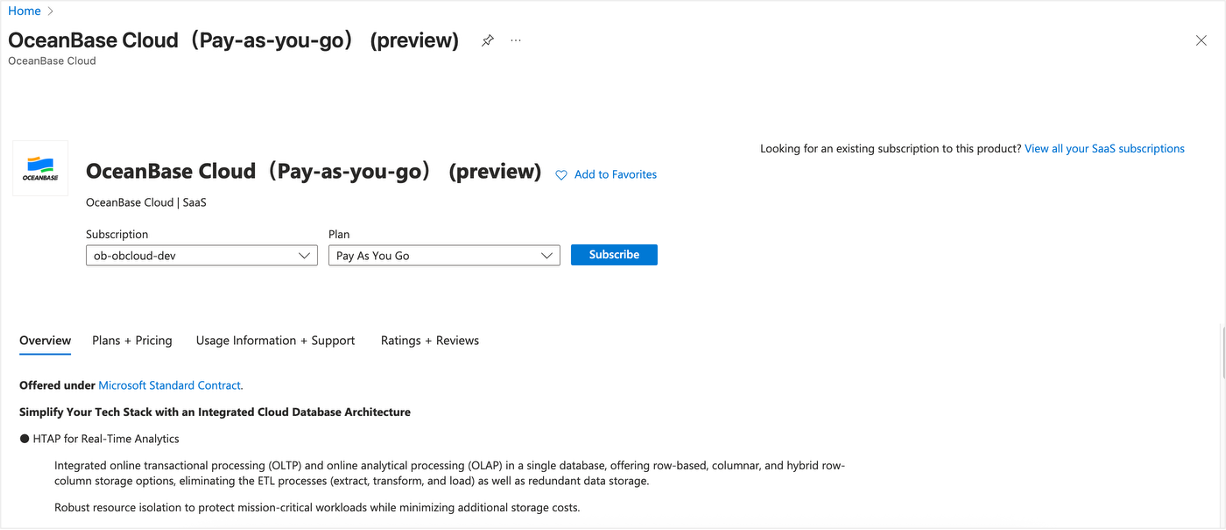
In Azure Marketplace, search for OceanBase and click OceanBase Cloud (pay-as-you-go) on the search result page.
On the details page, click Subscribe.
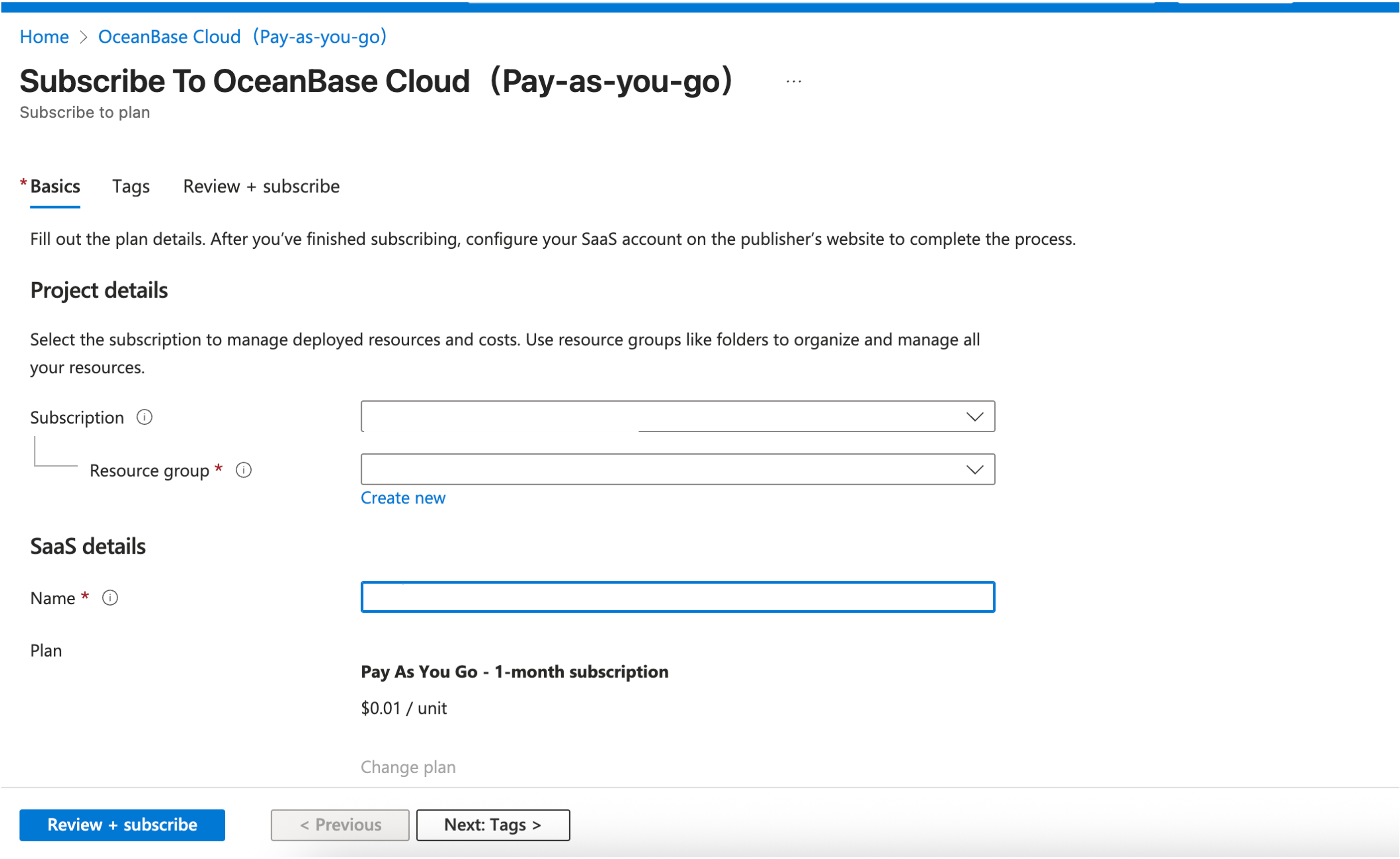
On the new page, select a resource group and enter a name, and click Review + subscribe.
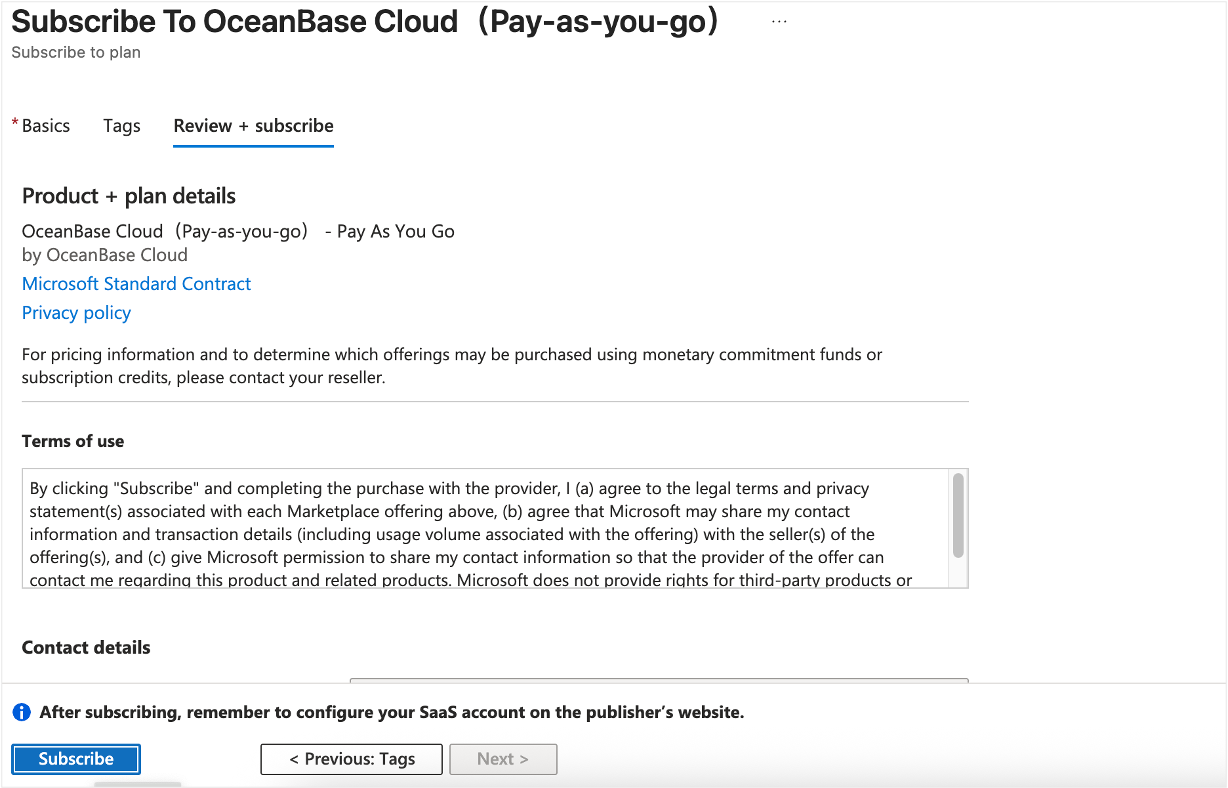
Click Subscribe.
In the dialog box that appears, click Configure account now. You will be redirected to the registration page of the OceanBase Cloud console.
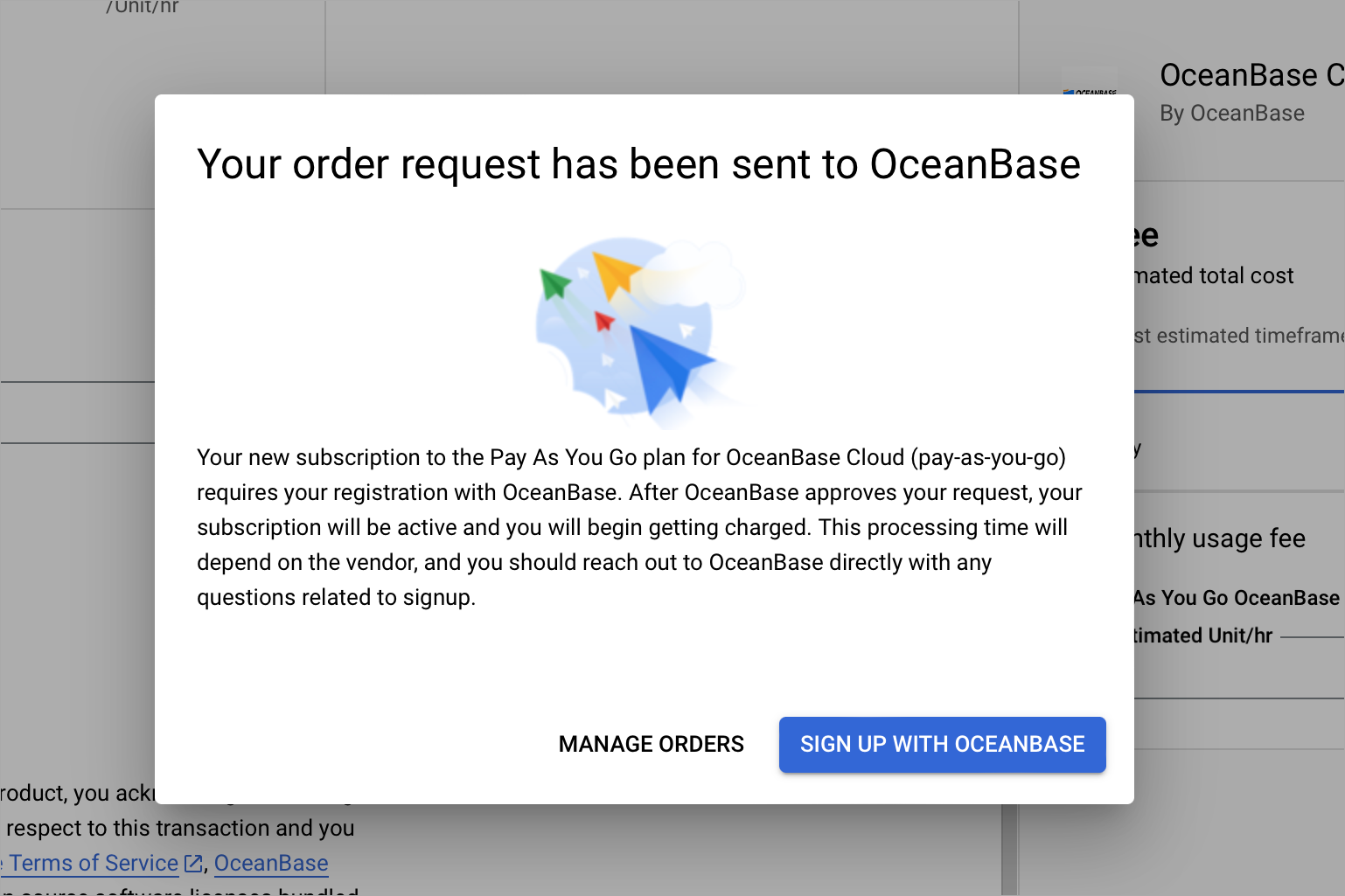
If you are a new user, register an OceanBase Cloud account and log in to the OceanBase Cloud console.
Notice
If you already have an OceanBase Cloud account and have not used it to subscribe to OceanBase Cloud services in Azure Marketplace, you can directly log in to the OceanBase Cloud console with this account with no need to register again.
Step 2: Create an OceanBase Cloud instance
Log in to the OceanBase Cloud console and click Create Instance.
On the Create Instance page, select Dedicated (Transactional) as the Instance Type.
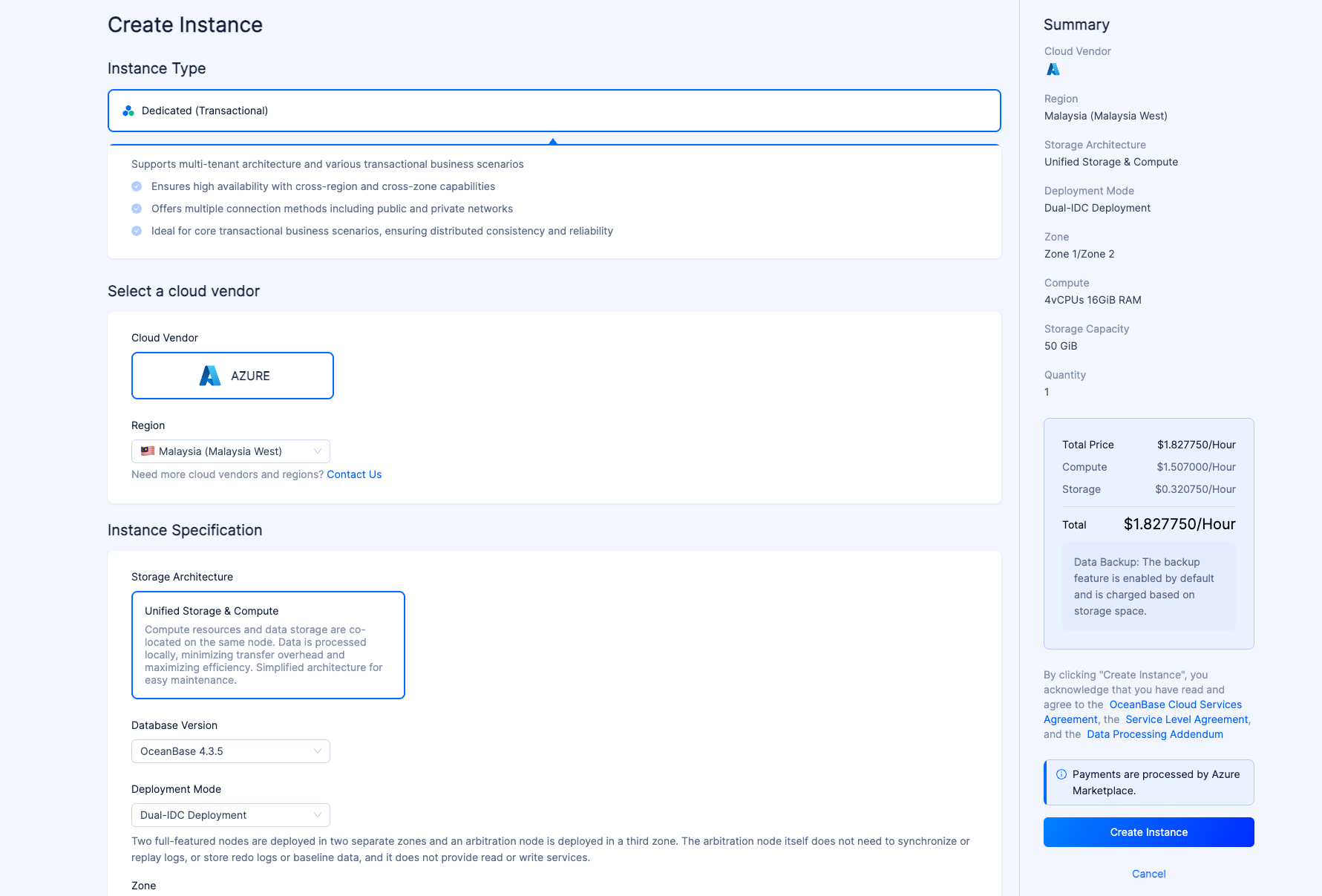
Select the deployment region.
Configure the following instance specifications.
ParameterDescriptionStorage Architecture Only Shared Nothing is supported. Database Version The version of OceanBase Database. For instances created via Azure Marketplace, only OceanBase V4.3.5 is supported. Deployment Mode - Dual-IDC Deployment: Two nodes are deployed across two zones, with a third node deployed in a different zone solely for log synchronization. This node does not provide read/write services. Dual-IDC deployment offers the same availability as multi-IDC deployment but with significantly improved cost efficiency. The dual-IDC deployment option is supported in versions 4.1.0.0 and later.
- Multi-IDC Deployment: Primary and standby nodes are located in different zones, enabling disaster recovery across zones. This deployment comes at no additional cost and by default, all three zones are selected.
Zone - Dual-IDC Deployment: Select two zones.
- Multi-IDC Deployment: Select three zones.
Compute/Storage Different compute specifications support different storage capacities. You can select the specifications based on your business needs. In the Quantity section, select the number of instances you want to create.
In the right-side Summary section, confirm the configurations and click Confirm Order to complete the purchase.
After the purchase is completed, you can return to the Instances page to view the creation progress.