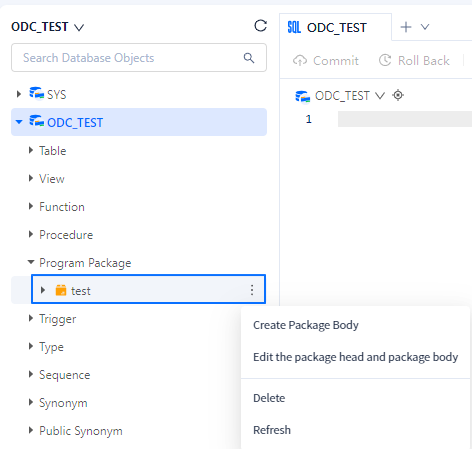
This topic describes how to create a program package in the SQL window.
Prerequisites
You need to have the database account and password for the current tenant to log in to the SQL Console.
Create the package header
After logging in to the SQL console and entering the SQL window, click the Program Package label in the database list on the left to view the program package list. To create a program package, click + in the upper-right corner of the program package list.
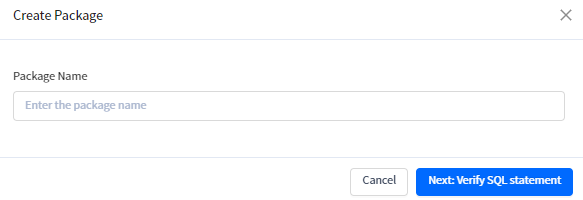
On the package creation page, specify the package name and click Next: Verify SQL Statement to go to the header definition page.
SQL window automatically generates the template statement, as shown in the following figure. In the navigation bar of the header definition page, SQL window provides the Format button for you to standardize the statement format. After you complete the header definition statements, click Create in the upper-right corner to generate the header.

Create the package body
After you create the package header, the new program package appears in the program package list. Right-click the created program package and click Create Package Body to go to the package body definition page. This page is similar to the header definition page, as shown in the following figure. SQL window automatically generates the template statement and provides the Format button for you to standardize the statement format. After you complete the package body definition statements, click Create in the upper-right corner to generate the package body.