







This topic provides information on managing global variables.
Background information
A global variable is a database variable for global management and control of a database.
On the Global Variables page of ODC, you can query and modify all database variables for the current data source.
Query global variables
Assume that you want to query database variables of the data source mysql420 in the SQL development window.
In the left-side navigation pane, select O&M Management > Global Variables.
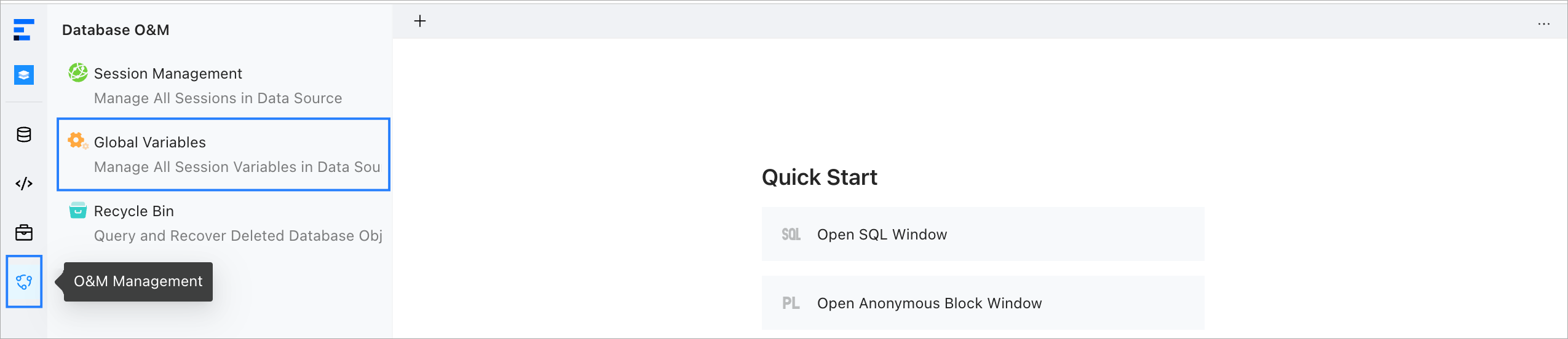
Select the data source
mysql420and click OK.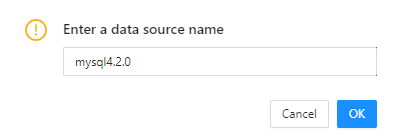
On the Global Variables page, you can query all database variables of the data source
mysql420.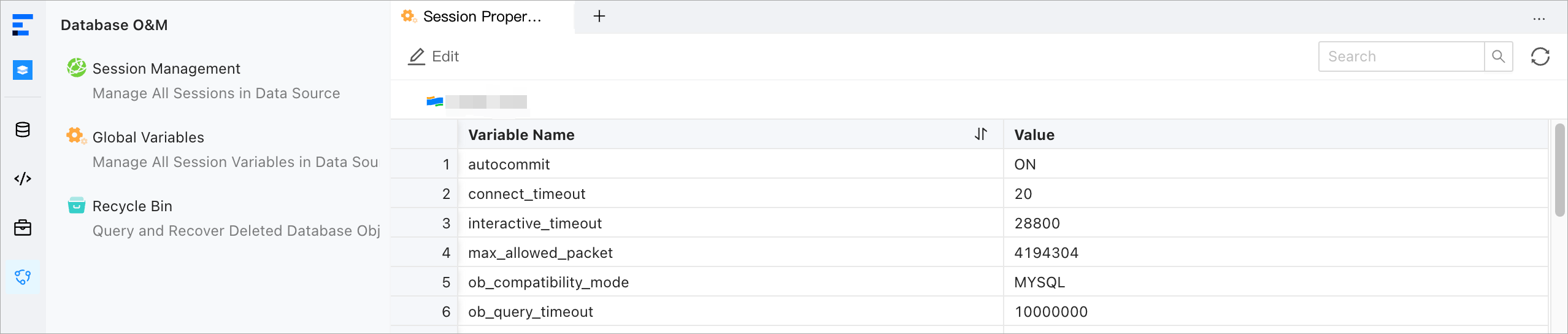
Edit global variables
Assume that you want to modify the value of the database variable connect_timeout for the data source mysql420 in the SQL development window.
Search for the connect_timeout database in the search field.

In the Session Attributes list, click the variable name
connect_timeoutand then click the Edit button to change the value to20.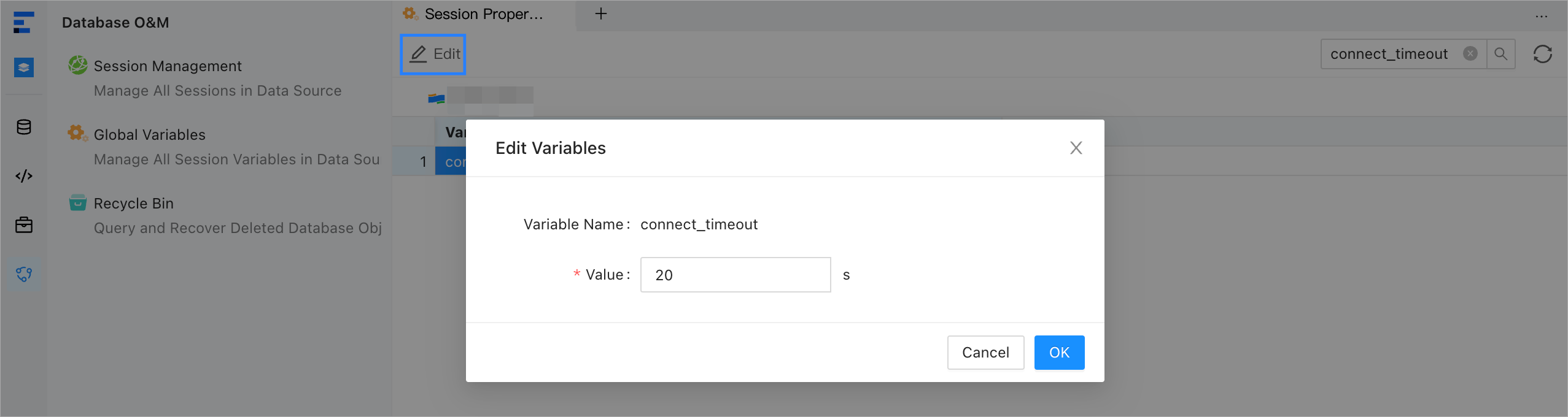
In the SQL Confirmation dialog box, modify and confirm the SQL statement and click Execute.

In the Session Attributes list, you can view the new value of the
connect_timeoutvariable.