







You can scale in or out the resources of a tenant by adjusting its resource specifications. This topic describes how to modify the resource specifications of a tenant.
Procedure
Log in to the OceanBase Cloud console
In the left-side navigation pane, click Instances.
On the Instances page, click the name of the target cluster instance to navigate to the Overview page of the instance.
In the left-side navigation pane, click Tenants.
Click the More icon in the Actions column and click Modify.
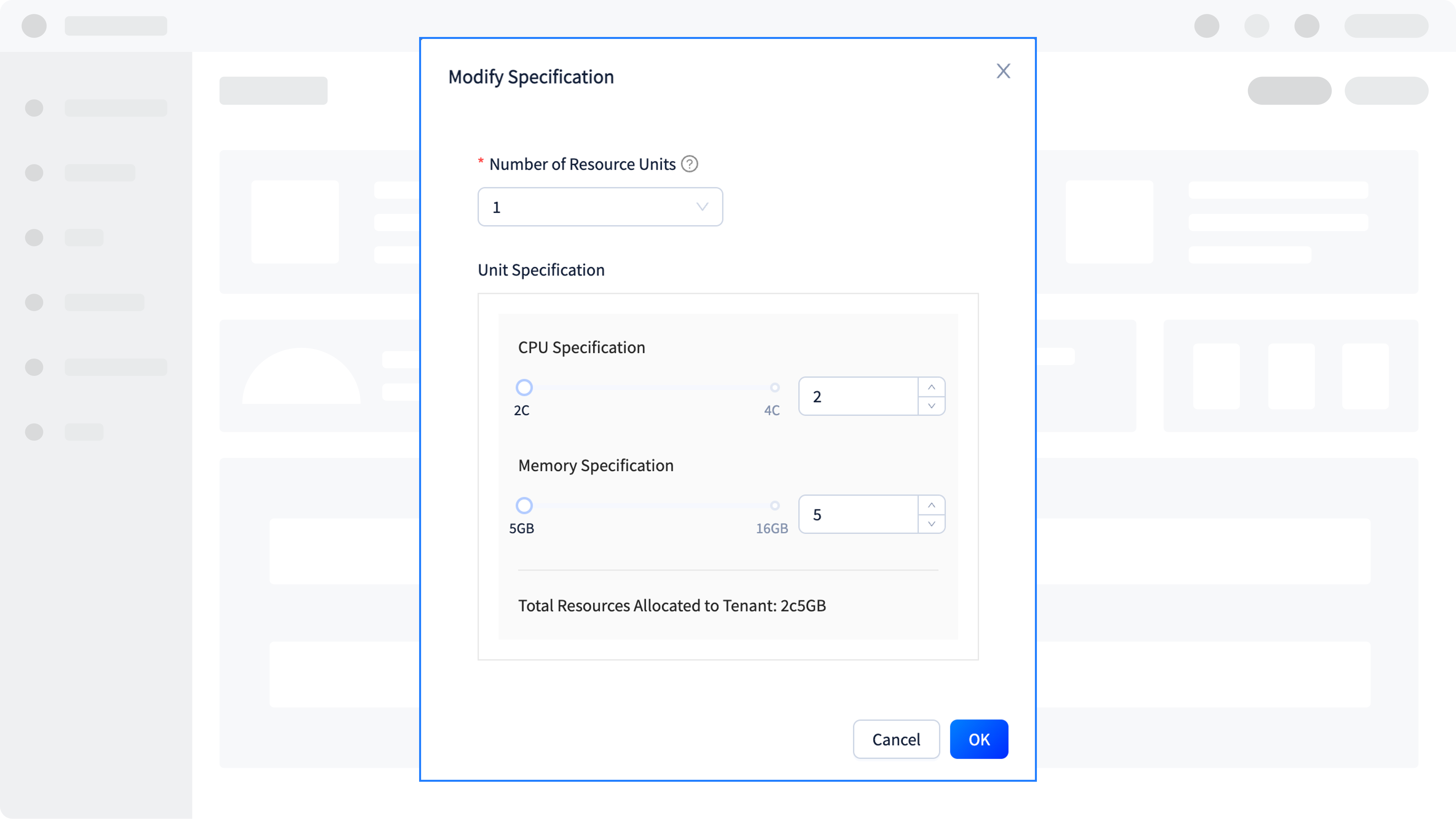
Select the number of resource units and unit specifications and click OK.
Note
A unit contains three nodes. Each time you add a unit, three nodes are added.