







This topic describes how to edit an alert template.
Procedure
Log in to the OceanBase Cloud console.
In the left-side navigation pane, click Alerts.
On the Alert Management page, click More, and then click Trigger condition template.
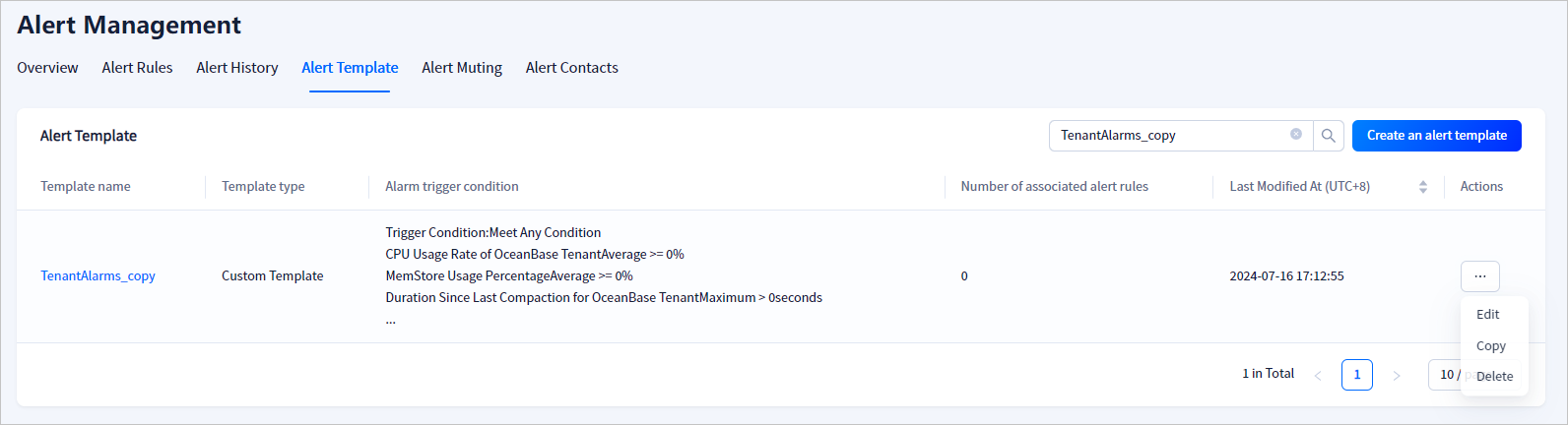
In the Actions column of the target alert template, select ... > Edit.
Note
Default alert templates cannot be edited.
On the page that appears, edit the alert template as needed and click Submit. For more information, see Create an alert template.
Note
The Alert Target Type parameter cannot be modified.