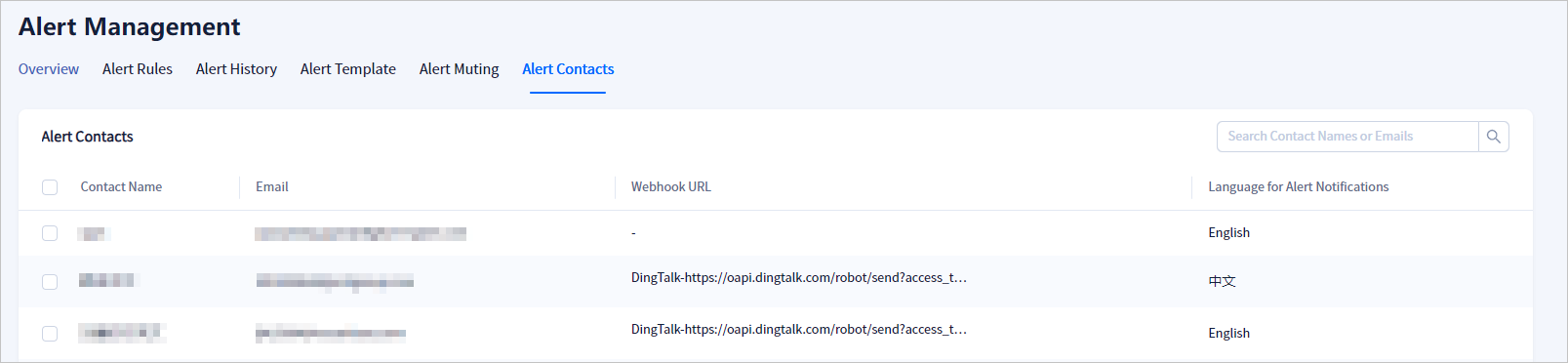
This topic describes how to view the information of an alert contact.
Procedure
Log in to the OceanBase Cloud console.
In the left-side navigation pane, click Alerts.
On the Alert Management page, click More, and then click Contacts.
On this tab, you can view the details of each contact, such as the contact name, mobile number, email address, Webhook URL, and alert notification language, and perform operations on a contact.