







When the new alert rule template is similar to the existing one, you can follow this section to copy an existing alert rule template and then customize it.
Procedure
Log in to the OceanBase Cloud console.
In the left-side navigation pane, click Alerts.
On the page that appears, click the Alert Templates tab.
In the Actions column of the target alert rule template, select ... > Copy and modify the alert rule template.
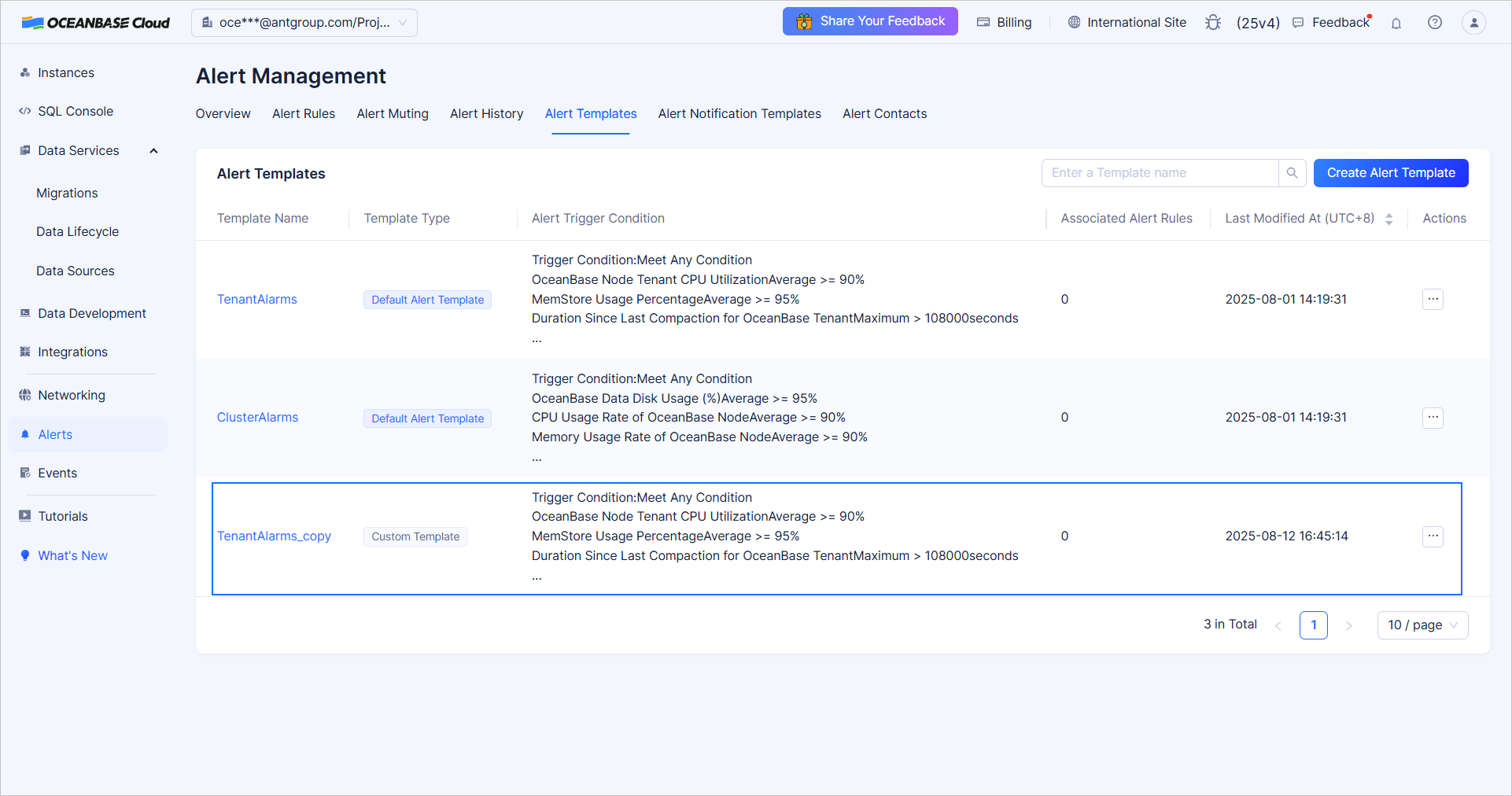
The copied template is displayed in the template list, with _copy appended to its name. The following figure shows an example.
After the template is copied, you can edit the new template. For more information, see Edit an alert rule template.