This topic describes how to delete an alert rule.
Procedure
Log in to the OceanBase Cloud console.
In the left-side navigation pane, click Alerts.
On the Alert Management page, click the Rules tab.
In the Actions column of the target alert rule, select ... > Delete.
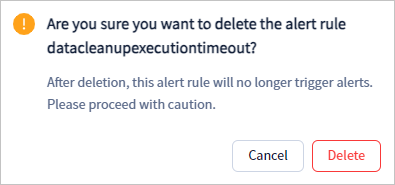
In the confirmation dialog box that appears, click Delete.