







This topic describes how to delete a compatibility assessment task.
Limitations
Only users with the roles Project Admin and Data Services Admin are allowed to delete the compatibility assessment tasks
Only compatibility assessment tasks in the Stopped, Failed, and Completed state can be deleted.
Procedure
Log on to the OceanBase Cloud console.
In the left-side navigation pane, click Data Services > Migrations.
On the Migrations page, click the Assess Compatibility tab.
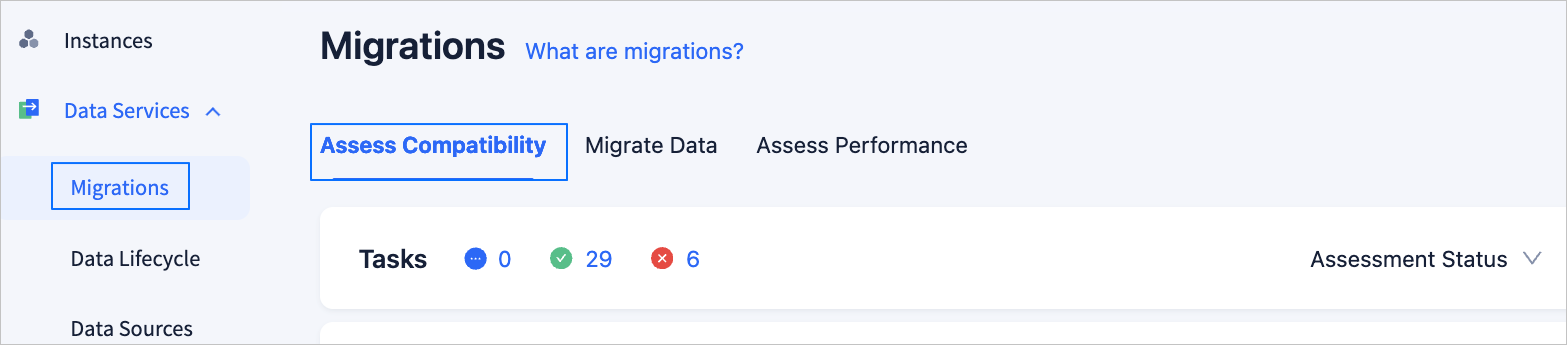
On the Assess Compatibility tab, click Delete next to the target assessment task.
For an assessment task in the Completed state, click ... next to the task and then select Delete from the drop-down list.

In the dialog box that appears, click OK to delete your assessment task.