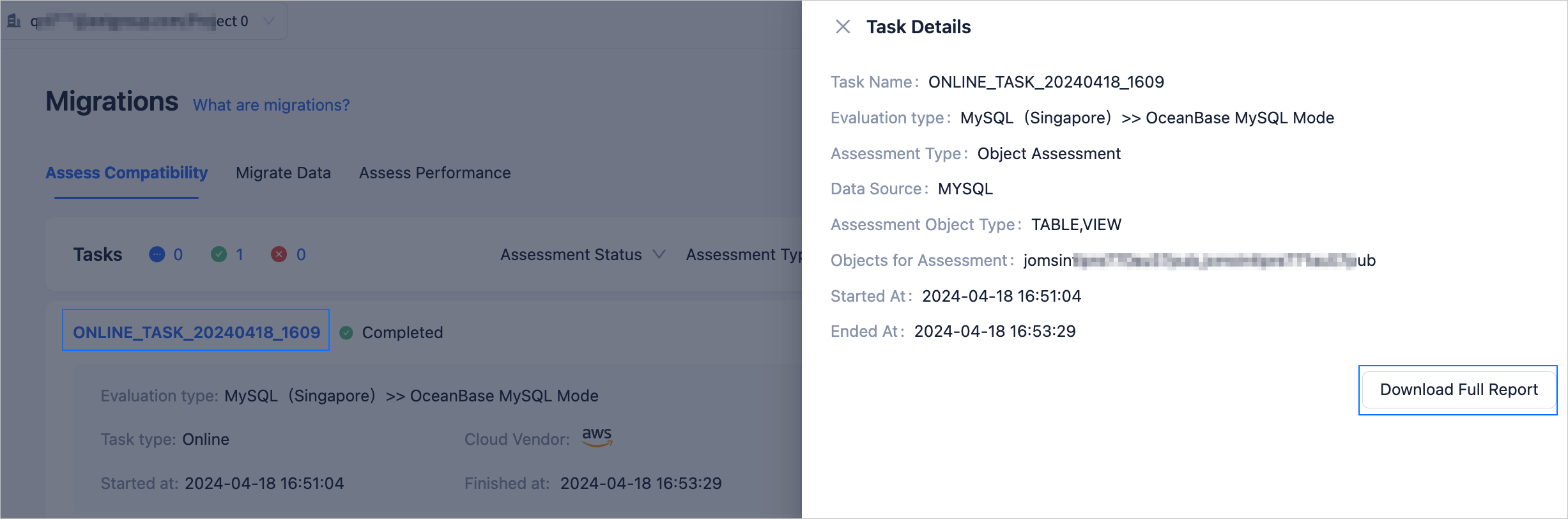
After you start an online or offline assessment task, you can view the progress, status, and details for the task.
Procedure
Log in to the OceanBase Cloud Console.
In the left navigation pane, click Data Services > Migrations.
On the Migrations page, click the Assess Compatibility tab.
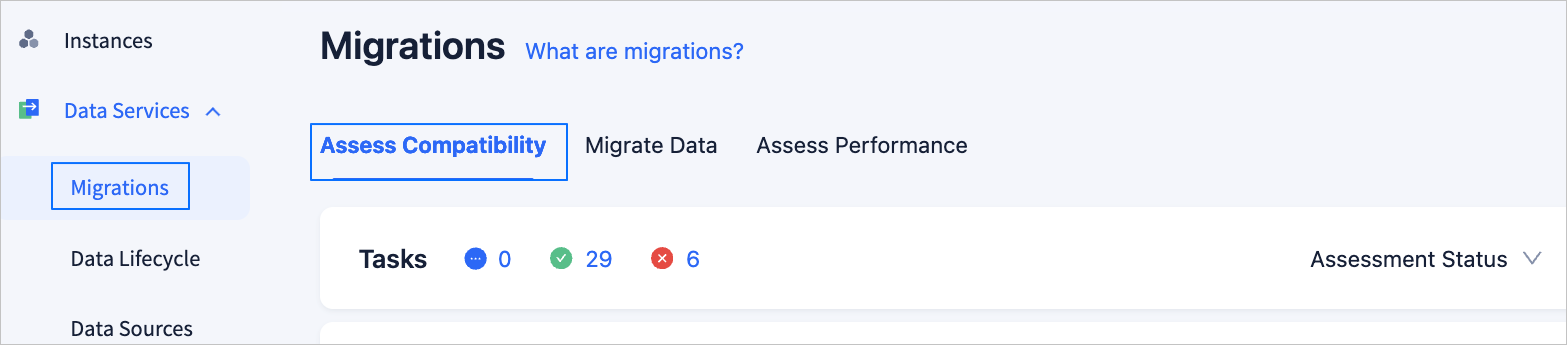
On this page, you can view these information:
The number of assessment tasks that are in the Accessing, Failed, and Completed states.
The Assessment Type, Task Type, Cloud Vendor, Start Time, End Time, and Assessment Status of each assessment task. Assessment states include Completed, Stopped, In Progress, and Failed.
Click the name of an assessment task to view the details in the Assessment Task Details dialog box.
Users with the project roles Project Admin and Data Services Admin can Download All Reports for assessment tasks in the Completed state.