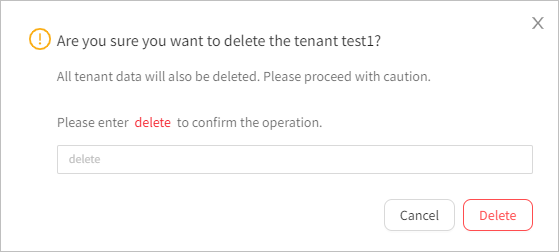
This topic describes how to delete a tenant. After you delete a tenant, all data of the tenant is deleted, so please proceed with caution.
Procedure
Log in to the OceanBase Cloud console. In the left-side navigation pane, click Instances.
On the Instances page, click the name of the target instance to navigate to the Overview page of the instance.
In the left-side navigation pane, click Tenants. On the Tenants page, click the name of the target tenant to go to the Overview page of the tenant.
Click the More icon in the upper-right corner and select Delete Tenant. In the dialog box that appears, enter delete and click Delete.