







How do I download the client ODC installation package?
Client ODC supports Windows and macOS. You can download a client ODC installation package in the following way:
Method 1: Download the package from the documentation page of ApsaraDB for OceanBase
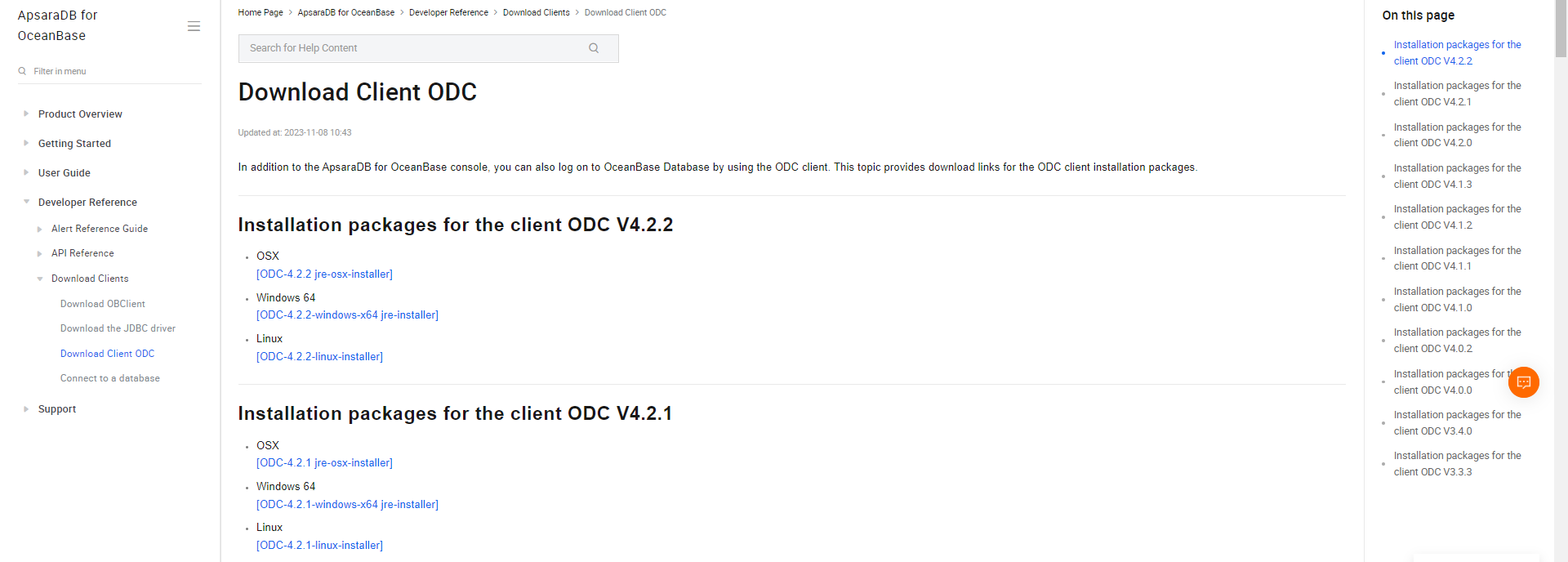
Choose Reference Guide > Download Clients and click Download Client ODC. Click the installation package of the desired version.
Method 2: Download the package from OceanBase Software Download Center
Go to OceanBase Download Center and download the installation package of the desired version.

Note
You must have an OceanBase account and enabled the allowlist.
What items are pre-checked when I install client ODC?
The following items are checked for the installation of client ODC:
Windows operating system (OS) version: Only Windows 7 and later versions are supported.
Port: Whether port 8989 is occupied is checked. The port will no longer be checked in ODC V2.3.0 and later versions because dynamic ports are used.
Java runtime environment: For ODC versions earlier than V4.1.0, JDK 1.8.0_242 or later is recommended. The installation package of ODC V4.1.0 or later is provided with a JDK installation package. Therefore, you do not need to check the Java runtime environment.
How do I view the logs when the installation or startup of client ODC fails?
Versions later than ODC V3.3.0
You can view the error information in the main.log file. The storage path of the file varies with the OS.
Linux: ~/.config/odc/logs
macOS: ~/Library/Application Support/Logs/odc/logs
Windows: %USERPROFILE%\AppData\Roaming\odc\logs
ODC V3.3.0 and earlier
You can view the error information in the main.log file. The storage path of the file varies with the OS.
Linux: ~/.config/odc/logs (client logs); ~/.config/odc/javalog (server logs)
macOS: ~/Library/Application Support/Logs/odc/logs (client logs); ~/Library/Application Support/Logs/odc/javalog (server logs)
Windows: %USERPROFILE%\AppData\Roaming\odc\logs (client logs); %USERPROFILE%\AppData\Roaming\odc/javalog (server logs)
What do I do if I fail to install or start client ODC?
Run the following command to view the Java runtime environment. JDK 1.8.0_242 or later is required. If the version is earlier than 1.8.0_242, update the JDK and restart the computer before reinstalling or starting ODC.
java -version
What do I do when client ODC fails to be installed or start and prompts that the software package is damaged?
Run the sudo spctl --master-disable command and select any source.
OceanBase Development Center cannot be opened during the installation of ODC on macOS
The macOS does not support direct installation. For more information about how to securely open applications that are not downloaded from the Apple Store, see Securely open applications on macOS.