This topic describes how to view, edit, and delete a notification channel.
View a notification channel
Log in to the OceanBase Developer Center (ODC) console. Choose Projects > Notification. On the Notification tab, click Notification Channels in the left-side navigation pane.

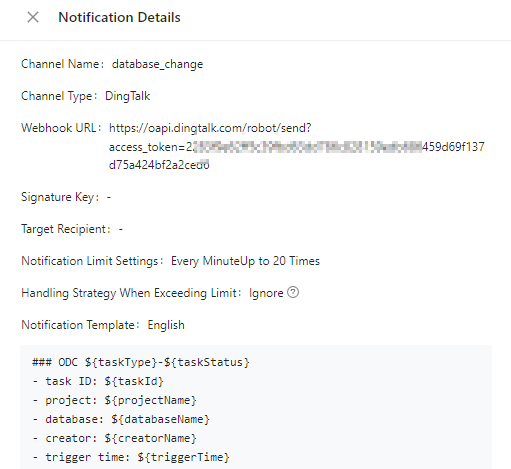
In the notification channel list, click View in the Actions column of a notification channel to view its detailed configurations.
Edit a notification channel
Log in to the ODC console. Choose Projects > Notification. On the Notification tab, click Notification Channels in the left-side navigation pane.
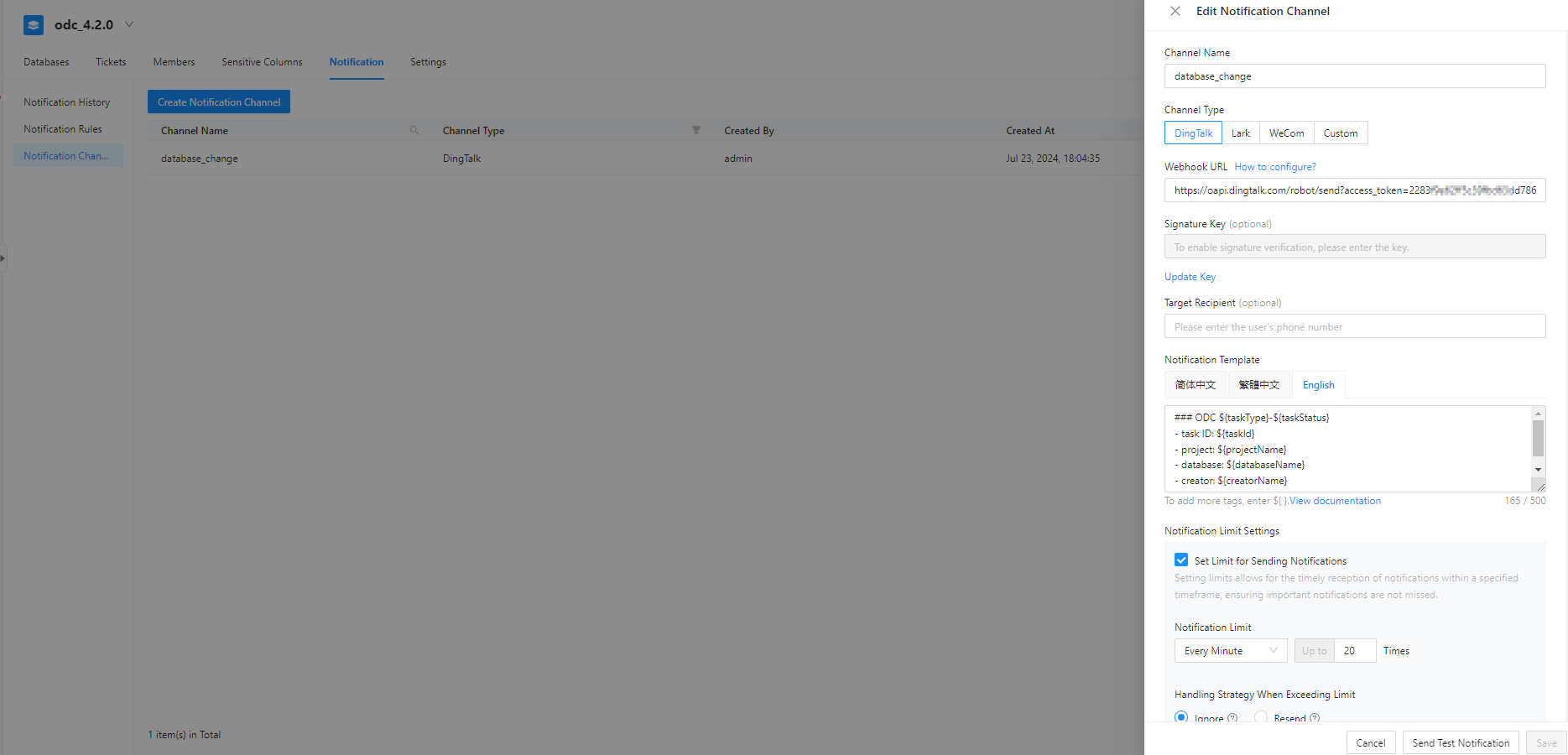
In the notification channel list, click Edit in the Actions column of a notification channel to edit its configurations.
Delete a notification channel
Log in to the ODC console. Choose Projects > Notification. On the Notification tab, click Notification Channels in the left-side navigation pane.
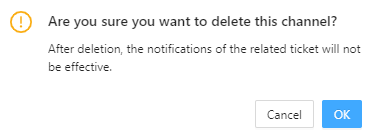
In the notification channel list, click Delete in the Actions column of a notification channel to delete it.
In the confirmation dialog box that appears, click Delete.