







This topic describes how to view and edit notification rules.
View notification rules
Log in to the OceanBase Developer Center (ODC) console. Choose Projects > Notification. On the Notification tab, click Notification Rules in the left-side navigation pane. Then, you can view the supported ticket events and the enabling status and notification channels of the ticket events.
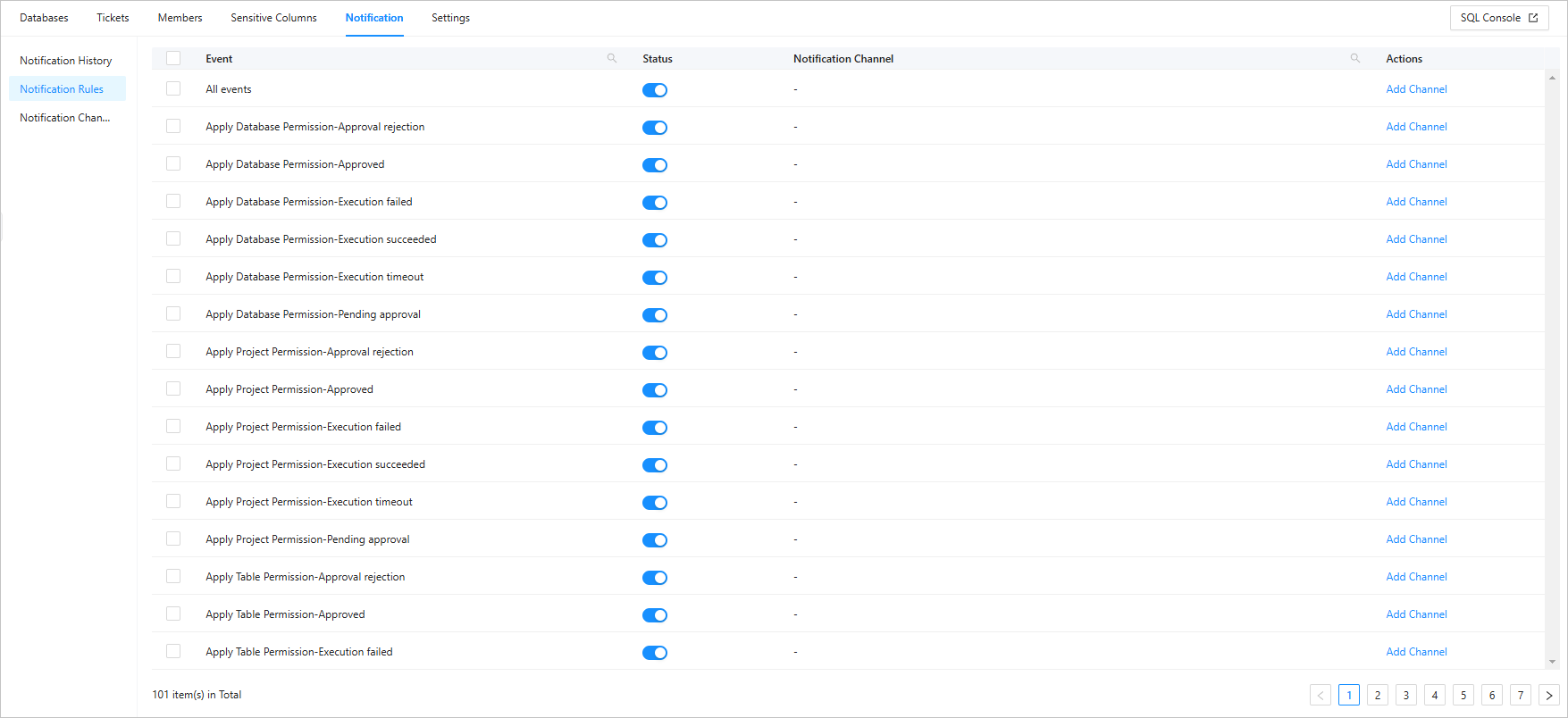
Edit a notification rule
Log in to the ODC console. Choose Projects > Notification. On the Notification tab, click Notification Rules in the left-side navigation pane.

In the notification rule list, click
 to search for a ticket event and then click Add Channel in the Actions column of the ticket event to configure a notification channel.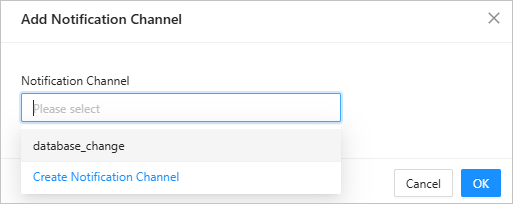
Click
 to enable the notification rule.