







At User Center, you can configure your user information, such as your contact information and department.
Procedure
Log in to the OMS console.
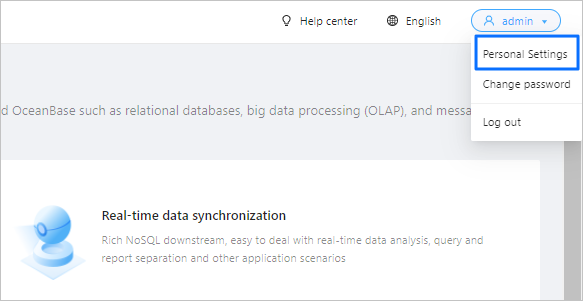
In the upper-right corner of the OMS console, click the username and choose Personal Settings.
On the Personal Settings page, enter your information in the Email, Mobile Number, Department, and Description fields.
Click Submit.