Before you create a data migration or synchronization task, you must configure the data sources. This topic describes how to create a PolarDB-X 1.0 data source in OceanBase Migration Service (OMS).
Background information
PolarDB-X 1.0 is a PolarDB distributed database developed in house by Alibaba Group. It is integrated with a distributed SQL engine and an exclusively developed distributed storage X-DB and is designed based on the cloud-native integrated architecture. PolarDB-X 1.0 supports over ten million concurrent requests and provides a large storage capacity for hundreds of petabytes of data. For more information, see Overview.
PolarDB-X 1.0 data sources are applicable only to Apsara Stack scenarios. You can specify whether to show PolarDB-X 1.0 data sources. To do so, log in to the OMS console, choose System Management > System Parameters, and modify the is.show.polardb.public parameter on the page that appears. The value true indicates to show PolarDB-X 1.0 data sources in the Create Data Source panel. The value false indicates not to show PolarDB-X 1.0 data sources in the Create Data Source panel.
Prerequisites
You have created a PolarDB-X 1.0 instance.
You have enabled the POP gateway to ensure network connectivity with OMS.
Procedure
Log in to the OMS console.
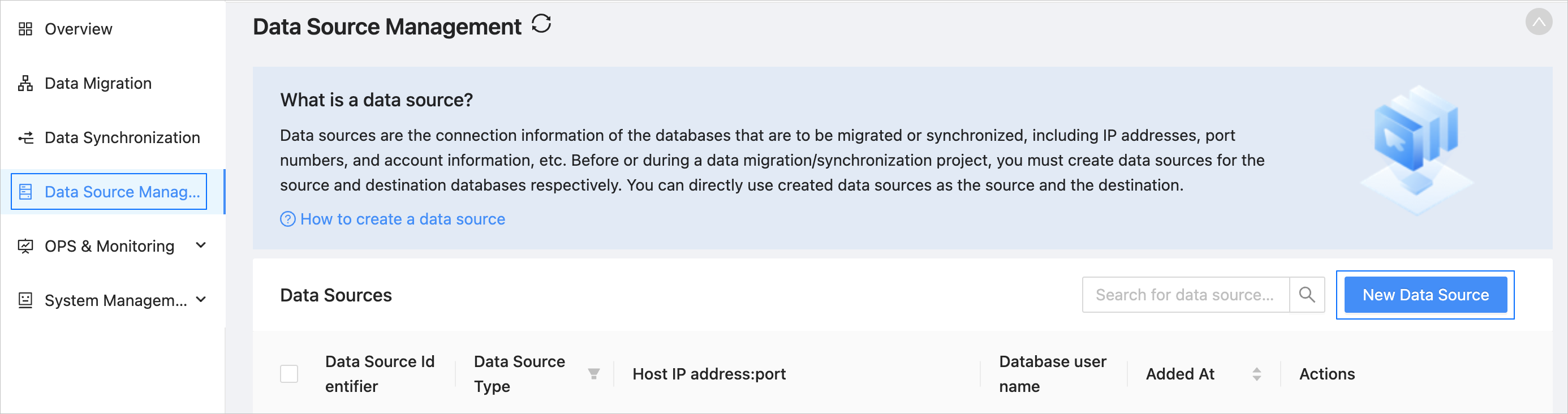
In the left-side navigation pane, click Data Source Management.
On the Data Source Management page, click New Data Source in the upper-right corner.
In the New Data Source dialog box, select PolarDB-X 1.0 for Data Source Type.
Configure the following parameters.
ParameterDescriptionData Source Identifier We recommend that you set it to a combination of digits and letters. It must not contain any spaces and cannot exceed 32 characters in length.
Notice
The data source identifier must be globally unique in OMS.Region Select the region where the data source resides from the drop-down list. The region is the value that you set for the cm_regionparameter when you deployed OMS.
Notice- This parameter is displayed only when multiple regions are available.
- Make sure that the mappings between the data source and the region are consistent. Otherwise, the migration and synchronization performance can be poor.
Intranet IP Address The Intranet IP address of a PolarDB-X 1.0 instance is in the PolarDB-X 1.0 instance ID.Endpointformat.- PolarDB-X 1.0 instance ID: In the list of PolarDB-X 1.0 instances, click the name of the target instance to go to its details page. Then, choose Settings and Management > Basic Information. On the page that appears, you can view the instance ID.
- Endpoint: The service address provided by the POP gateway.
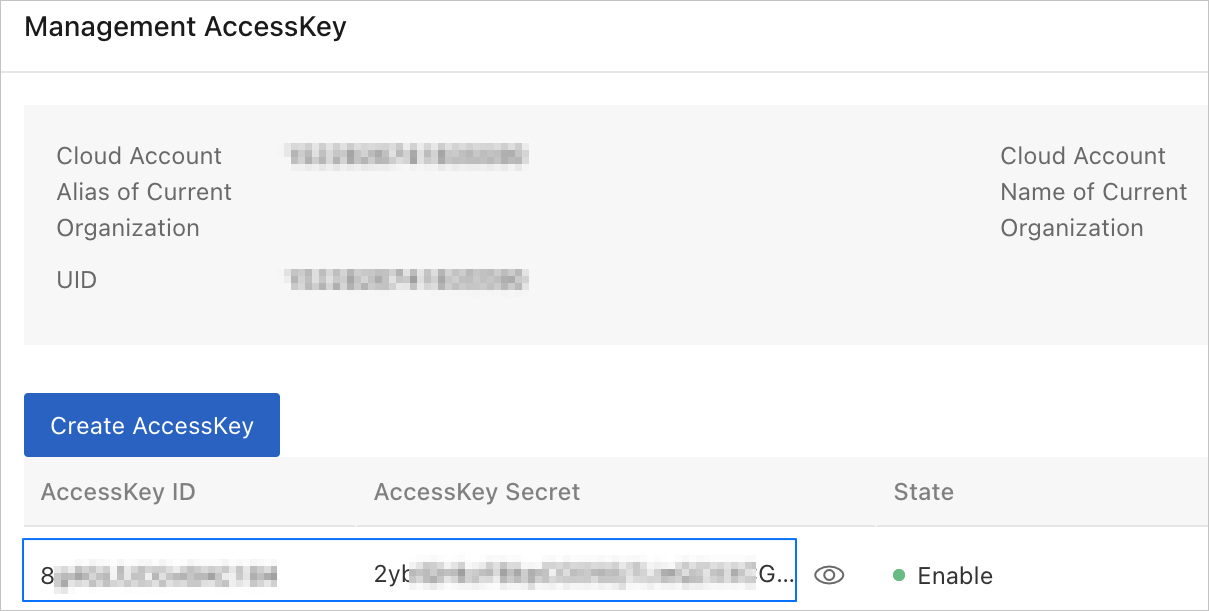
Access Key/Secret Key The AccessKey ID and AccessKey secret of your Alibaba Cloud account. For more information, see the Query the AccessKey ID and AccessKey Secret section below. Account The name of the PolarDB-X 1.0 database user that is used for data migration or synchronization.
We recommend that you create an independent database user for data migration or synchronization and use the same username and password in the underlying MySQL database. For more information, see Create a database user.Password The password of the database user. Notice
You must use the same username and password in the underlying RDS database.
Remarks (Optional) Additional information about the data source. Click Test Connection to verify the network connection between OMS and the data source, as well as the validity of the username and password.
After the test is passed, click OK.
Query the AccessKey ID and AccessKey secret
Log in to the Apsara Uni-manager Management Console.
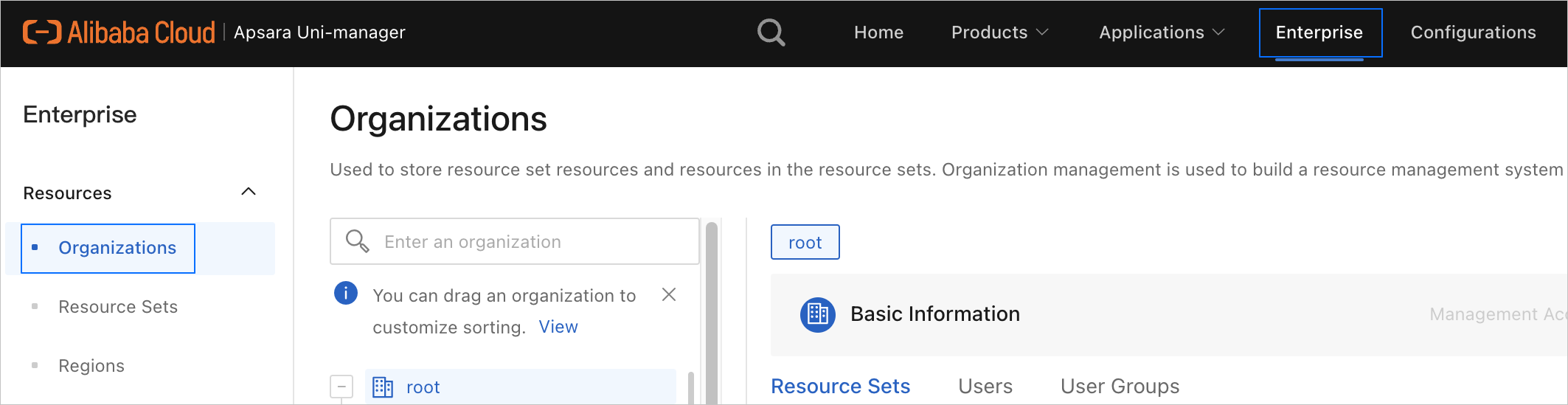
In the top navigation bar, click Enterprise. The Organizations page appears.
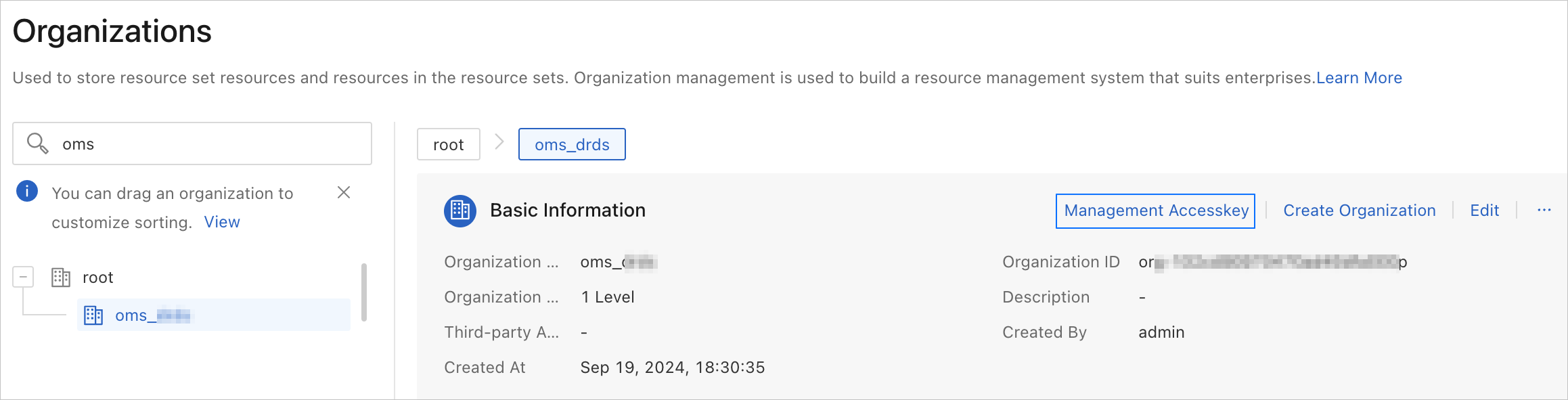
On the Organizations page, click the name of the target organization.
On the Basic Information page of the target organization, click Manage AccessKey.
In the Manage AccessKey panel, view the AccessKey ID and AccessKey secret.