







This topic describes how to change the name of a data synchronization task when you use OceanBase Migration Service (OMS).
Limits
OMS allows you to change the name of a data migration task in the Not Started, Running, Paused, or Failed state.
If you have created a sub-project to modify the synchronization objects during the running of a data synchronization task, you cannot change the task name. For more information about how to modify the synchronization objects, see View and modify synchronization objects.
the task name is a unique identifier for a task of a user.
Procedure
Log in to the OMS console.
In the left-side navigation pane, click Data Synchronization.
On the Synchronization Tasks page, click the Edit icon next to the name of the target task.
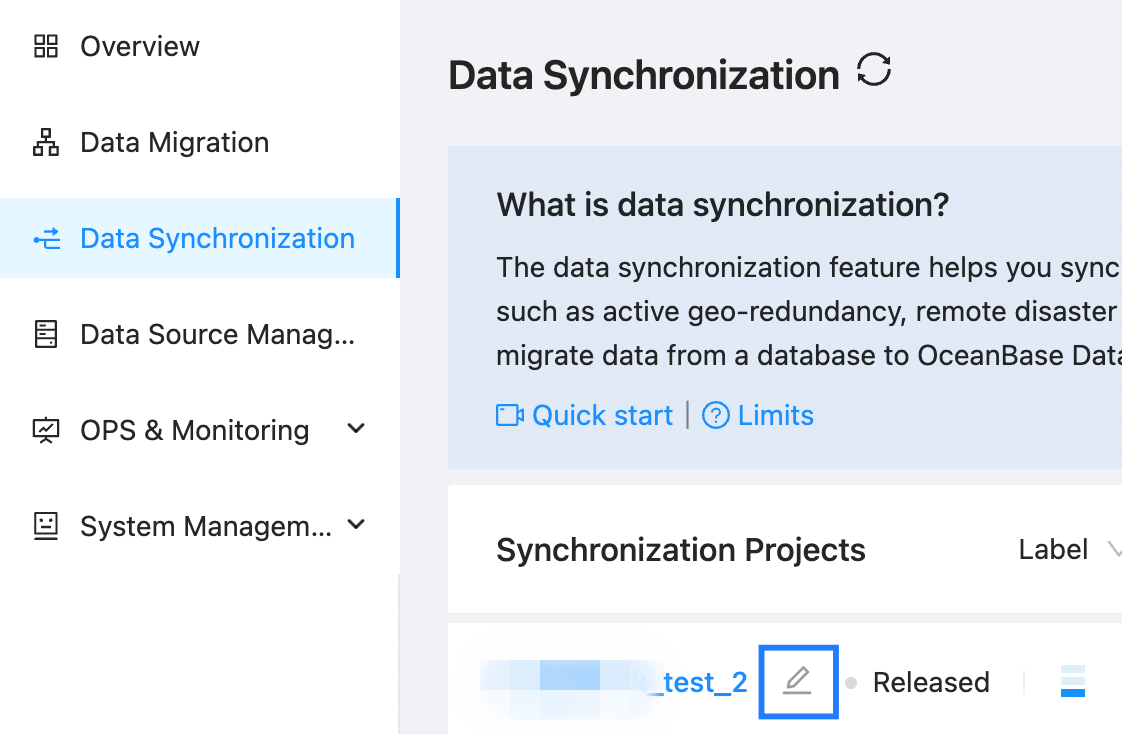
You can also click the name of the target task to go to the details page of the task, and then click the Edit icon next to the task name.
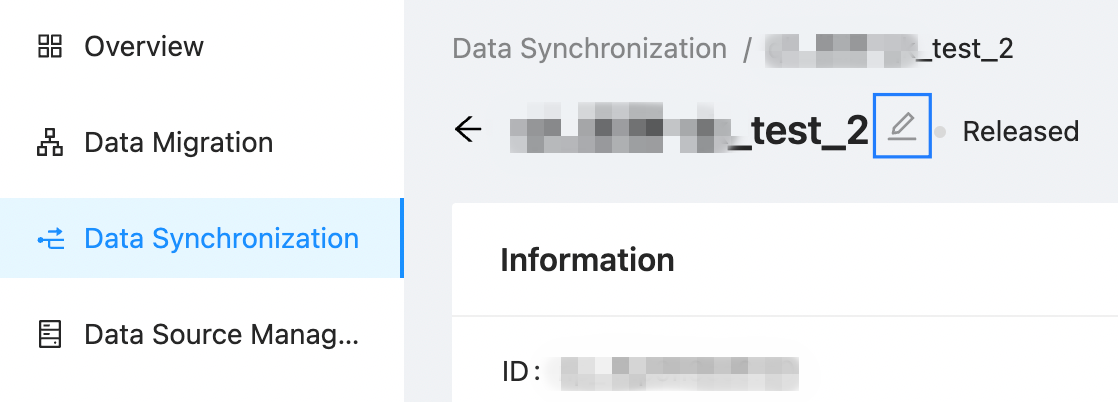
In the Edit Task Name dialog box, enter a new task name.
Click OK.