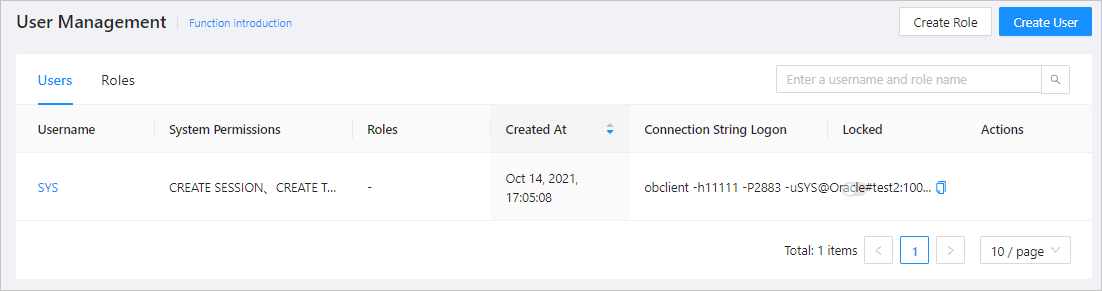
The user management feature allows you to view the users and roles under the current Oracle tenant.
Users list
A user is a name defined in the database for connecting to and accessing objects. The list on the Users tab contains the following columns: Username, System Permissions, Roles, Created At , Connection String Logon , Locked , and Actions . The Actions column provides options for you to delete the user and change the password.
Parameter |
Description |
|---|---|
| Username | The custom name for the new user. The username must begin with a letter and must be 2 to 64 characters in length and can contain uppercase letters, lowercase letters, digits, and underscores (_). You can click a username to go to the user details page. For more information, see Manage users. |
| System Permissions | The privileges granted to the user. For more information, see System privileges. |
| Roles | The role of the user. For more information, see Create a role under an Oracle tenant. |
| Created At | The time when the user was created. |
| Connection String Logon | You can copy the logon connection string. |
| Locked | You can lock and unlock any user except the sys user. |
| Actions | For any user except the sys user, you can change its password or delete it. For more information, see Change the password of a user under an Oracle tenant and Delete a user under an Oracle tenant. |
Roles list
A role is a set of system privileges and object privileges. A role can contain other roles. A user can have several roles, and a role can be assigned to several users.
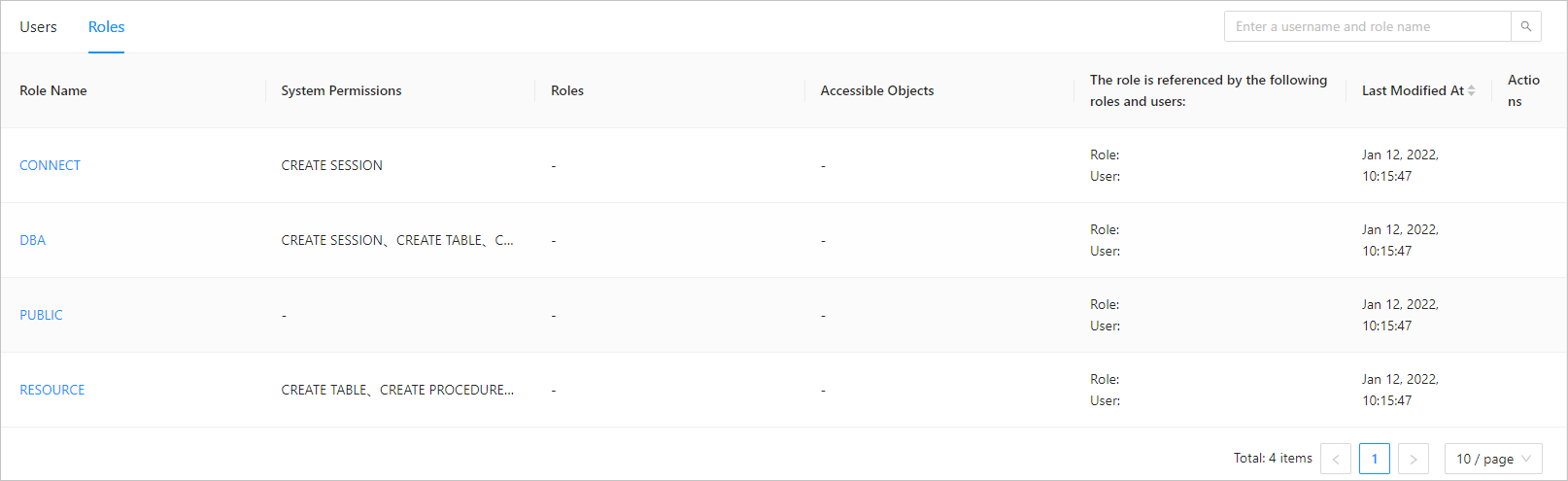
The list on the Roles tab contains the following columns: Role Name, System Privileges, Roles, Accessible Objects, Referenced By, Last Modified At, and Actions . The Actions column provides the Delete option.
Parameter |
Description |
|---|---|
| Role Name | Click the role name to go to the role management page. For more information, see Manage roles. |
| System Privileges | The privileges granted to the role. For more information about the modification of roles, see Manage roles. |
| Roles | Other roles included in the role. |
| Accessible Objects | You can add objects after the role is created. For more information, see Manage roles. |
| Referenced By | The users and roles that use the role. |
| Last Modified At | You can sort the roles by the time of the last modification. |
| Actions | You can delete roles other than the default roles. |