







This topic describes how to change the password of a user under an Oracle tenant.
Procedure
Log on to the OceanBase Cloud Platform (OCP) console. In the left-side navigation pane, click Tenants . The Tenant Overview page appears.
In the Tenants section, find the target tenant and click its name.The details page of the Oracle tenant appears.
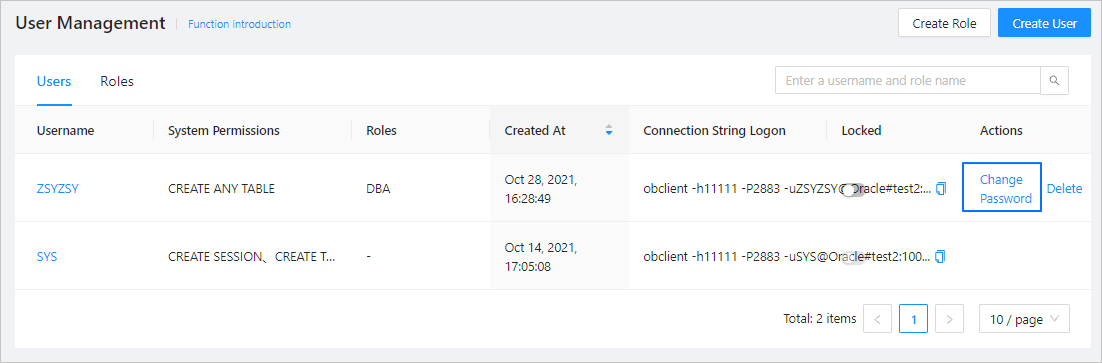
In the left-side navigation pane, click User Management .
Find the target user, and click Change Password in the Actions column.
In the dialog box that appears, enter a new password and confirm it.
Select Save to Password Box .
Click OK .