After upgrading OceanBase Cloud Platform (OCP), you must log on to the OCP console to verify whether the alert feature is working properly.
Procedure
Log on to the OCP console by using the admin account.
In the left-side navigation pane, choose Monitoring and Alerts > Alerts.
Check the alert feature.
On the Alert Rules tab, check for alert rules that are not enabled. You can enable an alert rule on the alert rule creation or editing page.
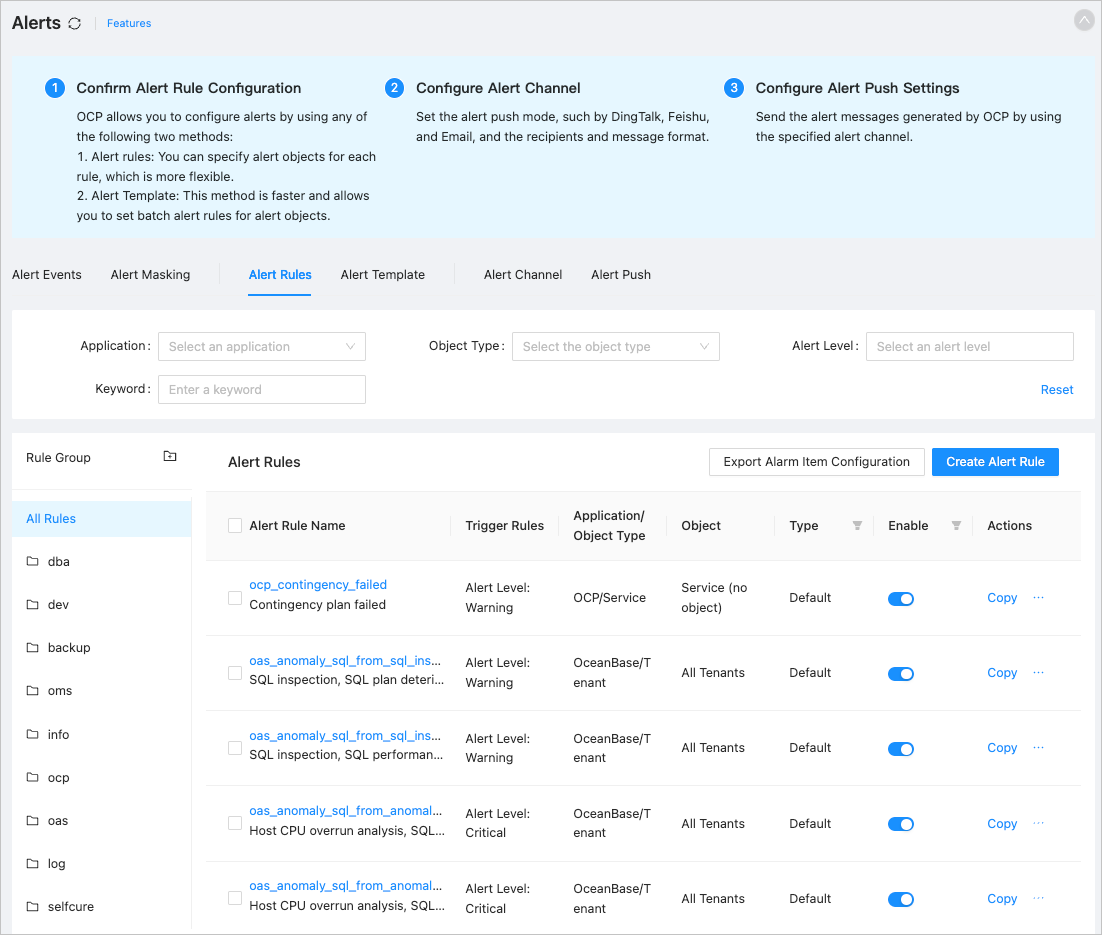
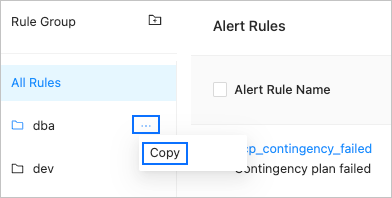
On the Alert Rules tab, find a rule group and choose Copy from the shortcut menu to check whether the rule group can be successfully copied, including the alert rules in it.
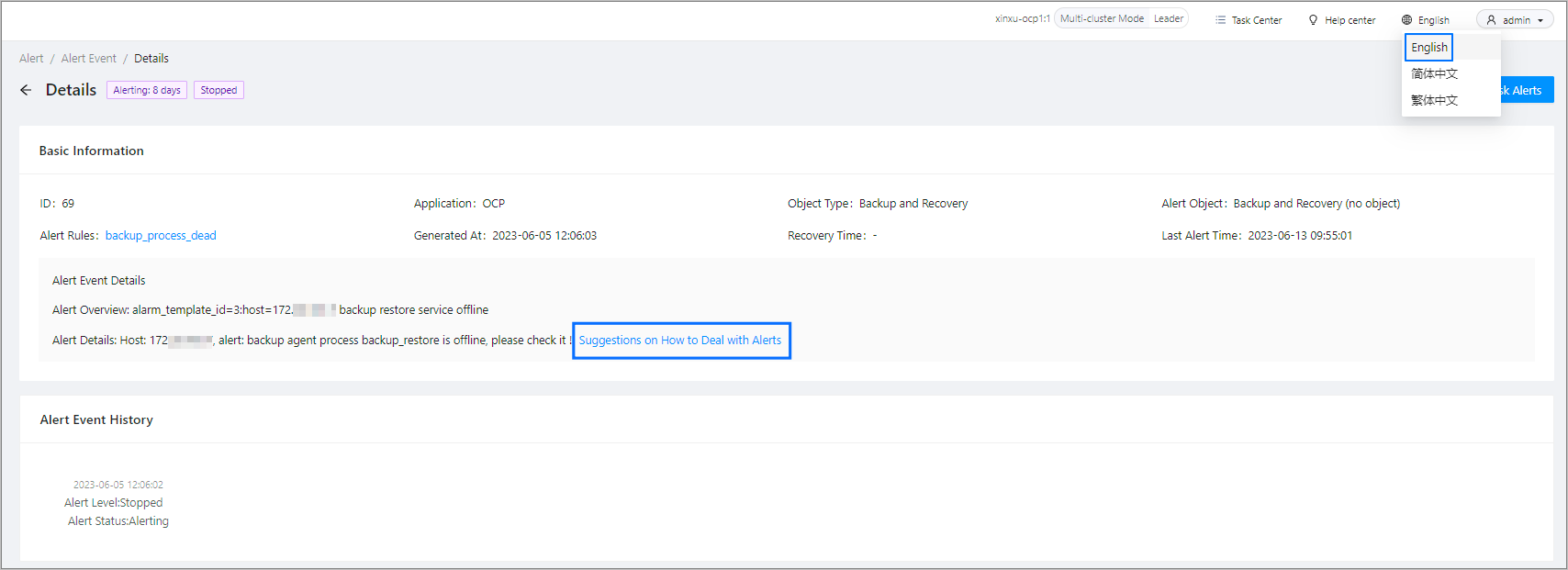
On the Alert Events tab, click an alert event to go to the Details page. Check whether the alert event information is properly displayed and whether the link for alert event suggestions is working properly.