







This topic describes how to delete an inspection rule.
Prerequisite
You have the permission to delete rules. For more information about how to add permissions, see Manage roles.
Procedure
Log on to the OCP console. In the left-side navigation pane, choose System Management > Inspection .
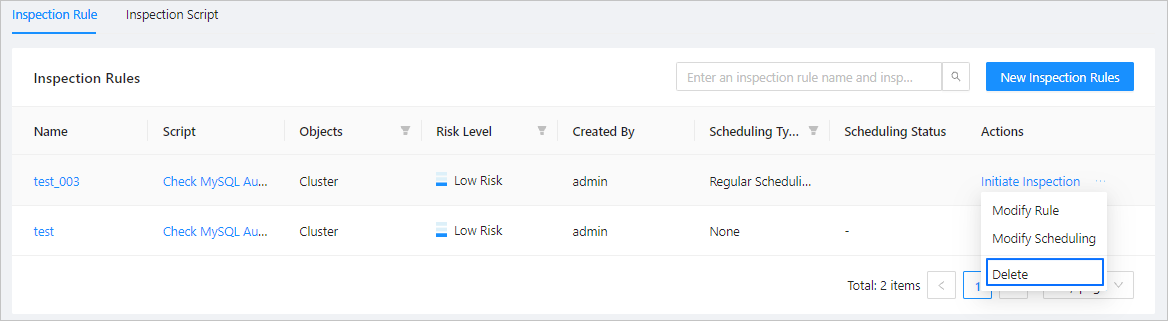
Find the inspection rule to delete in the list, and then click Delete in the Actions column.
In the dialog box that appears, click OK . In the inspection rules list, the rule is deleted.