After you create an alert subscription, the system will push you the alerts that you subscribed to.
Prerequisites
You have created one or more alert items. For more information, see Create an alert item.
Procedure
Log on to the OceanBase Cloud Platform (OCP) console.
In the left-side navigation pane, choose System Management > Alerts .
Click Alert Subscription in the upper-right corner.
On the Subscriptions tab, click Create Subscription .
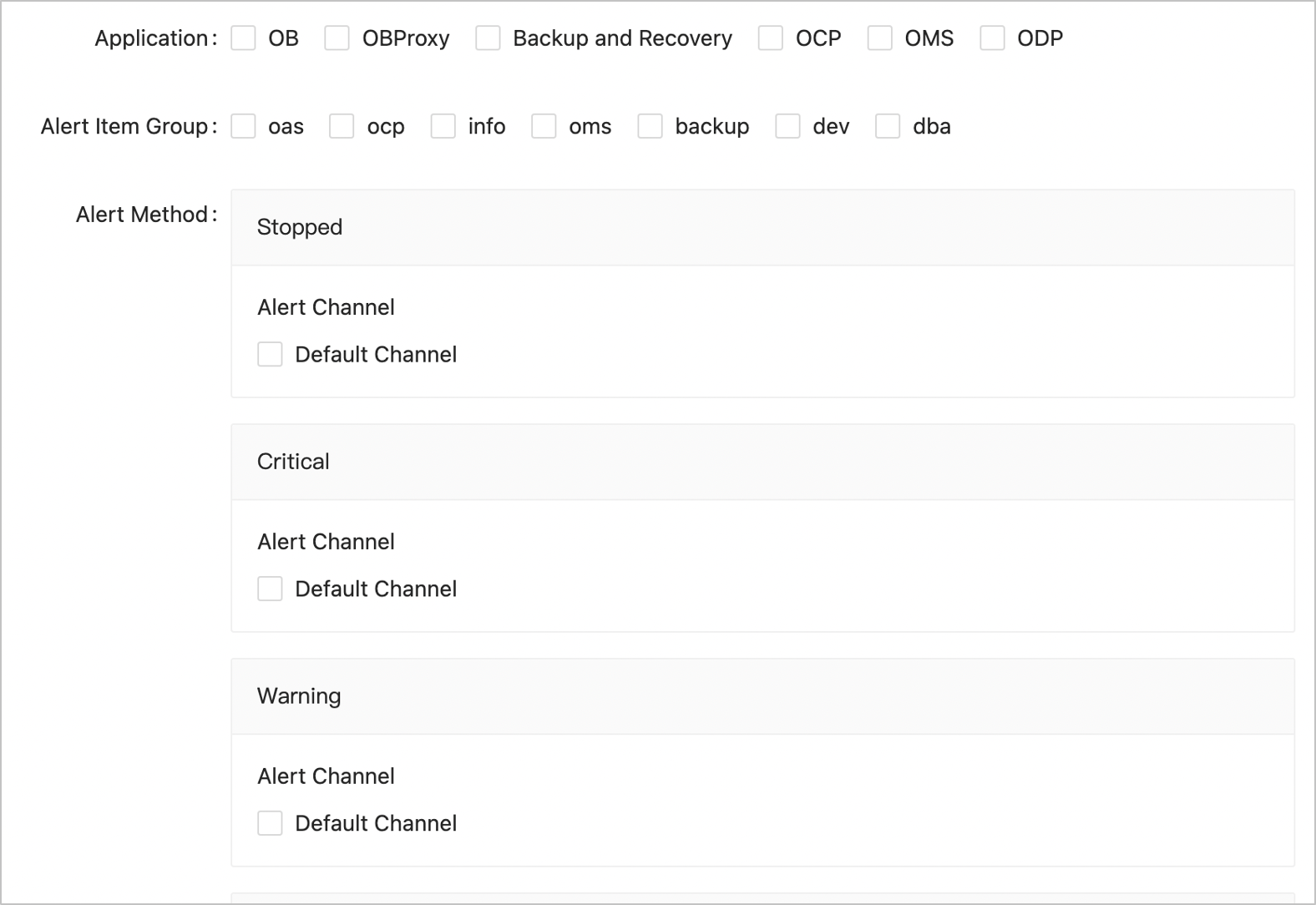
Configure the subscription parameters on the Create Subscription dialog box.
ParameterDescriptionApplication The source of the alerts that you subscribe to. Valid values: OceanBase Cluster, OBProxy Cluster, Backup and Recovery, OCP, OMS, and ODP. Cluster If you select a cluster for Application , you must select a cluster to subscribe to. Alert Item Group Select an alert item group to subscribe to. Make sure you have added the alert items of interest to an alert item group. For more information, see Alert item groups. - ocp: the alert items of basic modules in OCP, such as host alert items.
- info: reminder information, such as the reminders of the results of O&M operations.
- oms: the alert items intended for OMS application administrators to keep an eye on.
- backup: the alert items intended for backup and recovery administrators to keep an eye on.
- dev: the alert items intended for developers to keep an eye on.
- dba: Alert items intended for database administrators to keep an eye on.
Alert Method Select an alert channel next to an alert level. Group message channels are not supported for subscriptions. You must specify at least one alert level.