







This topic describes how to edit an existing alert blocking condition.
Prerequisites
You have created one or more blocking conditions. For more information, see Create a blocking condition.
Procedure
Log on to the OceanBase Cloud Platform (OCP) console.
In the left-side navigation pane, choose System Management > Alerts .
Enter search criteria on the Alert Blocking tab. Alerts that meet the search criteria are displayed in the Blocking Condition list.
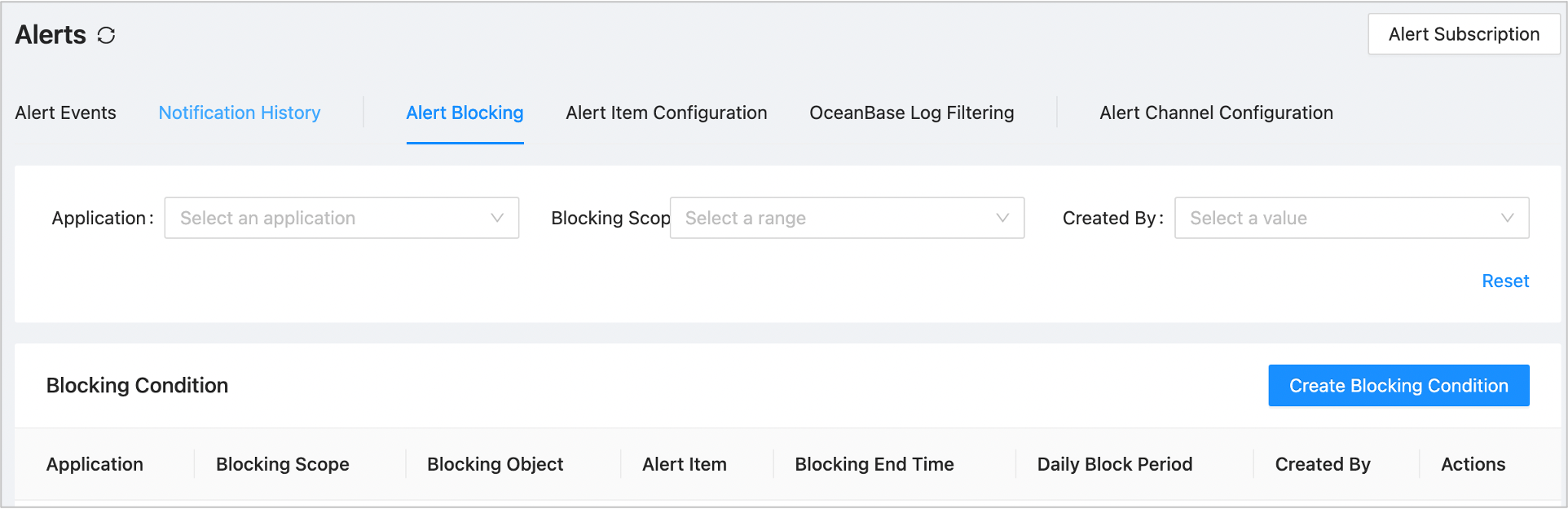
In the Blocking Condition list, find the condition that you want to edit and click Edit in the Actions column.
The Edit Blocking Condition dialog box appears.
Edit the parameters of the blocking condition. For more information, see Create a blocking condition.
Click OK .