







The Notification History tab displays notifications in the last 90 days. Earlier notifications are automatically archived.
Procedure
Log on to the OceanBase Cloud Platform (OCP) console.
In the left-side navigation pane, choose System Management > Alerts .
Click Notification History to go to the corresponding tab.
Expand the search section and specify the search criteria.
For example, to query the notifications of Critical alerts on all OCP servers, you can set the search criteria as indicated in the following figure.
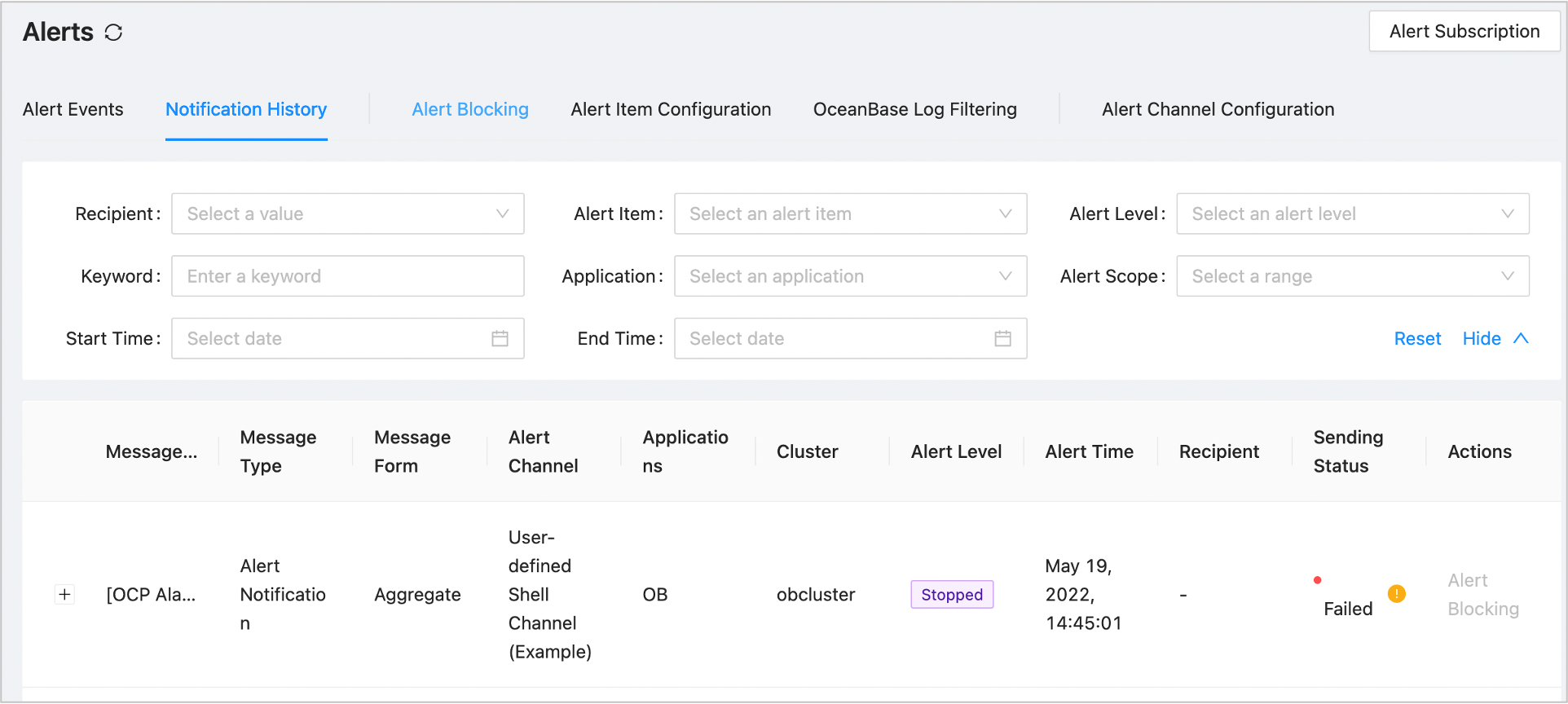
The system returns all the historical alert notifications that match the criteria in the list under the search section.