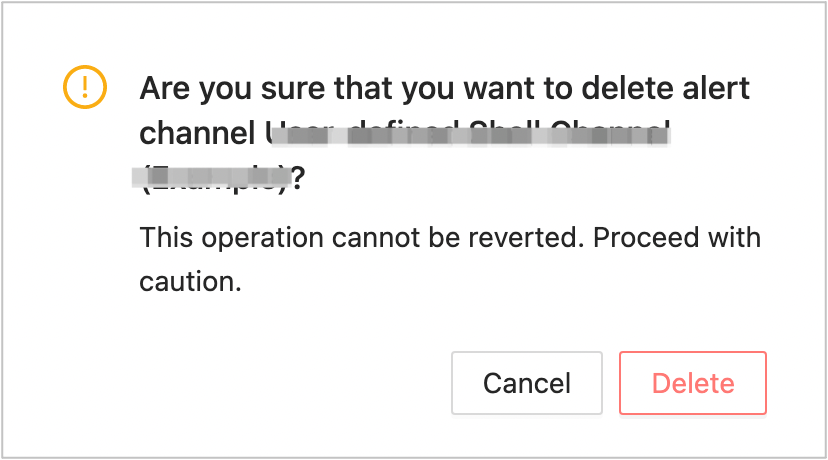
You can delete a custom alert channel as an administrator based on your needs.
Prerequisites
The logged-on user has administrator permissions.
You have created one or more alert channels. For more information, see Create an alert channel.
Procedure
Log on to the OCP console.
In the left-side navigation pane, choose System Management > Alerts .
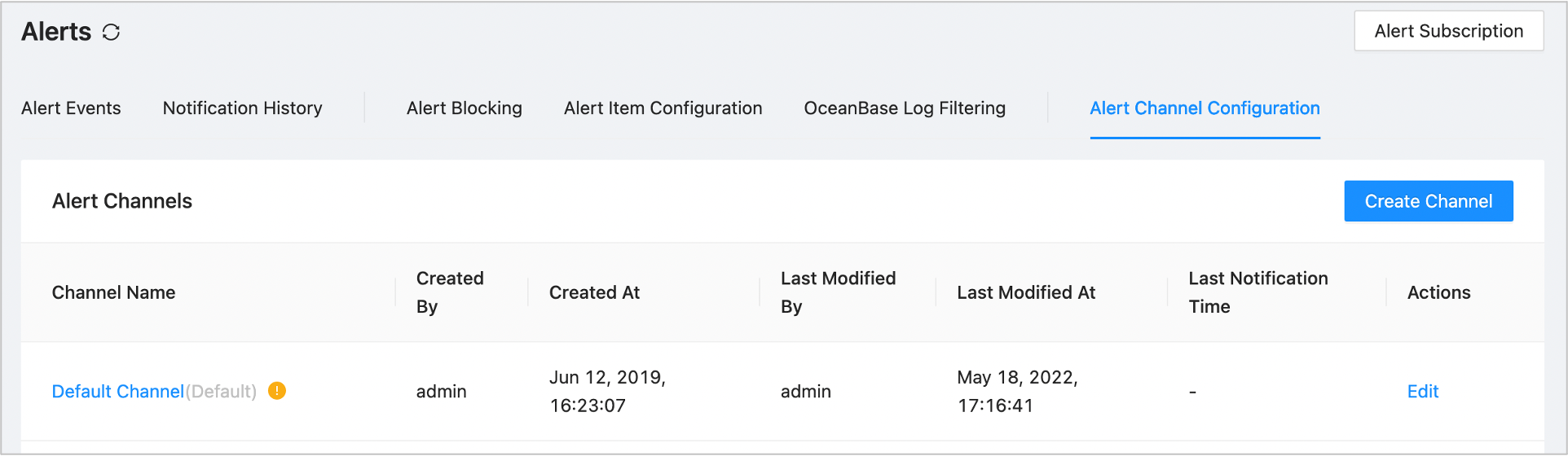
On the Alert Channel Configuration page, find the channel you want to delete.
Click Delete in the Actions column corresponding to the channel.
In the dialog box that appears, click Yes .
Notice
A deleted channel cannot be recovered. Proceed with caution.