







This topic describes how to log out the current user.
Procedure
Log in to the console of OceanBase Migration Service (OMS).
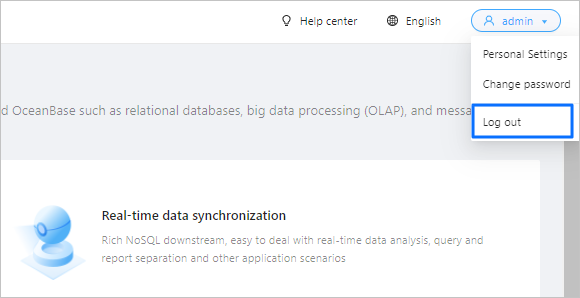
In the upper-right corner of the OMS console, click the username and choose Log Off.
In the dialog box that appears, click OK.