







This topic describes how to replace an OBServer.
Procedure
Log on to the OceanBase Cloud Platform (OCP) console.
On the Cluster page, find the target cluster in the Clusters list and click the cluster name. The Cluster Details page appears.
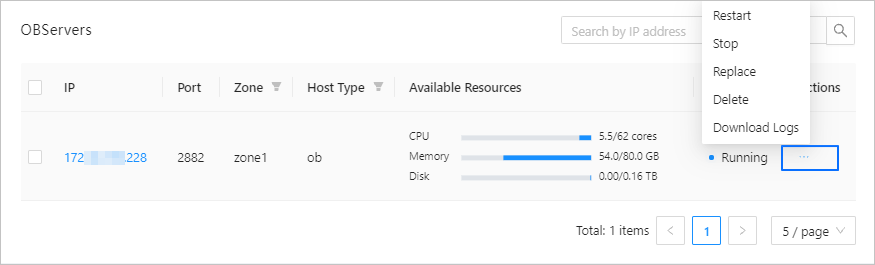
In the OBServers list, locate the row that contains the target OBServer, and click Replace in the Actions column.
In the dialog box that appears, select a new host and click Replace .
Note
You can select only a host that matches the hardware architecture of the current cluster.