







After you log on to the OceanBase Cloud Platform (OCP) console for the first time, you need to change your password to prevent account leakage.
Background
To ensure account security, we recommend that you change your logon password periodically.
Procedure
In the upper-right corner of the OCP console, click the username and select Change Password .
In the Change Password dialog box, enter the current password and a new password, then confirm the new password.
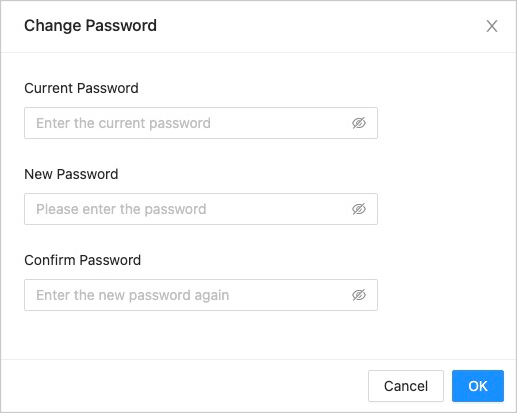
The password must be 8 to 32 characters in length, and contain at least two uppercase letters, two lowercase letters, two digits, and two special characters. The supported special characters are ~ ! @ # % ^ & * _ - + = ` | ( ) { } [ ] : ; ' , . ? /
Click OK .