This topic describes how to deploy and log in to Web ODC.
Note
For more information about the environment requirements, see Limitations.
Deploy single-node Web ODC
Apply for a tenant in MySQL compatible mode of OceanBase Database. Allocate 2 CPU cores and 8 GB of memory to the tenant. You can name the tenant as you like. Example: The cluster name of the tenant is
odc_clusterand the tenant name isodc_tenant.Create a database and a user under the tenant as the ODC metabase. You can set the username, password, and metabase name as you like. Example: The metabase name is
odc_metadband both the database username and password areobodc.Record the name, username, password, tenant name, and cluster name of the metabase, which are required when you deploy ODC.
Configure the deployment environment for the single-node Web ODC node based on the number of ODC users.
Number of ODC usersServer typeServer quantityMinimum functional configurationMinimum performance configuration20 ODC Docker server 1 2 CPU cores and 4 GB of memory 4 CPU cores and 16 GB of memory For more information about how to install and run the Docker container, see Use bind mounts.
Contact OceanBase Technical Support to obtain the ODC image.
Notice
- The images of ODC V4.2.0 and later versions have been published to Docker Hub. If your local device running ODC can access Docker Hub, you can directly start ODC Docker without downloading the image. For details, see Step 7 to load the image.
- If Docker Hub cannot be accessed directly, you still need to download and load the image file.
After obtaining the image file on the host, run the following statement in the command line tool to load the image:
Syntax:
gunzip -c obodc-{$version}.tar.gz | docker loadExample:
#!/usr/bin/env bash
docker run -v /var/log/odc:/opt/odc/log   -v /var/data/odc:/opt/odc/data \
-d -i --net host --cpu-period 100000 --cpu-quota 400000 --memory 8G --name "obodc" \
-e "DATABASE_HOST=xxx.xx.xx.xx" \
-e "DATABASE_PORT=60805" \
-e "DATABASE_USERNAME=[username]@[tenant name]#[cluster name]" \
-e "DATABASE_PASSWORD=******" \
-e "DATABASE_NAME=odc_metadb" \
-e "ODC_ADMIN_INITIAL_PASSWORD=******" \
oceanbase/odc:4.2.2
The following table describes the parameters in the preceding example.
ParameterDescription-v - Maps the
/var/log/odcdirectory on the host to the/opt/odc/logdirectory in the ODC container./var/log/odcis a directory on the host. If it does not exist, run themkdir -p /var/log/odccommand to create it. - Mounts the
/var/data/odcdirectory on the host to the/opt/odc/datadirectory in the ODC container./var/data/odcis a directory on the host. You can customize it. If it does not exist, run themkdir -p /var/data/odccommand to create it.
--net Specifies the network configuration of the container. If you set the value of this parameter to host, the container directly uses the network of the host. You can also use the--publish(-p) parameter to configure port mapping. However, in some cases, the container may fail to start because of incorrect DNS resolution in Docker. In this case, run the--net hostcommand to start Docker.
Default port number: 8989.--cpu-period --cpu-quota ---cpu-periodspecifies the time interval for the container to reallocate CPU resources. Unit: microseconds.---cpu-quotaspecifies the maximum time that can be used to run the current container in this interval. Unit: microseconds.
cpu-quota/cpu-periodindicates the number of CPU cores that Docker can use. In the preceding example, 400000/100000=4 indicates that the container can use at most 4 CPU cores.--memory Specifies the maximum memory size of the container. --name Specifies the container name. DATABASE_HOST The IP address of the metadata database. DATABASE_PORT The port number of the metadata database.
Default port number: 8989.DATABASE_USERNAME The username of the metadata database. The username of OceanBase Database is in the db_user@tenant_name#cluster_nameformat.DATABASE_PASSWORD The password for connecting to the database. DATABASE_NAME The name of the metadata database. ODC_PROFILE_MODE The mode. Default value: alipay.ODC_ADMIN_INITIAL_PASSWORD The initial password of the ODC administrator account (admin). Notice
- In a shell environment, if a string contains special characters such as
!and$, the variable value must be enclosed in single quotation marks. For example:DATABASE_PASSWORD='11111!'. - The
ODC_ADMIN_INITIAL_PASSWORDparameter specifies the initial password of the ODC administrator account (admin). The initial password must meet the following requirements:- At least two digits.
- At least two uppercase letters.
- At least two lowercase letters.
- At least two special characters, which can be . _ + @ # $ %.
- No spaces or other special characters, and the length is between 8 and 32.
- Maps the
Log in to Web ODC
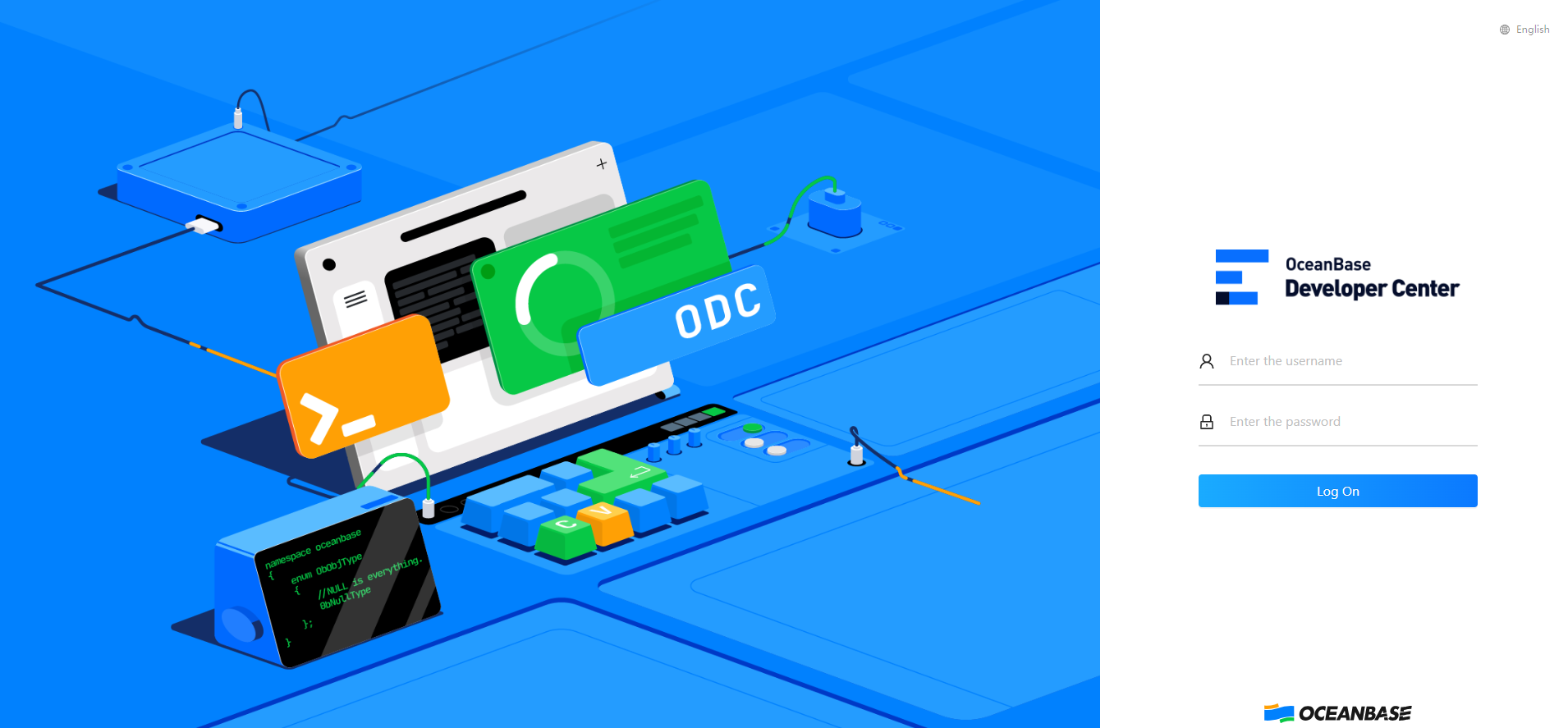
Open the browser, enter the endpoint of Web ODC, and press Enter.
Enter the account and password to log in to Web ODC.
Note
You can also use SSO integration to automatically maintain account information. For more information, see Configure SSO.
Select the target workspace.
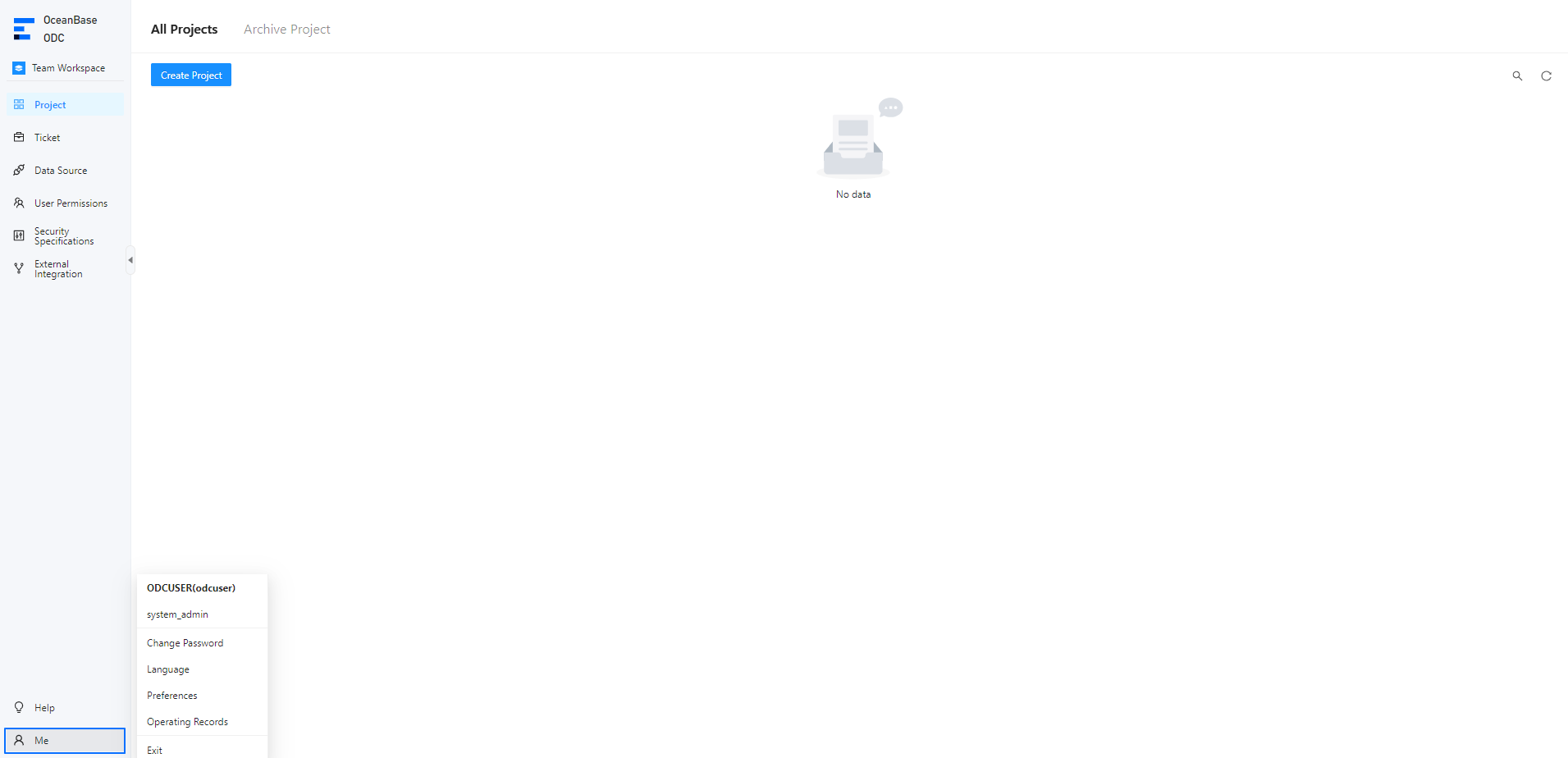
Log in to ODC and go to the connection management page. Click My in the lower-left corner of the navigation bar. The account name is displayed. Click Exit in the drop-down menu to return to the ODC logon page. You can log in to ODC with another account.