Symptom
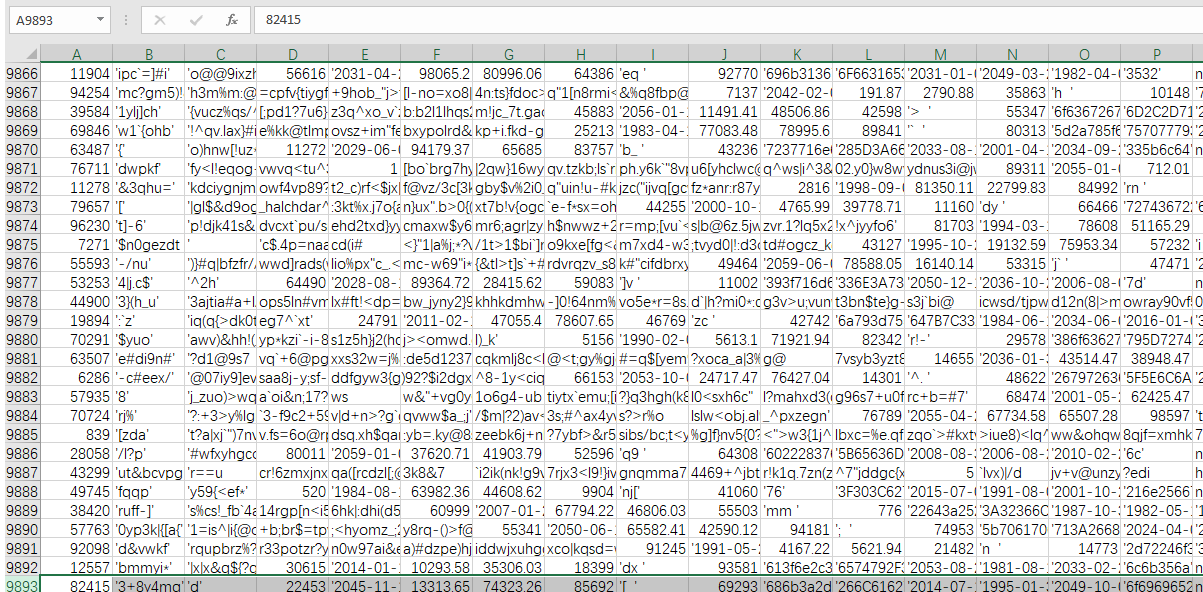
After a result set is exported to a CSV file, the file that is opened in Excel contains mismatched columns or an incorrect number of rows. For example, the result set contains 10,000 rows of data, while the CSV file opened in Excel contains only 9,893 rows of data.
Exported CSV file.
Exported CSV file opened in Excel.
Possible causes
The result set is exported to a non-standard CSV format. As a result, Excel cannot correctly recognize the file.
Solutions
Solution 1
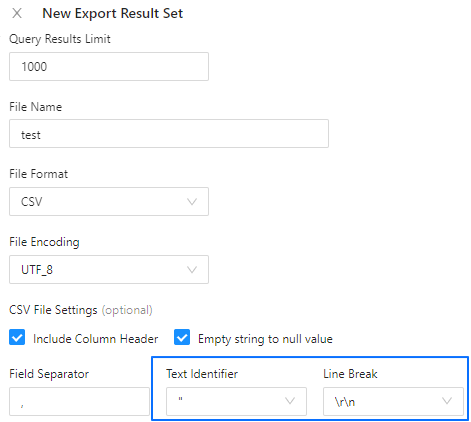
When exporting a CSV file, set the text identifier to '' and the line break to \r\n. Excel can correctly recognize CSV files in this format.
Solution 2
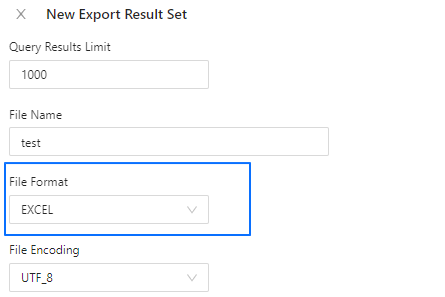
Export the result set to an Excel file.