







Background
In personal development scenarios, you can also use the ODC client. The ODC client supports Windows and Mac operating systems. Compared with Web ODC, the ODC client provides only the complete features related to SQL development, and does not support control and collaboration features.
Installation environment requirements
Item |
Requirement |
|---|---|
| Operating system (OS) |
|
| Java environment | JDK 1.8.0_242 or later
NoteFor ODC V3.2.0 and later versions, the JRE installation package (both for MacOS and 64-bit Windows) is included in the ODC client installation package. We recommend that you use the JRE installation package within the installation package of the ODC client. |
| CPU | 64-bit x86 processor, dual core or above |
| Memory | 4 GB or more |
Install Client ODC
Windows
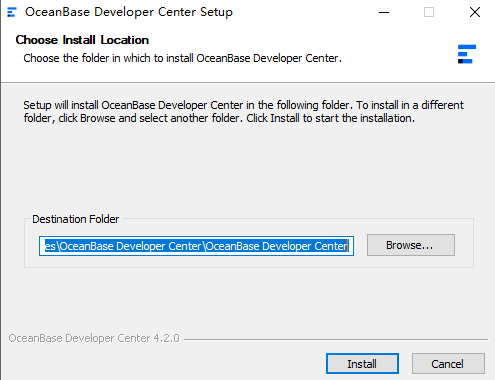
Double-click the installation file you downloaded to start the installation.
After the installation wizard starts, select an installation path and click Install.
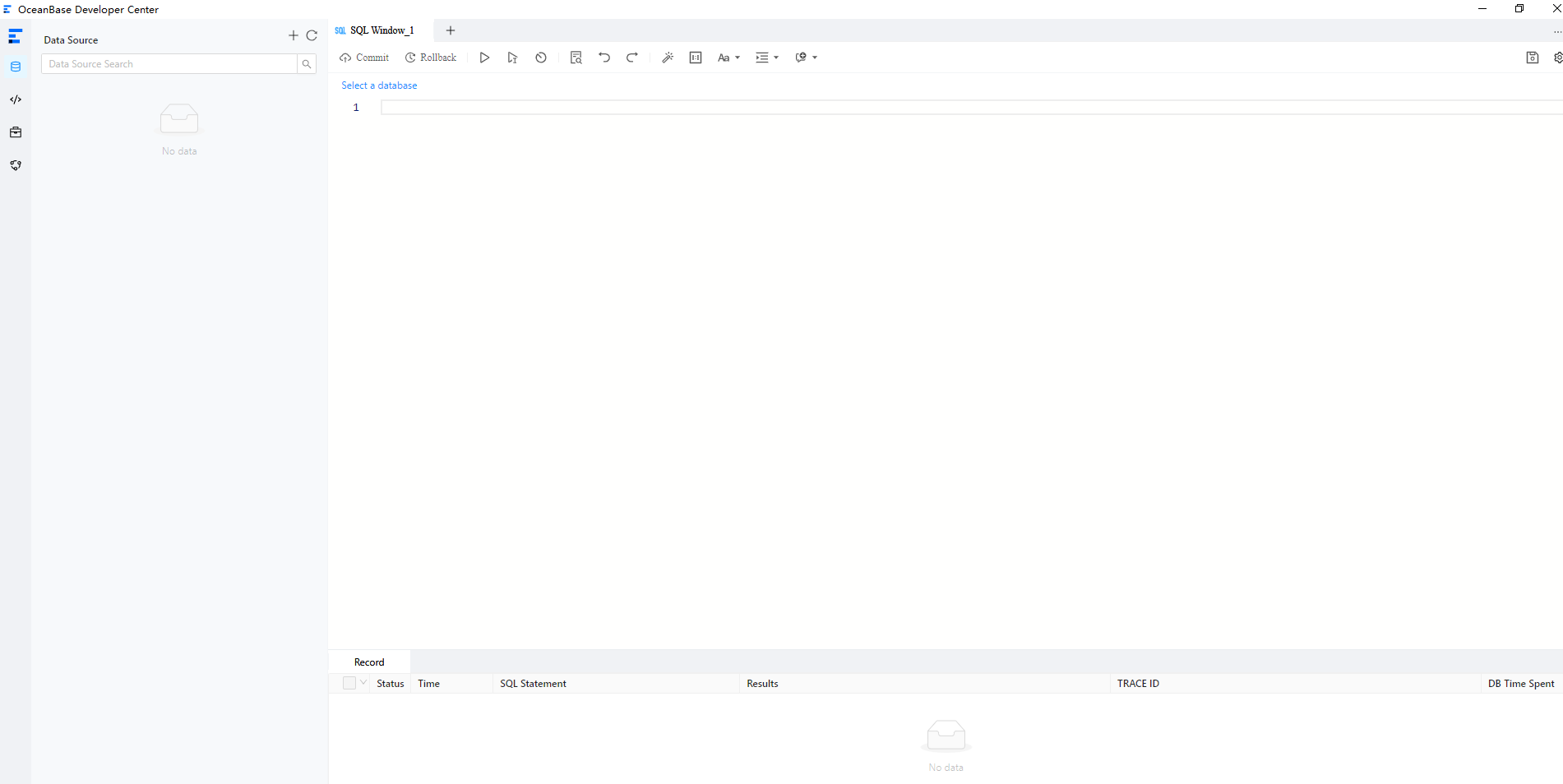
After the installation is completed, start the ODC client.
Note
The program checks the environment when it starts. If the environment does not meet the requirements, an error message is displayed, prompting you to continue to start the application or close the process and repair the environment. If the environment meets the requirements, the application starts normally. You can then log on to the ODC client and create a data source.
MacOS
Drag OceanBase Developer Center to Applications.
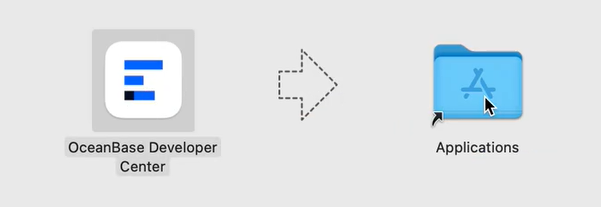
After the installation is completed, start the ODC client.
Note
The program checks the environment when it starts. If the environment does not meet the requirements, an error message is displayed, prompting you to continue to start the application or close the process and repair the environment. If the environment meets the requirements, the application starts normally. You can then log on to the ODC client and create a data source.