







The OceanBase Developer Center (ODC) client focuses on database development tool capabilities and supports Windows, Mac, and Linux operating systems. It is lightweight and easy to deploy. This chapter describes how to get started with the ODC client.
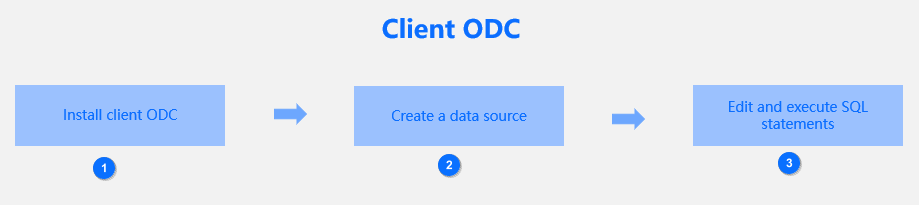
The following process helps you understand and quickly get started with the ODC client.
Step |
Operation |
Description |
|---|---|---|
| 1 | Install client ODC | Download the ODC client for database management. |
| 2 | Create a data source | Connect an OceanBase database or MySQL database to ODC and edit and manage the database objects and resources. |
| 3 | Edit and execute SQL statements | Edit and execute SQL statements in the SQL window of ODC. |
After completing the preceding steps, you can use the ODC client to develop and manage your OceanBase databases.