







Symptom
The Connection refused error is returned for a connection trial or test.
The following error message is returned:
Failed to execute the SQL statement. Error details: Could not connect to address=(host=some.domain.com)(port=2883)(type=master) : Socket fail to connect to host:some.domain.com, port:1883. Connection refused (Connection refused)
Possible causes
Connection refused indicates that the network is disconnected. Possible causes:
The destination address is unreachable.
The port of the destination address is not listened on.
The firewall policy of the target server denies the connection request from the client.
Note
For causes 1 or 2, the
HOSTorIPparameters may have been incorrectly configured.
Solutions
Use the
pingcommand to check whether the destination address is reachable. If the address cannot be pinged, the network is disconnected. In this case, contact the network administrator to check the network configuration.ping ${your.ob.ip.address}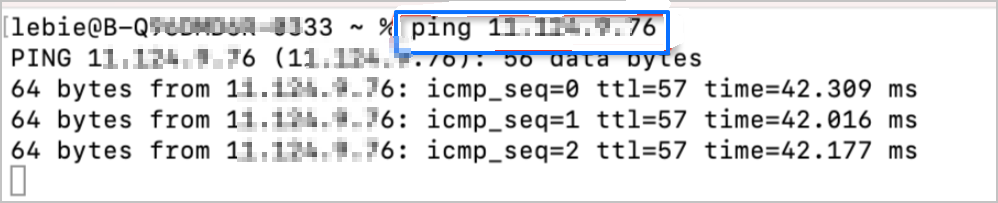
Use the
telnetcommand to check whether the destination port is listening. If thetelnetcommand fails, the destination port is unreachable.telnet ${your.ob.ip.address} ${your.ob.port}
Use the
iptablescommand to check the firewall configuration.On the target server, run the
iptables -nvLcommand to view the firewall policy. For more information about the related parameters, see: