







This topic describes how to delete a task template that is no longer in use in OceanBase Migration Service (OMS).
Procedure
Log in to the OMS console.
In the left-side navigation pane, choose O&M and Monitoring > Parameter Template. The Task Template tab automatically appears.
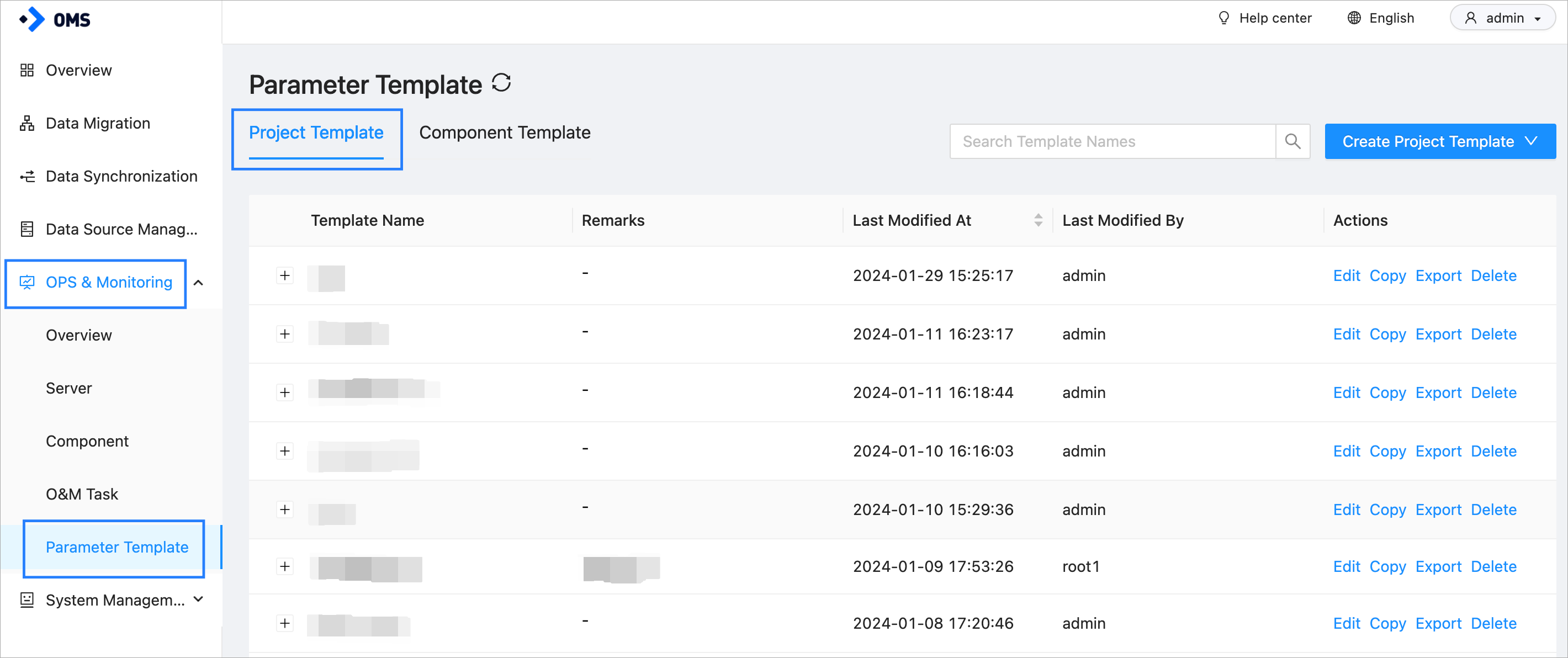
On the Task Template tab, find the task template that you want to delete, and click Delete in the Actions column.

In the message that appears, click OK.
Note
After you delete a task template, the configuration of the task template is cleared.