







This topic describes the parameter template feature of OceanBase Migration Service (OMS) and user permissions of different roles on a parameter template.
Background
Components of a task in OMS are affected by factors such as hardware devices and the business of source and destination databases. You often need to adjust task parameters to meet business requirements. However, OMS supports parameter configuration only at the task level. If you need to create multiple tasks to meet business requirements, you must repeatedly adjust parameters of those tasks.
To simplify the parameter configuration, OMS provides the parameter template feature. This way, you can define parameter configuration requirements in a parameter template, and directly use the parameter template when you create a task. The feature allows you to quickly optimize parameters and ensures stable task operation.
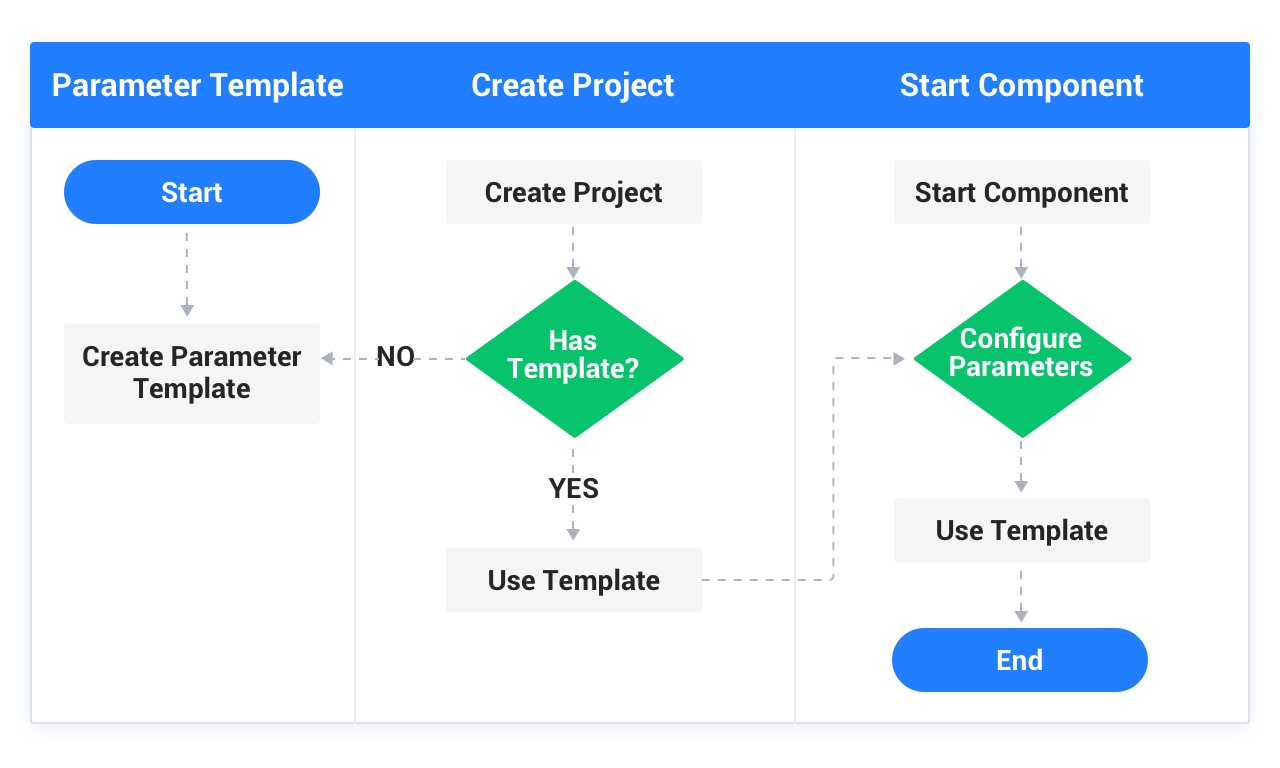
Features
Task Templates
On the Task Template tab, you can create, edit, copy, export, and delete a task template. For more information, see Create a task template.
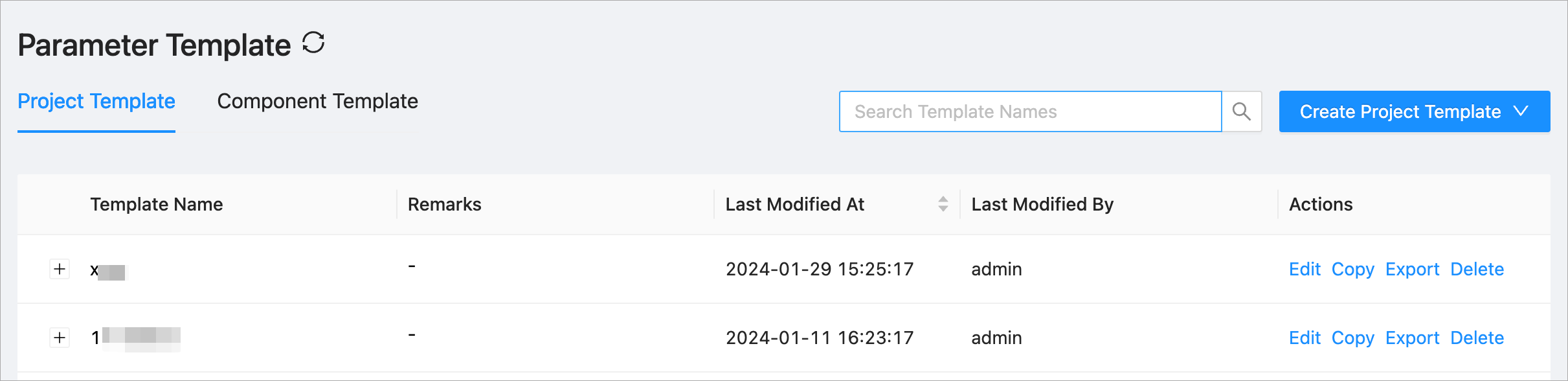
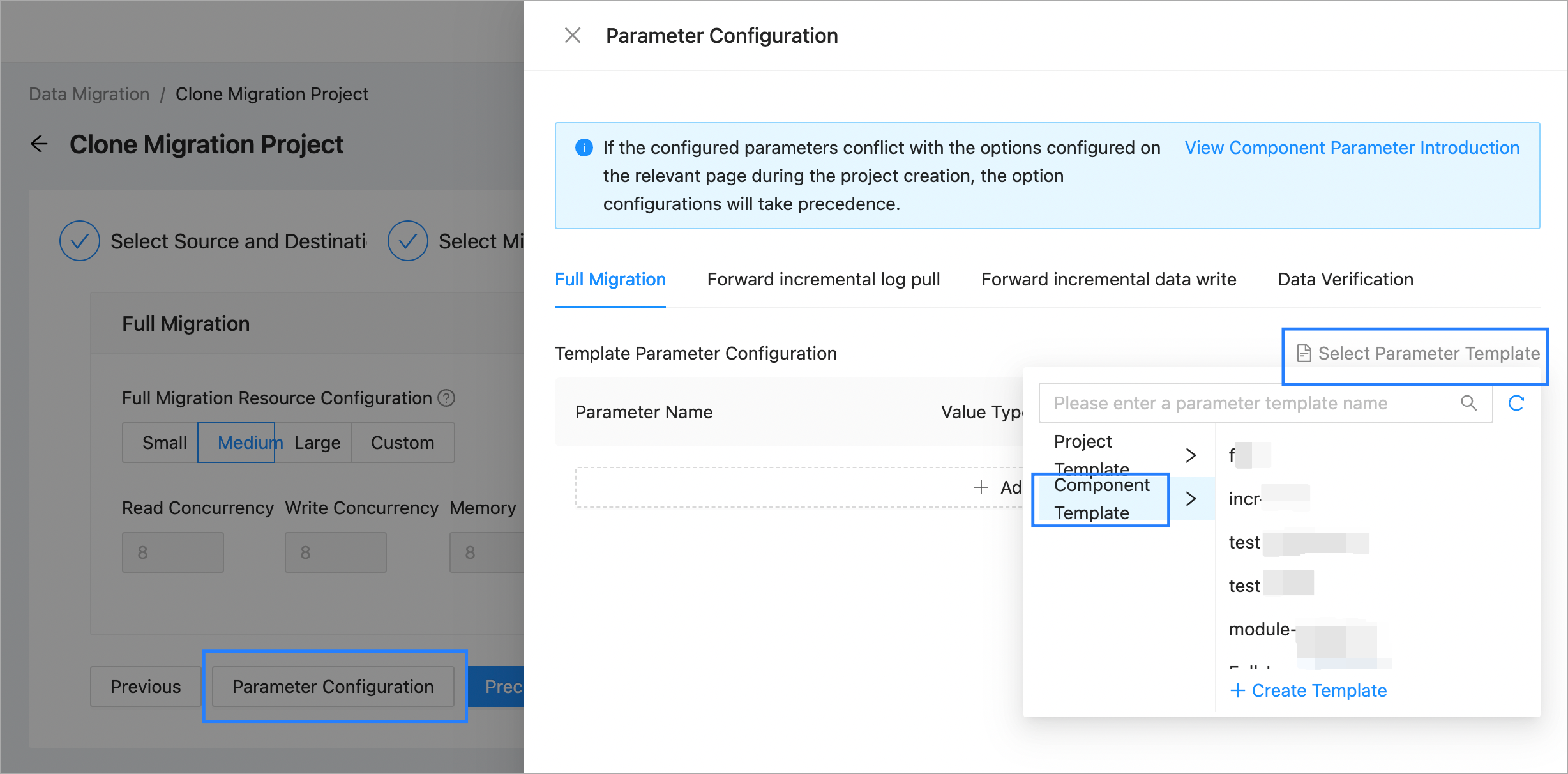
After you define task parameters in a new task template, you can use the template when you create a data migration task.
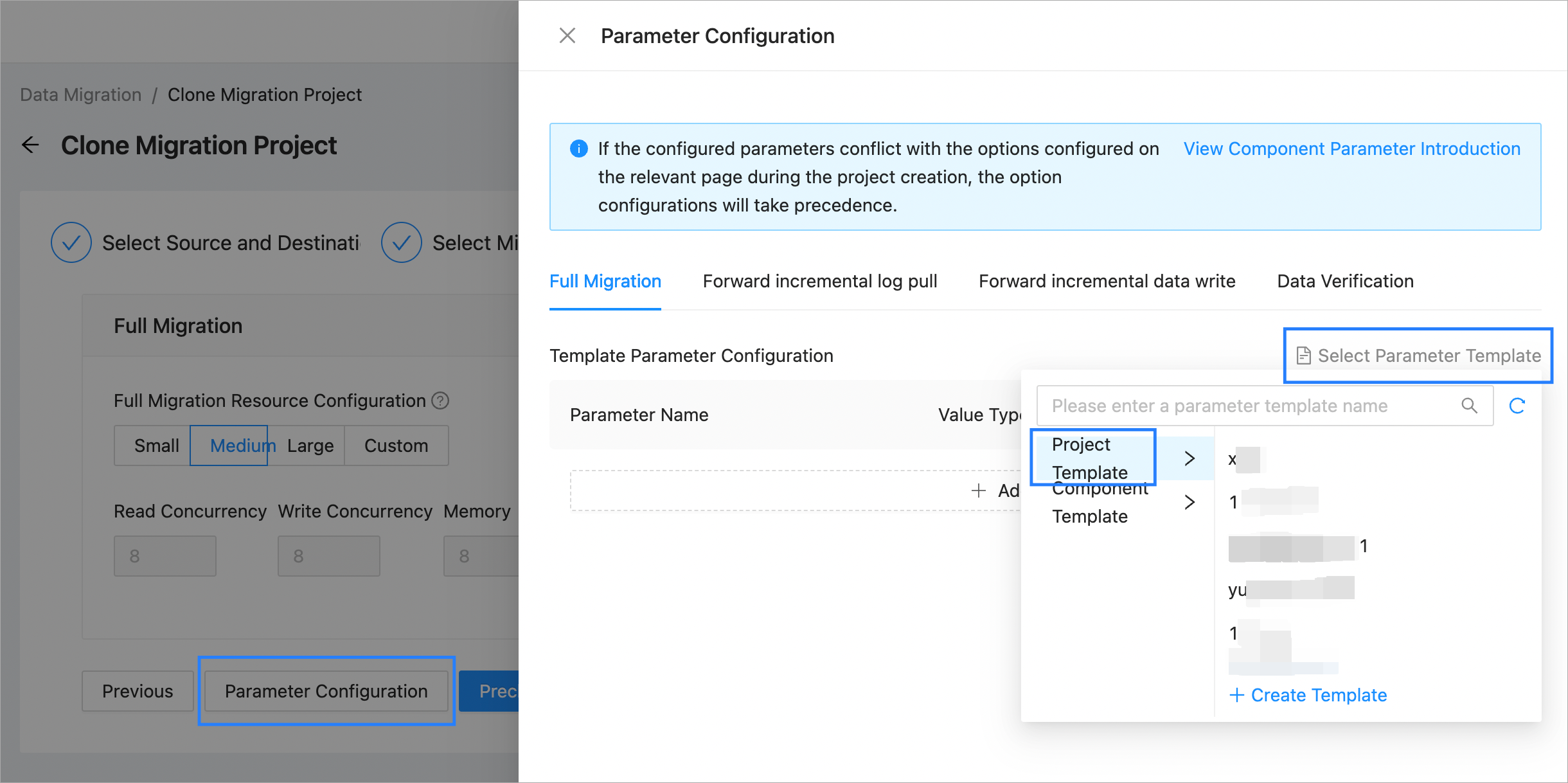
Component templates
On the Component Template tab, you can create, edit, copy, export, and delete a component template. For more information, see Create a component template.
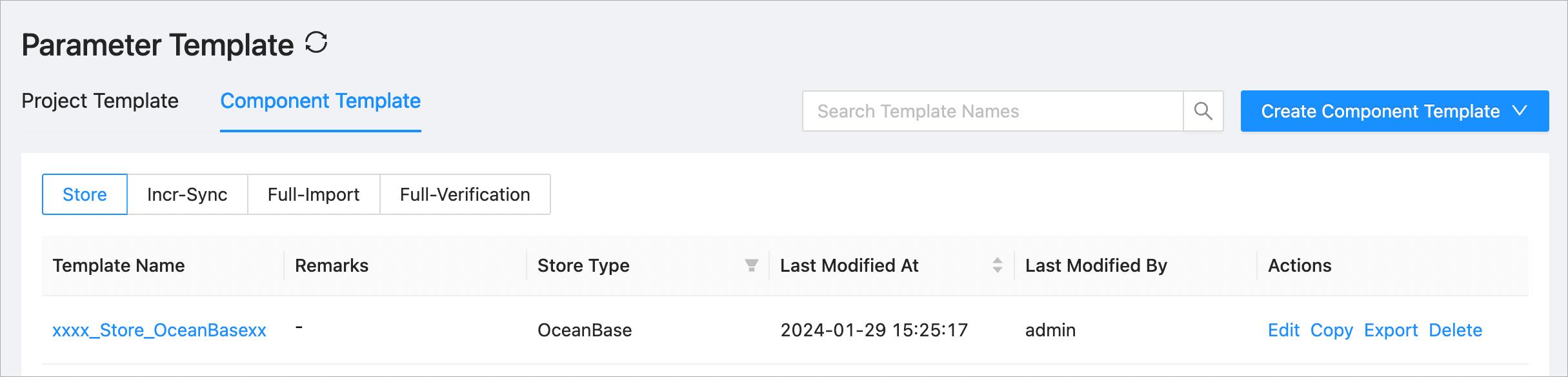
After you define component parameters in a new component template, you can use the template when you create a data migration task.
Permissions
Permissions on a parameter template depend on the creator rather than the last modifier of the template.
If your role is USER, you can view, manage, and use only templates created by you.
If your role is ADMIN of a department, you can view, manage, and use only templates created by users belonging to the department.
If your role is ADMIN-VIEWER of a department, you can view only the templates created by users belonging to the department.
If your role is ROOT, you can view, manage, and use templates created by all OMS users.
If your role is ROOT-VIEWER of a department, you can view only the templates created by all OMS users.