







This topic describes the limitations, application scenarios, and procedure for setting an incremental synchronization timestamp when you create a data migration or synchronization task.
Limitations
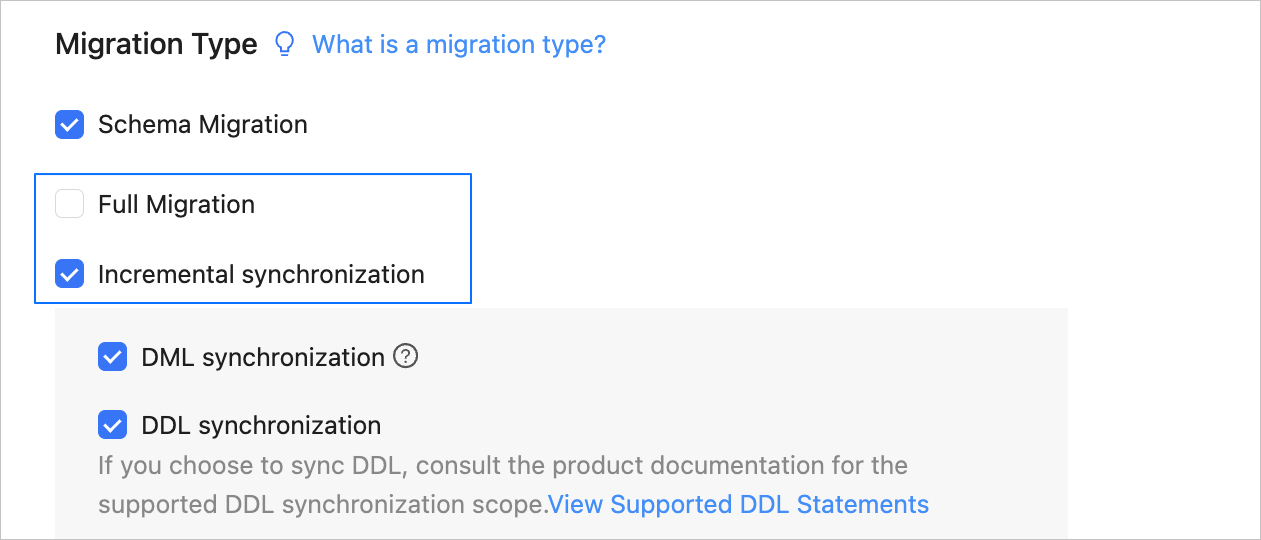
When you create a data migration or synchronization task, you can set an incremental synchronization timestamp only if you select Incremental Synchronization but not Full Migration or Full Synchronization in the Select Migration Type or Select Synchronization Type step.
The incremental synchronization timestamp must be the current time or a point in time earlier than the current time. It cannot be later than the expiration time of incremental logs in the source database.
Application scenarios
You can set an incremental synchronization timestamp in the following scenarios:
You have verified data consistency between the source and destination, and you want to create a data migration or synchronization task to obtain the incremental data generated after a specific point in time and synchronize the data to the destination.
You no longer need the historical data at the source, but want to synchronize only the incremental data generated after a specific point in time to the destination.
Procedure
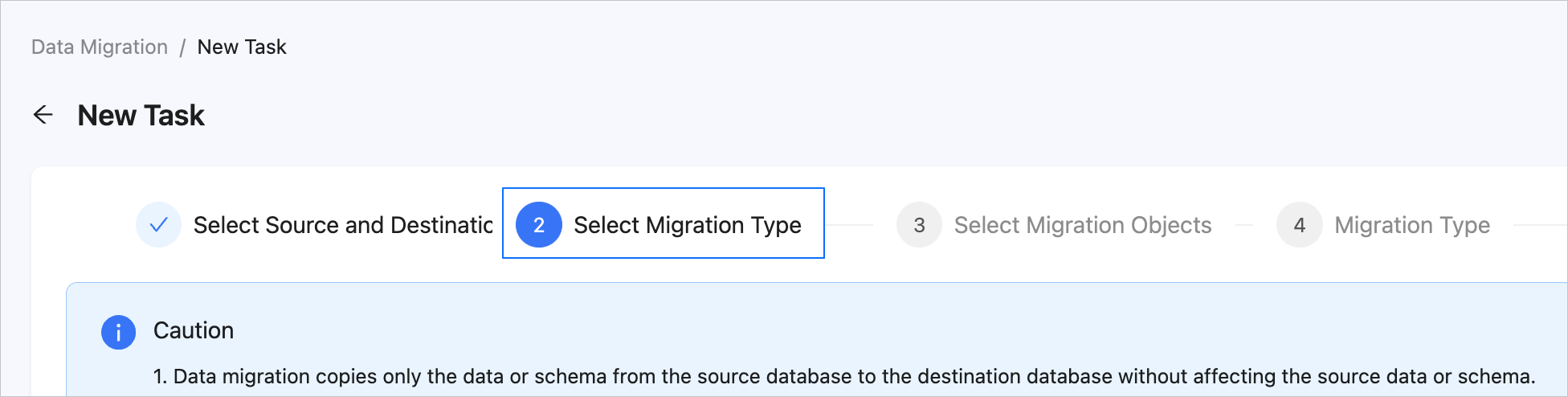
Configure the data migration or synchronization task to the Select Migration Type or Select Synchronization Type step.
For more information, see the documentation of data migration or data synchronization tasks of the corresponding type.
On the Select Migration Type or Select Synchronization Type page, select options based on your business needs. You must select Incremental Synchronization and leave Full Migration or Full Synchronization unselected.
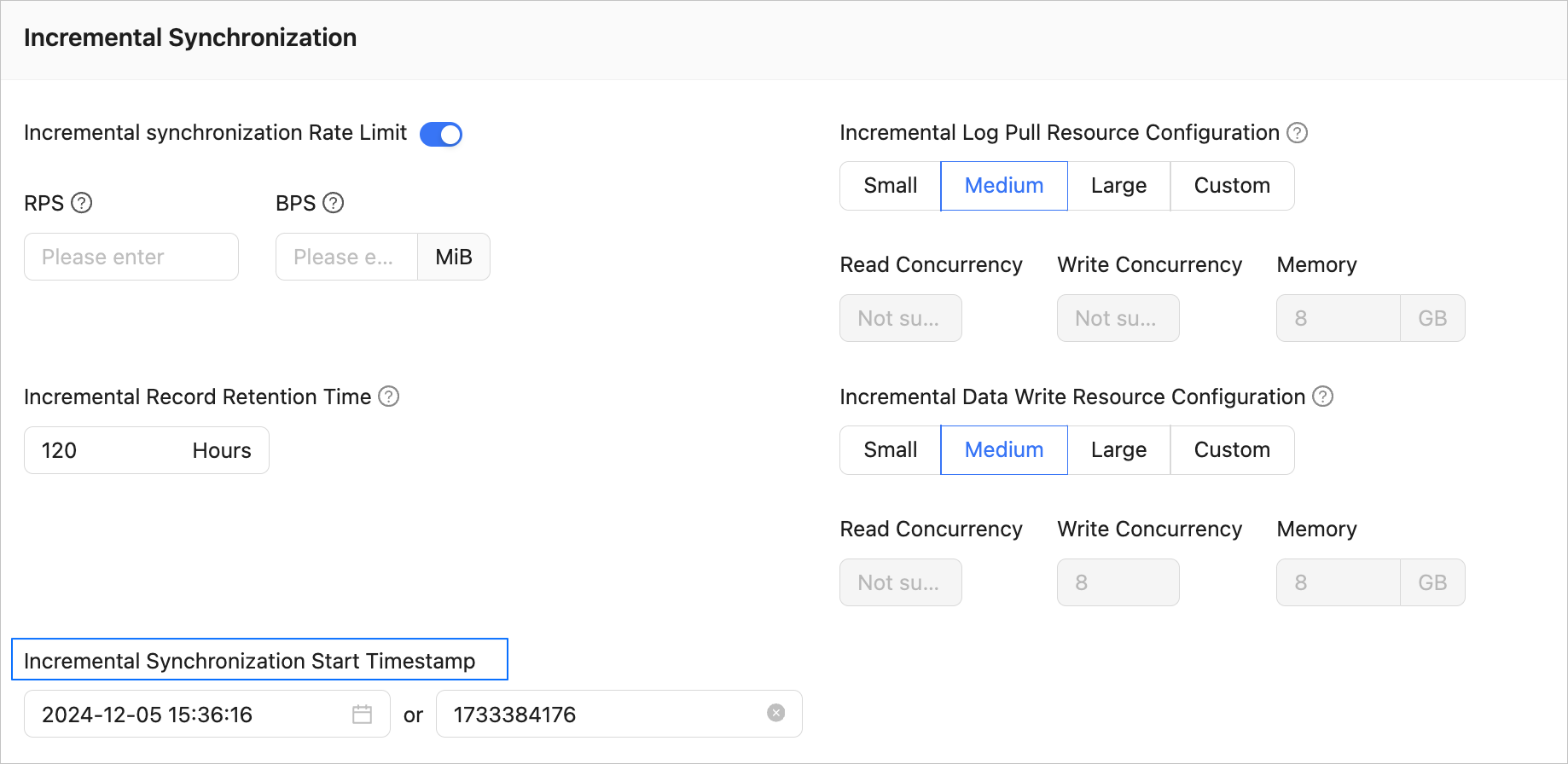
Continue to configure the task to the Migration Options or Synchronization Options step. In the Incremental Synchronization Start Timestamp section, specify a start timestamp for synchronizing incremental data. The default value is the current system time.
Note
The parameters displayed on the page vary based on the selected migration or synchronization type. This topic describes how to configure the Incremental Synchronization Start Timestamp parameter. For information about other parameters, see the "Data migration" chapter.
You can select a point in time or enter a timestamp. The timestamp is related to the retention period of incremental logs in the source database. Generally, you can start data synchronization from the current timestamp.
Click Precheck. After the precheck succeeds, start the data migration task.