







You must configure data sources before you create a data migration project. Before you start data migration, you can add a DataHub instance as the source or destination data source. This topic describes how to create a DataHub data source in OceanBase Migration Service (OMS).
Procedure
Log on to the OMS console.
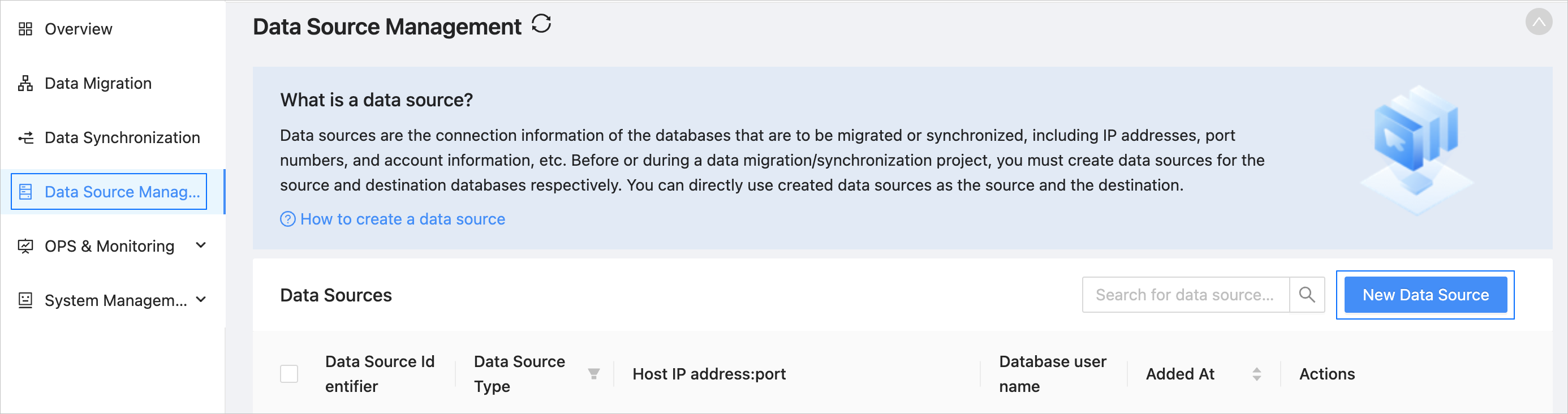
In the left-side navigation pane, click Data Source Management.
On the Data Sources page, click New Data Source in the upper-right corner.
In the New Data Source dialog box, select DataHub for Data Source Type.
Configure the following parameters.
ParameterDescriptionData Source Identifier We recommend that you set it to a combination of digits and letters. It must not contain any spaces and cannot exceed 32 characters in length.
Notice
The data source identifier must be globally unique in OMS.Region Select the region where the data source resides from the drop-down list. The region is the value that you set for the cm_regionparameter when you deploy OMS.
Notice- This parameter is displayed only when multiple regions are available.
- Make sure that the mappings between the data source and the region are consistent. Otherwise, the migration and synchronization performance can be poor.
DataHub Endpoint The information about the DataHub instance. Project The name of the DataHub instance. AccessKey The AccessKey ID that you created in the Resource Access Management (RAM) console for identity authentication. SecretKey The AccessKey secret that you created in the RAM console for identity authentication. Remarks (Optional) Additional information about the data source. Click Test Connection to test the network connection between OMS and the source database.
After the test is passed, click OK.