








On the Personal Settings page of OceanBase Developer Center (ODC), you can edit custom feature settings that take global effect.
Log on to ODC. The logged-on account name is displayed in the upper-right corner of the top navigation bar. Click the account name and select Personal Settings from the drop-down menu that appears. The Edit Personal Settings panel appears.
You can also select a connection and configure these features in the connection. The configurations take effect on the current connection. The priority of personal settings is lower than that of settings you made for each connection. In addition, the personal settings are persisted.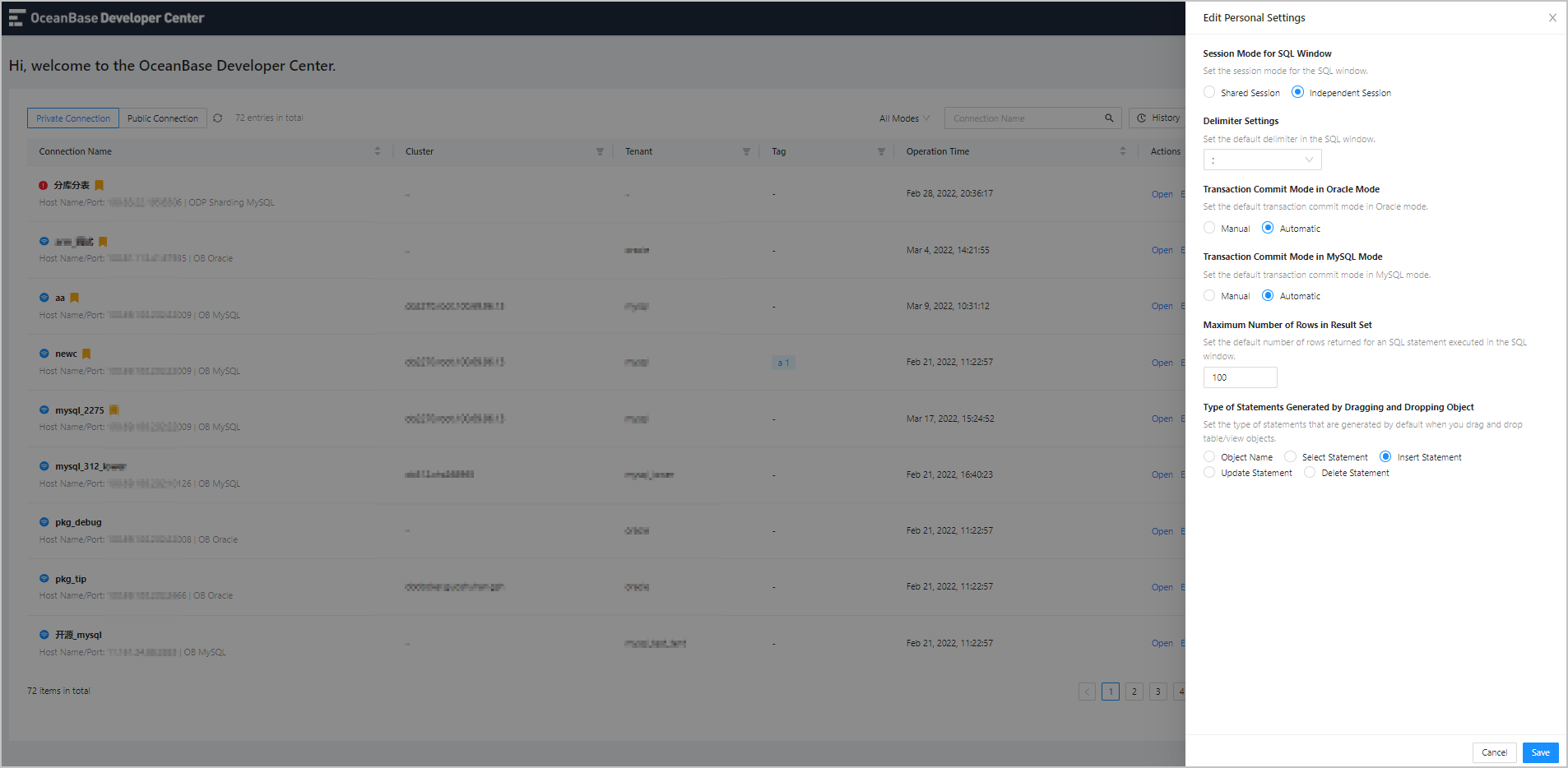
Your modifications to fields in the Edit Personal Settings panel take global effect.
| Field | Description |
|---|---|
| Delimiter Settings | Set the default delimiter for executing PL statements in the SQL window. Five types of delimiters are supported: semi-colons ( ; ), slashes ( / ), double slashes ( // ), dollar signs ( $ ), and double dollar signs ( $$ ). |
| Transaction Commit Mode in Oracle Mode | Set the default transaction commit mode in Oracle mode. Valid values: Manual and Automatic |
| Transaction Commit Mode in MySQL Mode | Set the default transaction commit mode in MySQL mode. Valid values: Manual and Automatic |
| Maximum Number of Rows in Result Set | Set the default number of rows returned for an SQL statement executed in the SQL window. |