








During logon to OceanBase Developer Center (ODC), a user is identified by a logon account. The account is needed for subsequent operations such as configuring database connections and saving SQL scripts in the workspace.
Go to the logon page of ODC, as shown in the following figure. Enter the registered account and password on the logon page and click Login to go to the ODC homepage.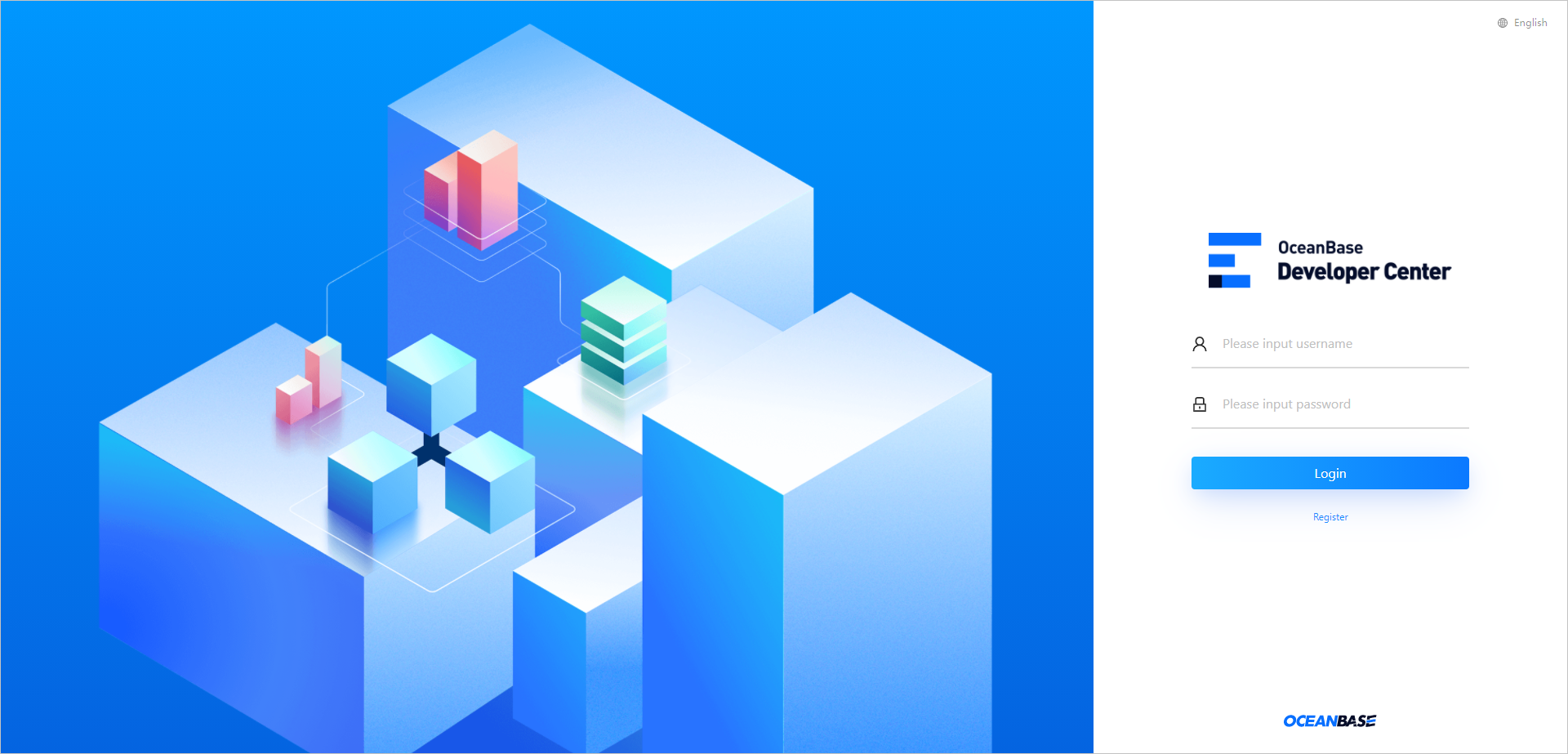
The Connections page automatically appears. The current account is displayed in the upper-right corner of the navigation bar on the top of the page. You can click the account name and select Logout from the drop-down list to return to the logon page. Then, you can log on to ODC with another account or register a new account on the logon page.