







After you add a server and perform manual settings for the server, you need to initialize the server.
Prerequisites
The server is manually set up.
Procedure
Log on to the OceanBase Admin Toolkit (OAT) console as a super administrator or an O&M engineer.
In the left-side navigation pane, choose Service Deployment > Server Management.
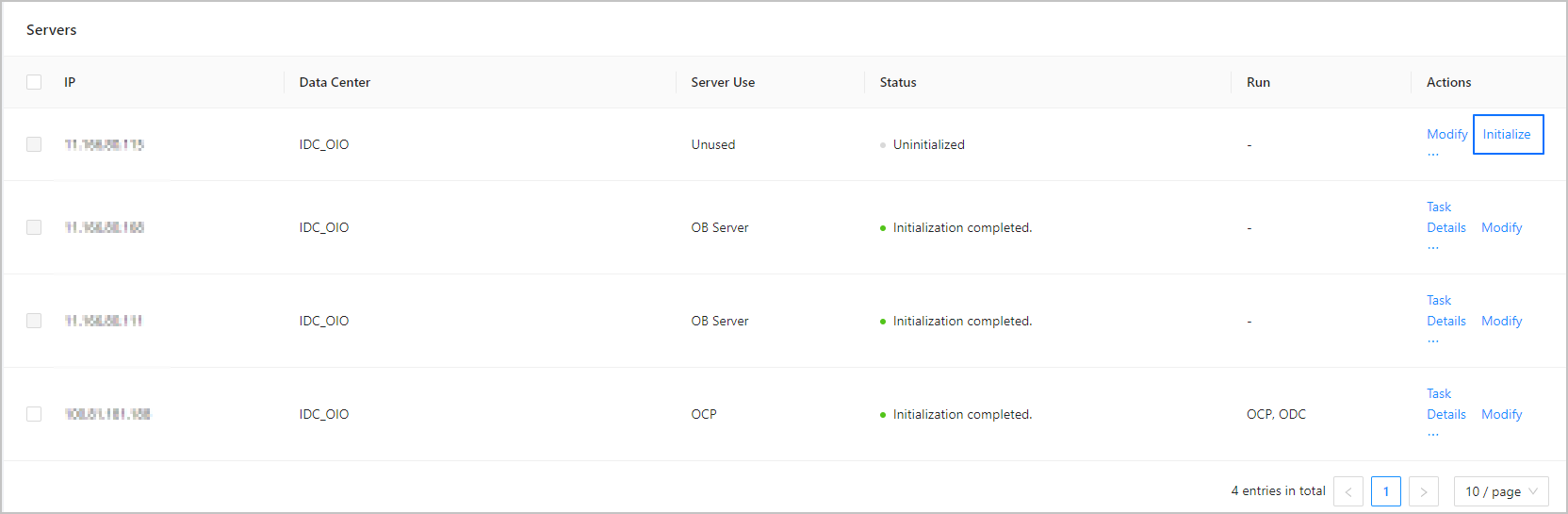
Find the target server, and click Initialize in the Actions column.
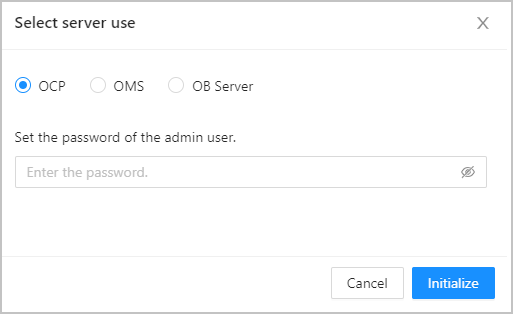
In the dialog box that appears, select OCP as the server usage, set the admin user password for the server, and then click Initialize.
In the dialog box that appears, click Completed.
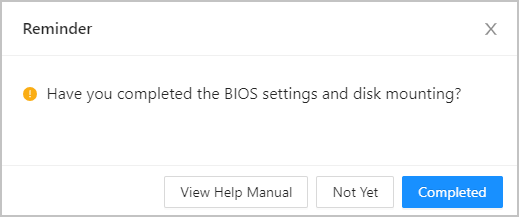
After your click Completed, the system starts to initialize the server. This means the system starts to create users, set up the operating system kernel, and install dependency packages. The system also creates a task. You can view its progress on the Task Management page.