







This topic describes how to use SQL Editor to execute query statements in OceanBase Developer Center (ODC).
Prerequisites
You have created a connection to OceanBase Database in ODC.
Procedure
Go to the ODC console, find the database connection that you created, and then click the connection to go to the database management page.
Click Workspace in the top navigation bar and select SQL Window from the drop-down menu that appears.
In the SQL Window, enter a query statement or multiple query statements separated with semicolons (;). Click Run or Run Current Statement.
The Results tabs in the lower part of the page display the results of the query statements in order. Each tab displays the results of one query statement.
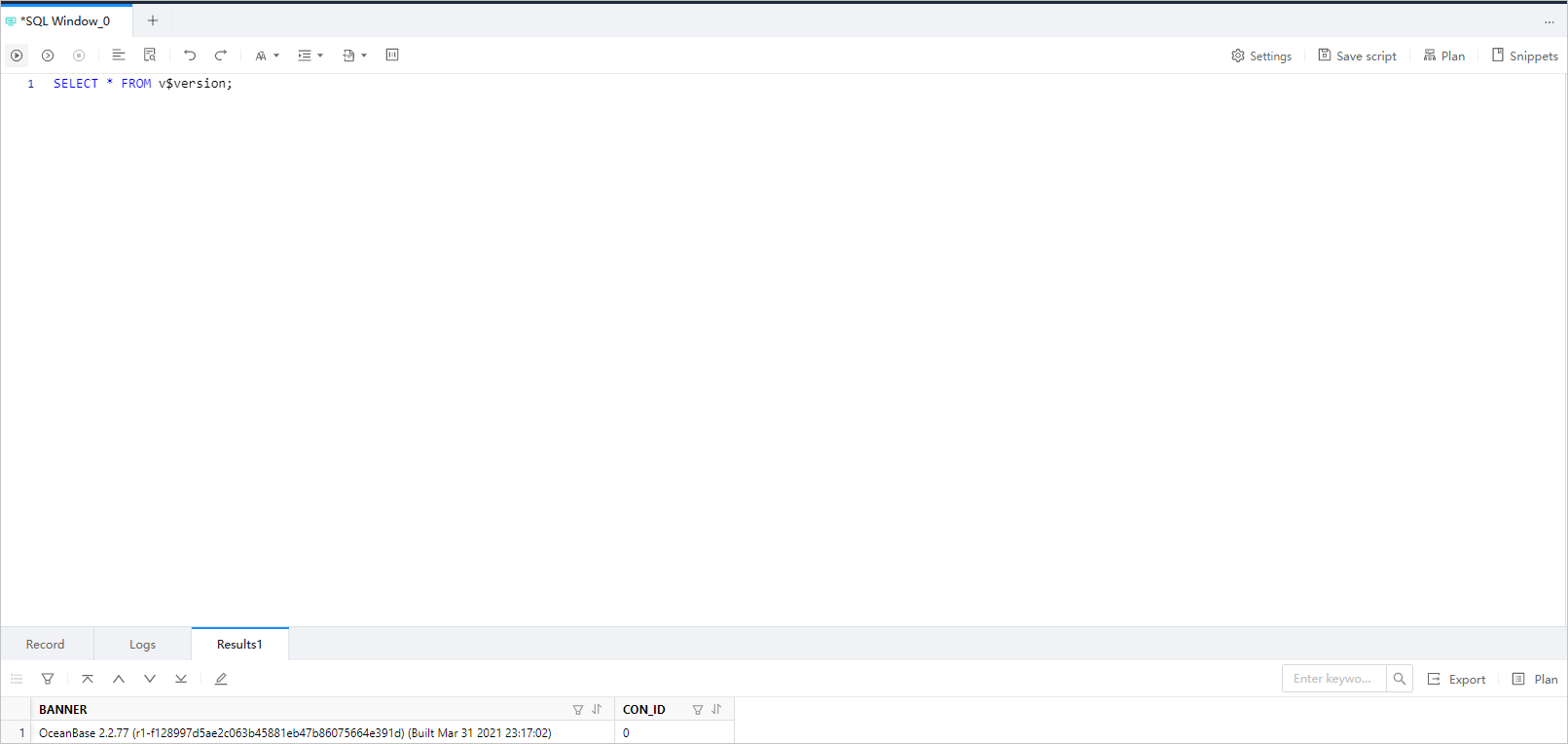
For more information about operations in the SQL window, see SQL window in ODC documentation.