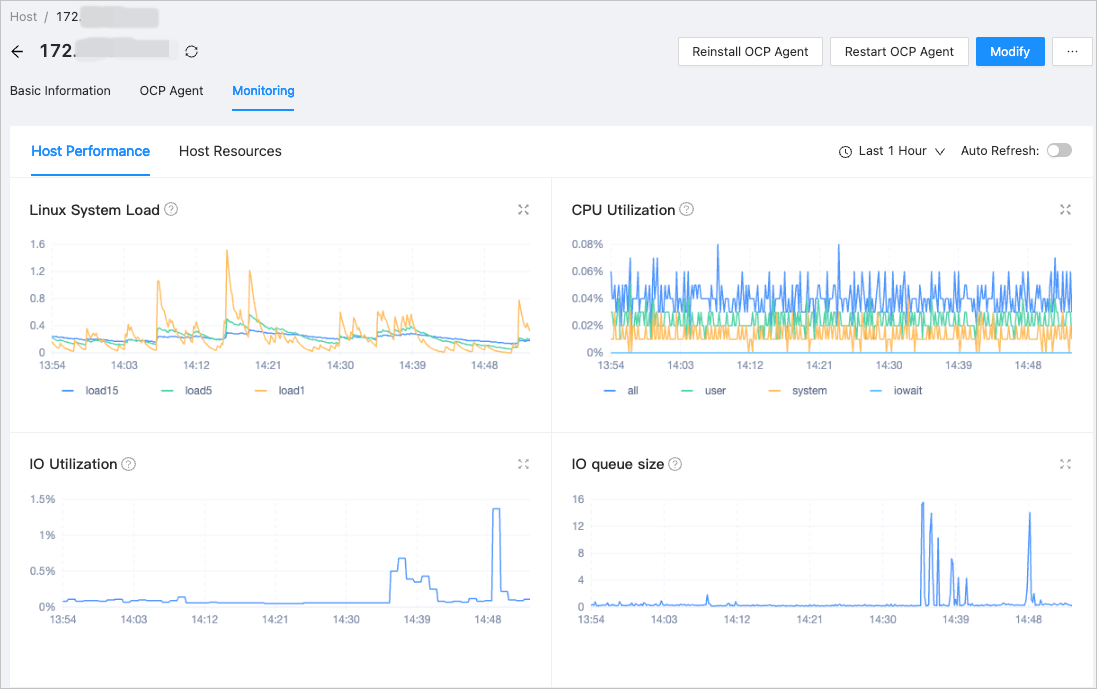
After upgrading OceanBase Cloud Platform (OCP), you must log on to the OCP console to verify whether the host feature is working properly.
Procedure
Log on to the OCP console by using the admin account.
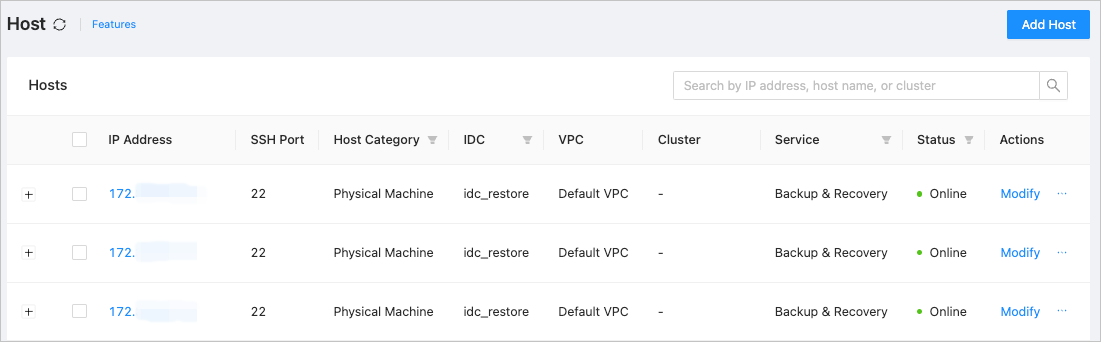
In the left-side navigation pane, click Hosts to go to the Host page. Check whether the host list and host status are properly displayed.
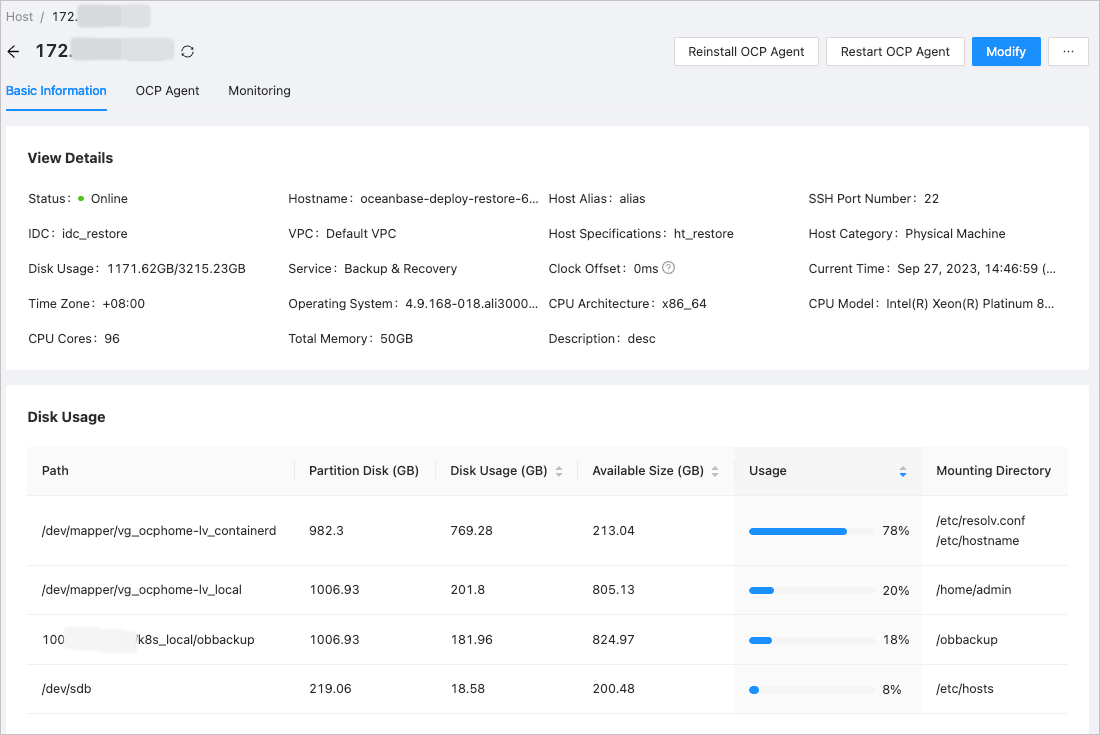
Click an IP address to go to the Basic Information tab of the corresponding host. Check whether the host information is properly displayed in the View Details and Disk Usage sections.
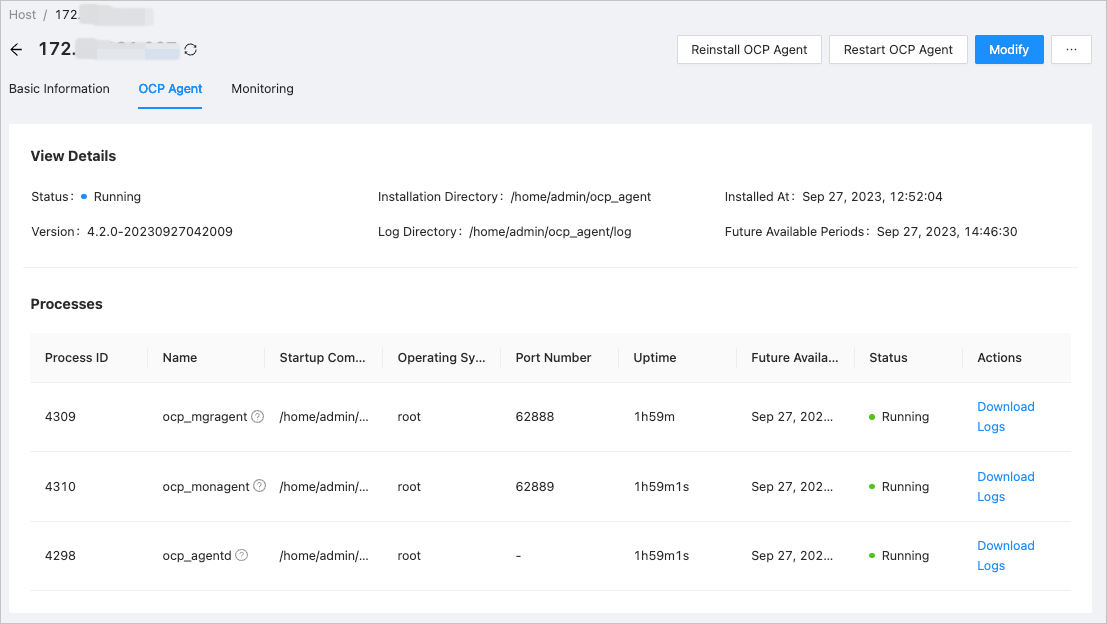
On the OCP Agent tab, check whether the OCP-Agent information is properly displayed in the View Details and Processes sections.
On the Monitoring tab, check whether graphs are properly displayed on the Host Performance and Host Resources tabs.