After upgrading OceanBase Cloud Platform (OCP), you must log on to the OCP console to verify whether the tenant feature is working properly.
Procedure
Log on to the OCP console by using the admin account.
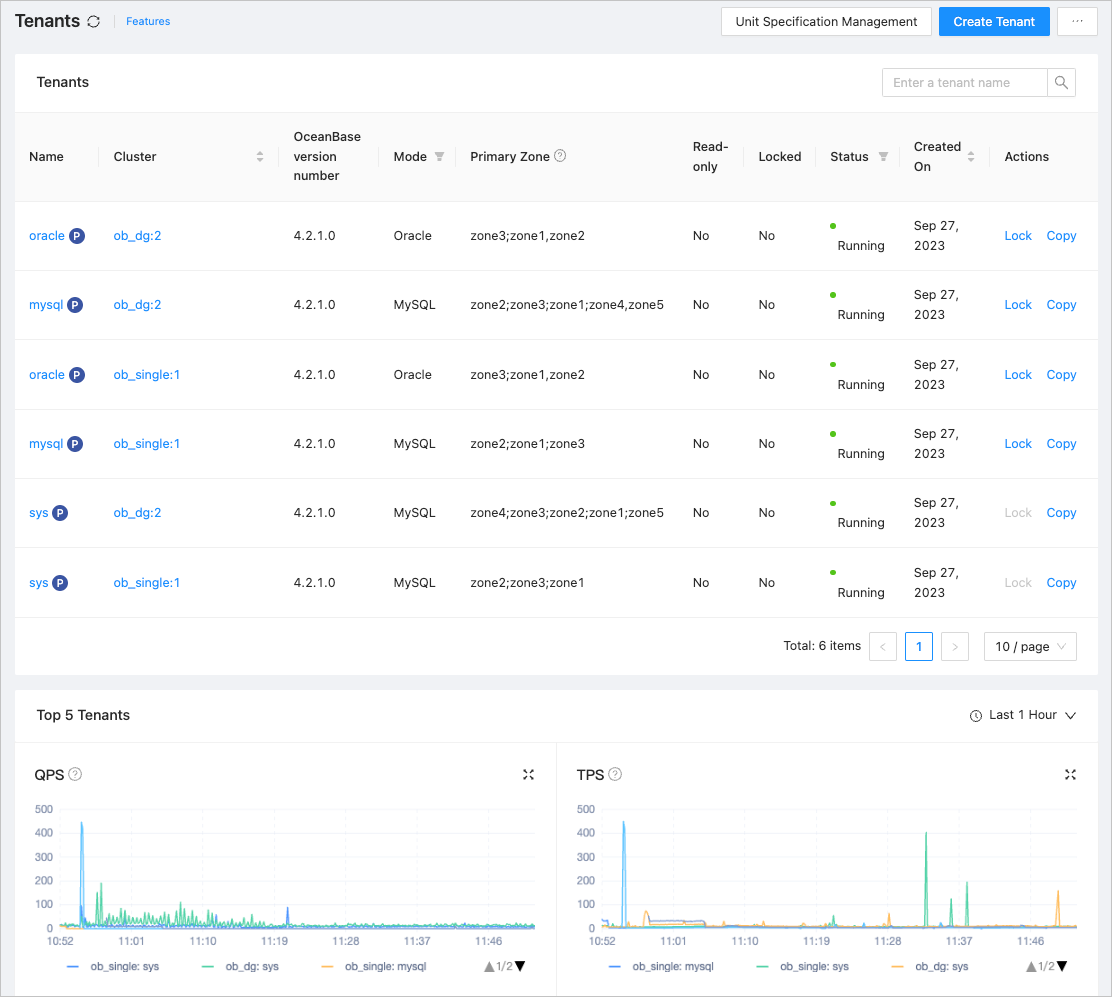
On the Tenants page, check whether the tenant list and the curves of the top 5 tenants are properly displayed.
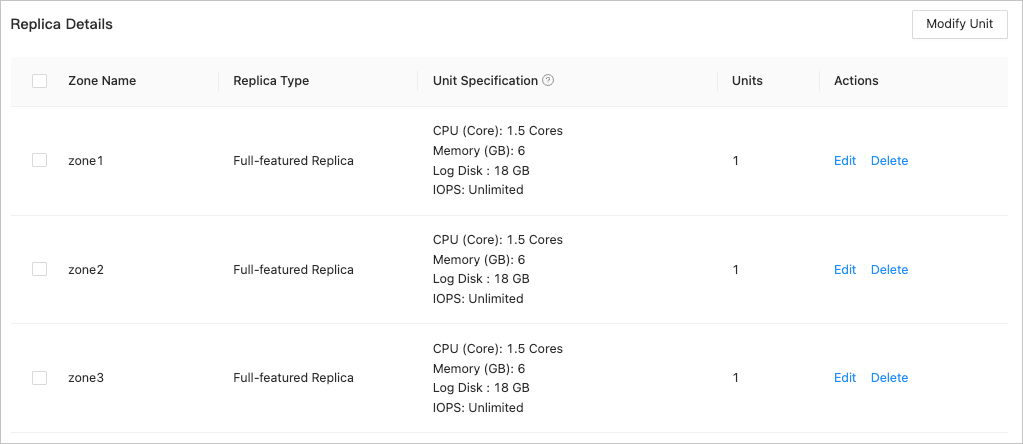
In the tenant list, click the name of a tenant to go to its Overview page. Check whether the tenant information is properly displayed on the Replica Details tab.
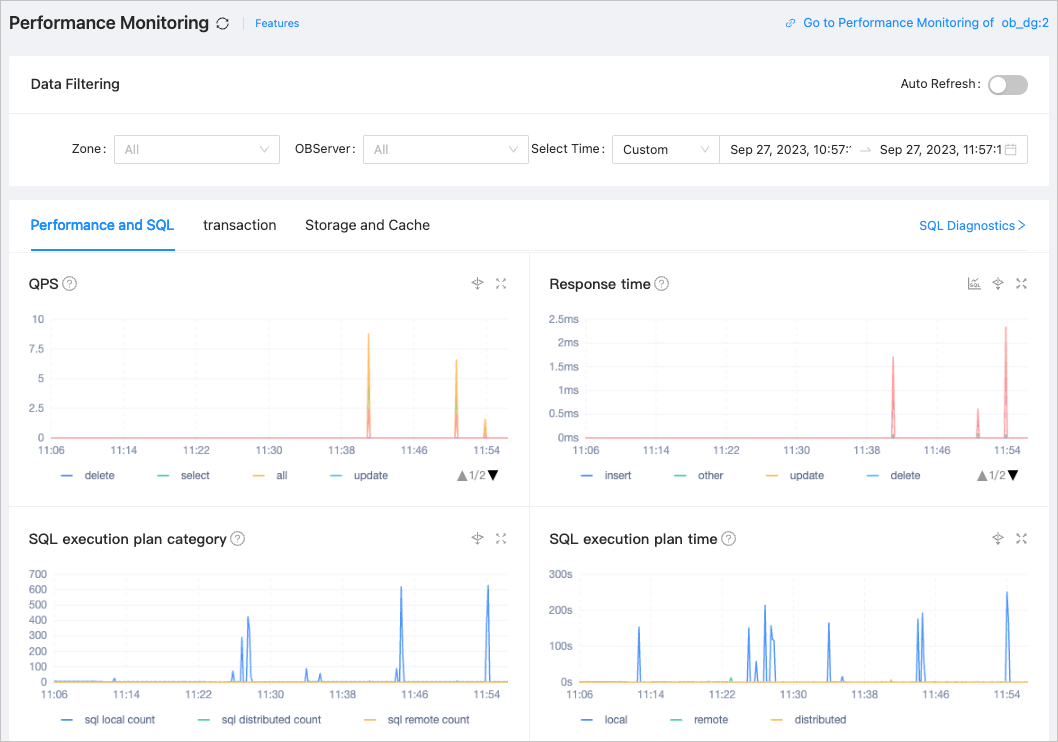
In the left-side navigation pane, click Performance Monitoring to go to the Performance Monitoring page. Check whether monitoring graphs are properly displayed on the Performance and SQL, Transaction, and Storage and Cache tabs.
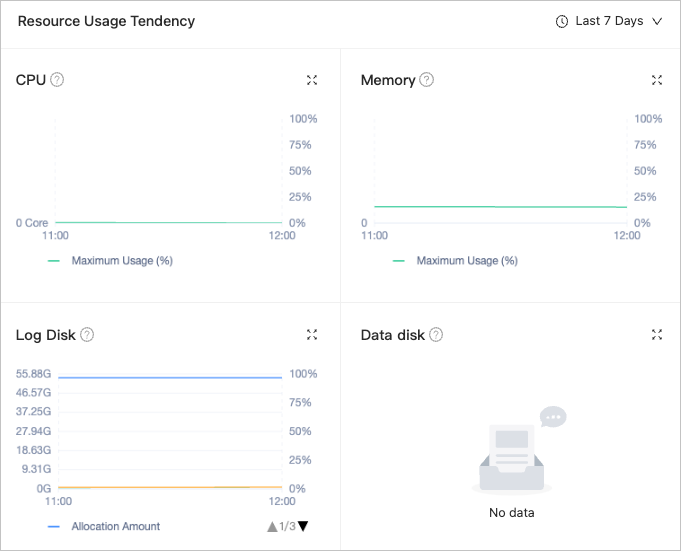
In the left-side navigation pane, click Resource Management. Check whether graphs are properly displayed in the Resource Usage Tendency section.
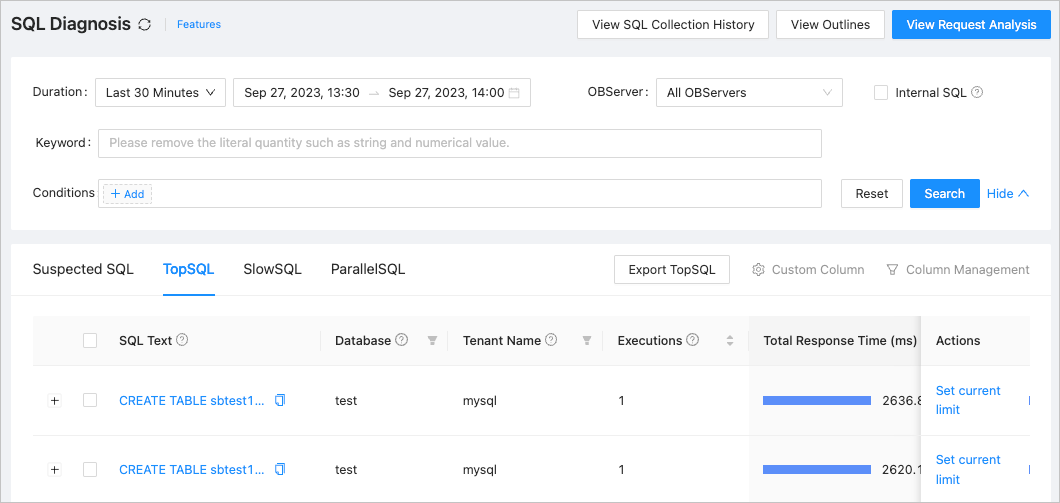
In the left-side navigation pane, click SQL Diagnosis. On the TopSQL tab, check whether there is any data for the TopSQL in the last 30 minutes.