







This topic describes the scenarios, limits, and procedure of data filtering by using SQL conditions after you select the migration objects when you create a data migration task.
Scenarios
When you create a data migration task, you can specify SQL conditions to filter data. Only the data that meets the filter conditions will be migrated to the destination database. This feature allows you to filter data in multiple scenarios, such as scheduled data synchronization or migration, data table sharding, and historical and dirty data filtering.
Limits
An SQL condition filters only fields of the current table. Cross-table filtering is not supported.
SQL conditions are supported in full migration and incremental synchronization.
Procedure
Create a data migration task and configure it to the Select Migration Objects step.
For more information, see the topic about creating a data migration task between the corresponding data sources in the Data migration chapter.
Select the migration object, and then move the pointer over the target object in the Destination Objects list on the right of the Specify Migration Scope section.
Click Settings.
In the Settings dialog box, specify a standard SQL
WHEREclause to filter data by row.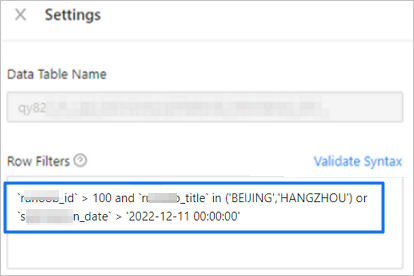
Click Validate Syntax.
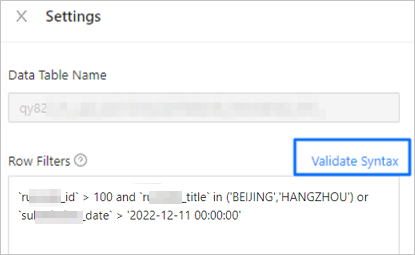
Click OK.
Complete subsequent task settings as prompted.