This topic describes how to set up approval processes for different risk levels.
Prerequisites
You have the System Administrator role.
Procedure
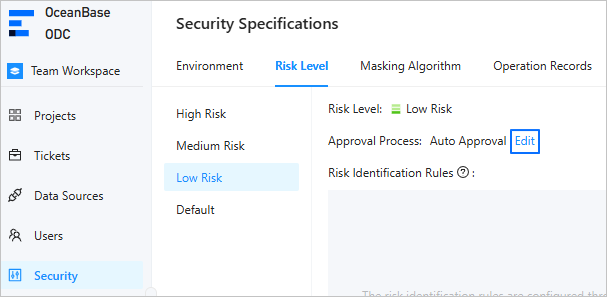
Log in to the ODC console. In the left-side navigation pane, choose Security > Risk Level. Select a risk level and click Edit.
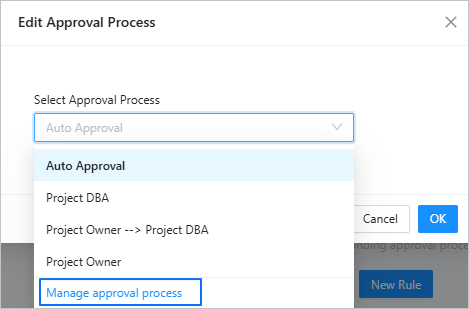
In the Select Approval Process drop-down list, click Manage approval process.
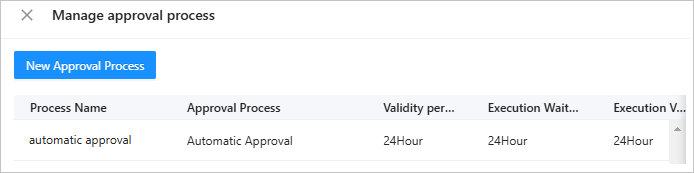
On the Manage approval process page, click New Approval Process.

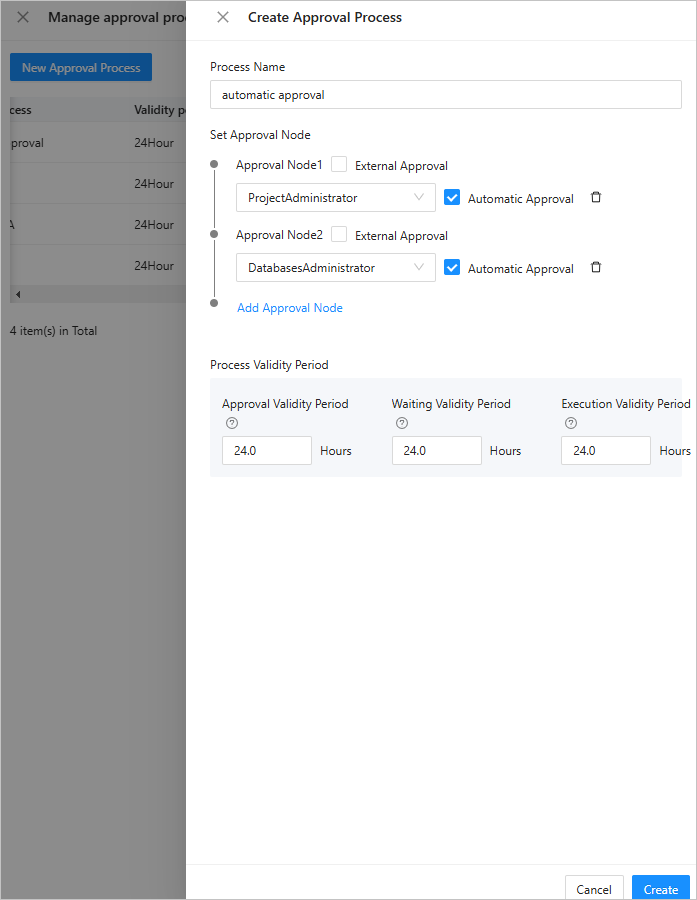
On the page that appears, specify the following parameters. The following table describes the parameters.
 ParameterDescription
Process Name The name of the approval process. Set Approval Node The roles that are involved in the approval process. Process Validity Period The period during which the approval process is valid. If the approval period expires, the task will be marked as expired. Click Create to create an approval process.
In the list of approval processes, you can edit or delete an approval process.