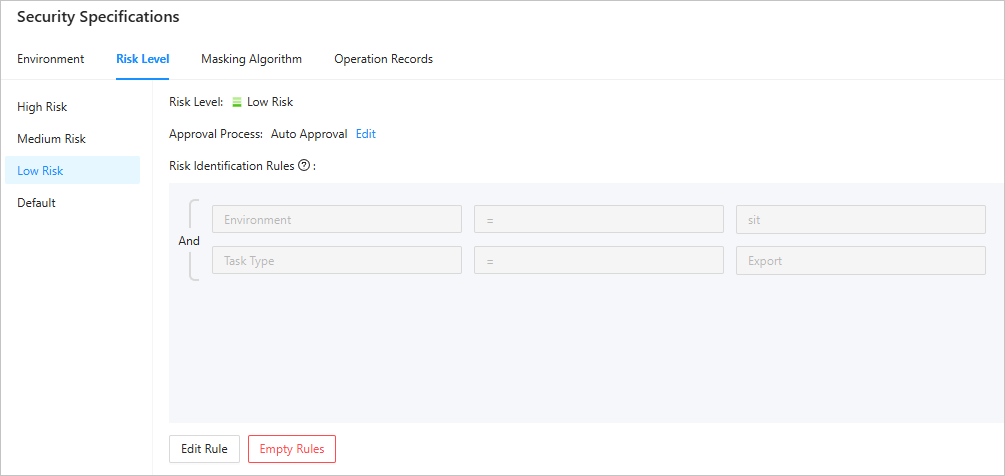
This topic describes how to configure risk identification rules for different risk levels.
Prerequisites
You have the system administrator role.
Procedure
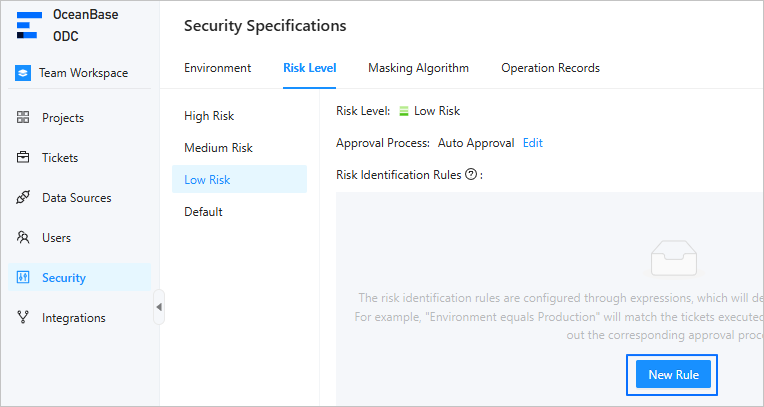
Log in to the ODC console. In the left-side navigation pane, choose Security > Risk Level. On this page, select a risk level and click New Rule.
Click Add Condition or Add Condition Group to add one or more condition expressions to configure a rule.
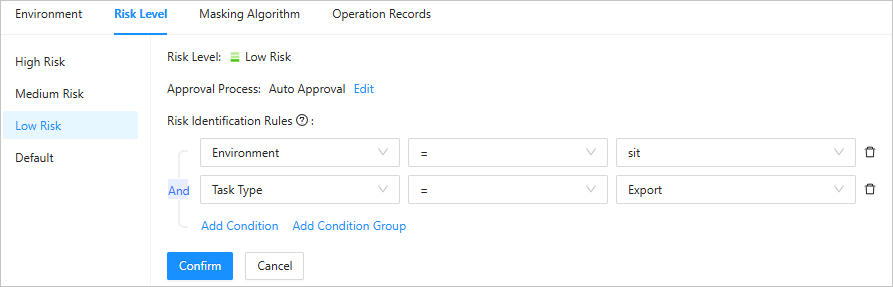
Click Confirm to add the risk identification rule.
In the risk identification rule list, you can view, edit, and delete the created risk identification rules.