







This topic describes how to add and maintain databases in a project.
Prerequisites
You have created a project and have the member role and database permissions. For more information, see Project overview, Manage members, and Apply for database permissions.
You have added a data source. For more information, see Create a data source.
Add a database
Click the name of the project to go to the project management page.

Add a database on the database page.
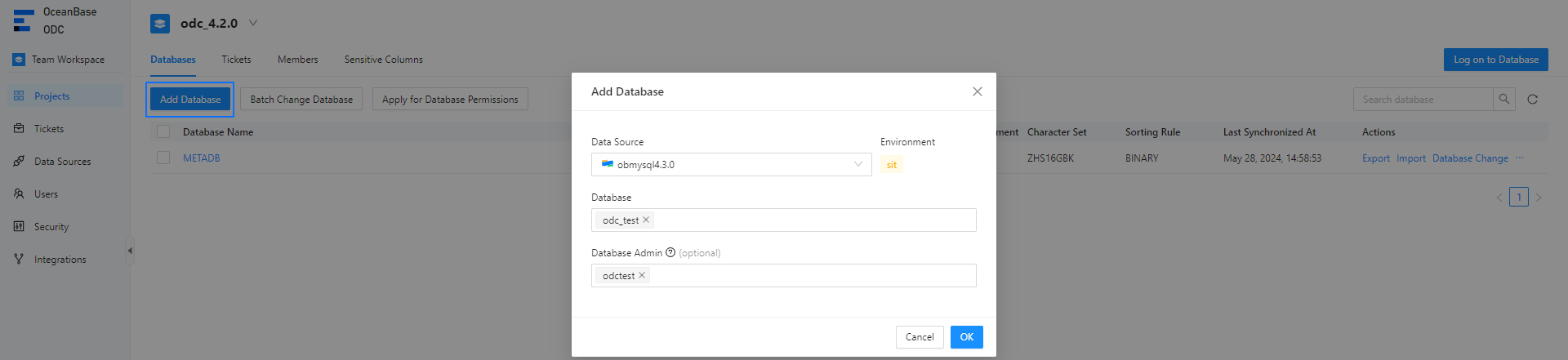
Project members can export, import, change, and log in to databases. Project administrators and DBA members can set a database administrator and change the project to which a database belongs.

Note
If a data source is bound to a project, the databases in the data source cannot be moved to another project.