







A logical database is a database that consists of multiple physical databases. This topic describes how to configure a logical database in ODC.
Background information
In ODC V4.3.2 and later, you can configure multiple (or a single) physical database as a logical database and configure logical tables to query and manage complex and large-scale sharded databases and tables.
Relationship between a logical database and a physical database
ODC allows you to configure multiple (or a single) physical database of the same data source type and environment in the same project as a logical database.
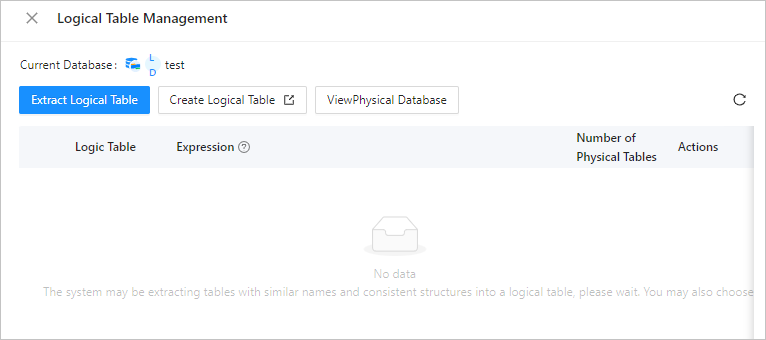
After you configure a logical database, ODC automatically parses the logical database and extracts physical tables with similar names and consistent table structures into a logical table. ODC also generates a logical table expression.
Note
- If the table structure of a physical table is unique in the logical database, no logical table is generated.
- The name of a generated logical table is the common string of the non-ordinal part of the names of physical tables. For example, if the names of physical tables are
db.test_0,db.test_1,db.test_2, anddb.test_3, the name of the generated logical table istest, and the logical table expression isdb.test_[0-3]. For more information, see Logical table expression rules.
Configure a logical database
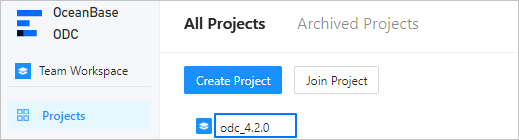
Click the name of the project to go to the project management page.
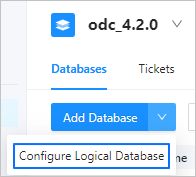
On the database page, click Configure Logical Database.
On the Configure Logical Database page, configure the following information.
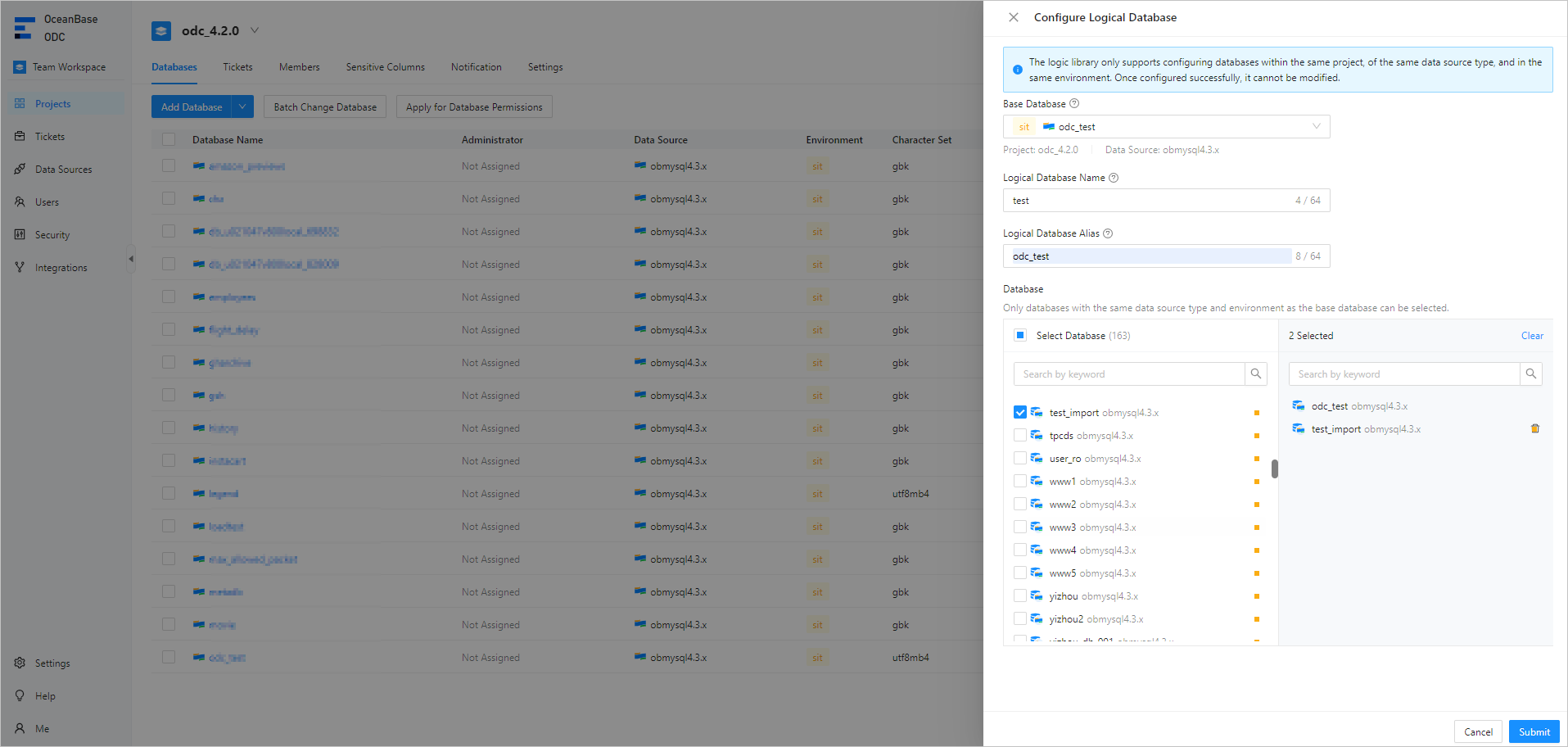 ParameterDescription
Base Database Select a database as the base database. The base database is included in the logical database. It specifies the database environment and type. ODC filters databases based on the name, environment, and type of the base database. Logical Database Name The name of the logical database, which is the common prefix of the names of physical databases. For example, the logical database name of foo00 to foo99 is foo. Logical Database Alias The alias of the logical database. If two logical databases have the same name, they are distinguished by their aliases. The alias must be unique and cannot be modified. Database Select a database. Click Submit to complete the configuration.
View the list of logical databases

You can view the list of logical databases on the database tab.
In the Actions column, you can perform the following actions.
Manage logical tables: You can automatically extract logical tables or manually create logical tables.
Create a logical database change task. For more information, see Manage logical database changes.
Log in to a database and manage databases in the SQL window.
Remove a logical database.