







This topic describes how to view the login information, client information, login result, and whether automatic locking is triggered during the specified time range.
Prerequisites
You have logged in to the OceanBase Cloud Platform (OCP) console and been assigned the ADMIN, ADMIN_VIEWER, or ORG_ADMIN role.
Procedure
In the left-side navigation pane, choose System Management > User Management. On the User page that appears, select Logon History in the upper-right corner.
In the Username drop-down list, select the user to view.
Specify a time range in Logon Time.
Click Search. All users that meet the filter conditions are displayed in the Logon List section.
In the list, you can view login information in the following columns: Username, IP Address, Client, Logon Time, Logon Result, and Automatically Lock.
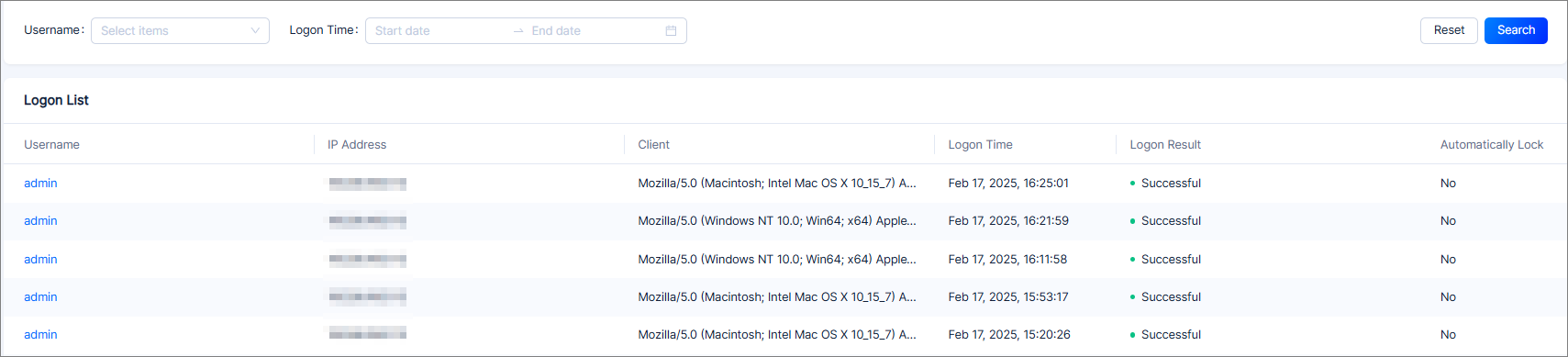
You can click a username in Logon List to go to the user details page. For more information, see View a user.